Hello I have a problem with the series, they are not displaying properly and some folders are empty while the files are on the hard drives. How to put everything back in order?
is “Category” the same of the show? how do you have files/folders named
My category is named “Series”. My folders have the series title and the files are in these folders
OK. So you have a Library named “Series” and some shows/series are not showing up? This is usually due to the files/folders not following naming conventions.
What are these conditions
if you mean the naming conventions they are in the link I provided in previous reply
Hello, even when I do as indicated in the link you gave me, the series do not appear in the folder or they appear mixed. Sincerely
ok can you tell me the folder structure and naming of one of the series that do not appear. also do you mind sharing your server logs
Good evening, the structure of my “series” folder is:
series, then I enter a path to the series such as: / Volumes / Family / Recovery / Family / Videos / Séries / Breaking bad / Season 1
And that with all my series and seasons on each of my hard drives.

I did it but it mixes me up with series under unknown names. I have 8 hard drives with series

This is what I do but all this mixture, nothing is in order and not all series appear
can you please take a screenshot of what you mean by “nothing is in order”


ok can you also take a screen of the library folders window
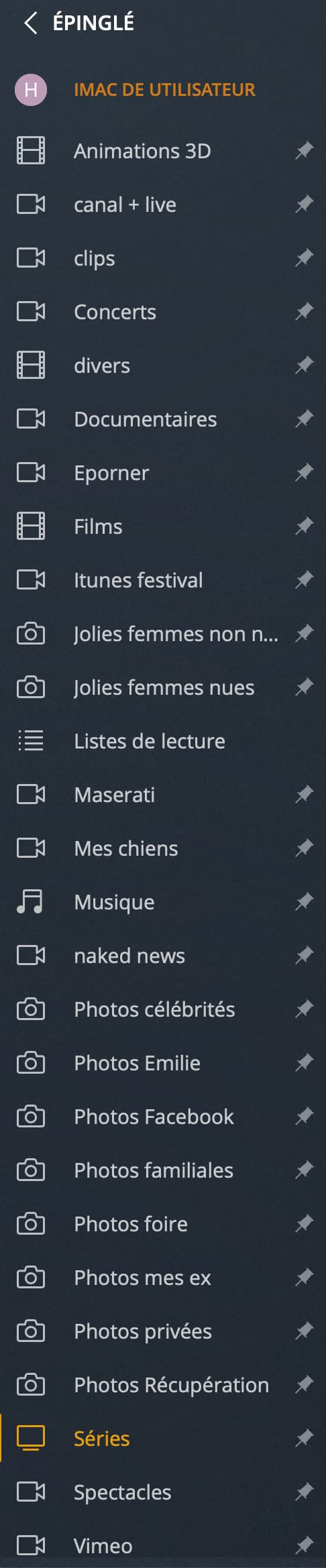
Sorry I meant of your series library set up like my screenshot above

I think it’s because your seasons are named “Saison” instead of Season
Try following the naming convention
