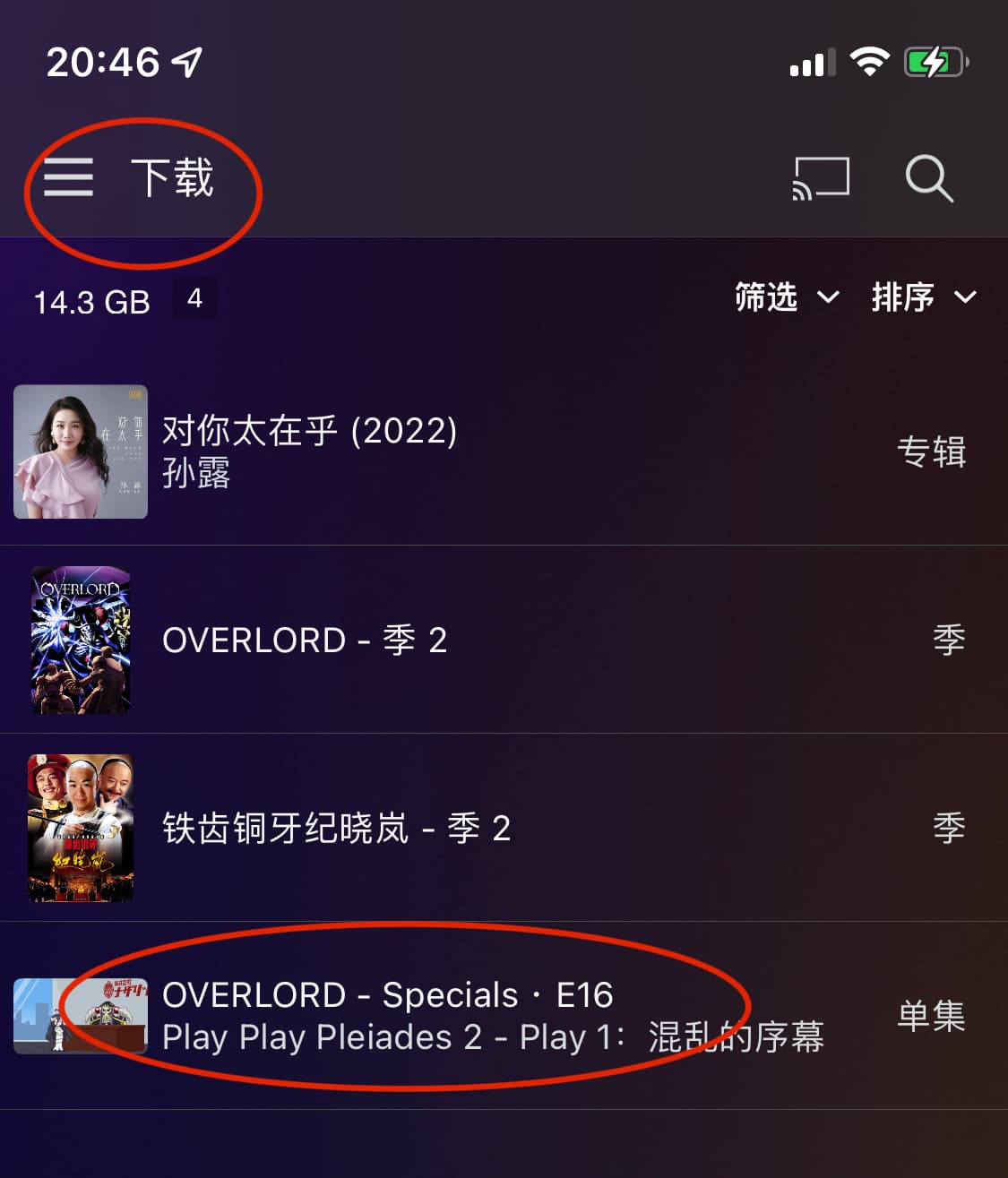
After downloading the video, and then playing the video from the server’s folder, the subtitles cannot be displayed.
It should be noted that step 1 has already explained that subtitles can be displayed before downloading the video, but the subtitles cannot be displayed after downloading the video.
Do you have more than 1 subtitle in the original? Is the selected subtitle not the first one?
When downloading, it only takes the subtitle that is selected. So this becomes subtitle track 1. If this was originally track 2, then there is no track 2 in the downloaded version. You have the option enabled to “Prefer Downloaded Content”. When streaming from the regular library, you have selected subtitle track 2, but with that setting, it chooses the Downloaded file to play instead, but since there is no subtitle track 2, it doesn’t show.
The video used for testing is uploaded in the main post. There is only one subtitle track in the video. I also explained the steps to reproduce the problem. Please help me to verify it. If you need any other information, please let me know. Thank you
Has your bug fix been released? I am still getting this issue consistently on my iOS player when I download videos (hosted on my NAS). Is there anything that we can do to help prioritise or triage, since this forum is full of people complaining of the same issue?
When streaming a .mkv movie file, I am able to choose between multiple AUDIO and SUBTITLE choices. But after downloading the same file I am no longer able to see any subtitle choices, only audio options.
I have uploaded screenshots showing the playback settings for streaming VS downloaded for the same file. NOTE: there is no option for subtitles when playing the downloaded file.
Many people have been asking about the progress of the question, but there has been no response, which is so inappropriate.
The bug that has been confirmed on July 22, has not been fixed for more than two months, it is really incomprehensible, it is terrible.
I have this issue off and on in iOS devices. The “temporary” fix is:
Delete all downloads on the device.
Refresh all metadata for the library in question.
Re-do the downloads to the device.
Kind of annoying I’ve been having to do this about every 4 weeks. And yes, PMS is up to date and been kept up to date, as well as, plex player on iOS devices.
I’ll try the delete - refresh - download to see if it works better. I’ve found I can download small files, like 1 30 minute show, but larger files take many times longer to download than to watch, and the often fail.
The old sync, while not great, at least let the processing happen without having to have the iOS devices on and on the download screen.
Tried and it seems to have worked.
On Server version 1.29.1.6316 (PlexPass) and iOS version 8.9 after doing a metadata update across my libraries I’m getting local downloads that take a few minutes.
Before that I was seeing downloads taking days, and most of the time failing.
Thanks Plex and I hope is stays stable.
Good to hear! Don’t forget to maintain your database with emptying trash in libraries, cleaning bundles, and optimizing your database. I run these weekly or after adding / removing a number of media in my libraries.