Server Version#:
Player Version#:
<If providing server logs please do NOT turn on verbose logging, only debug logging should be enabled>
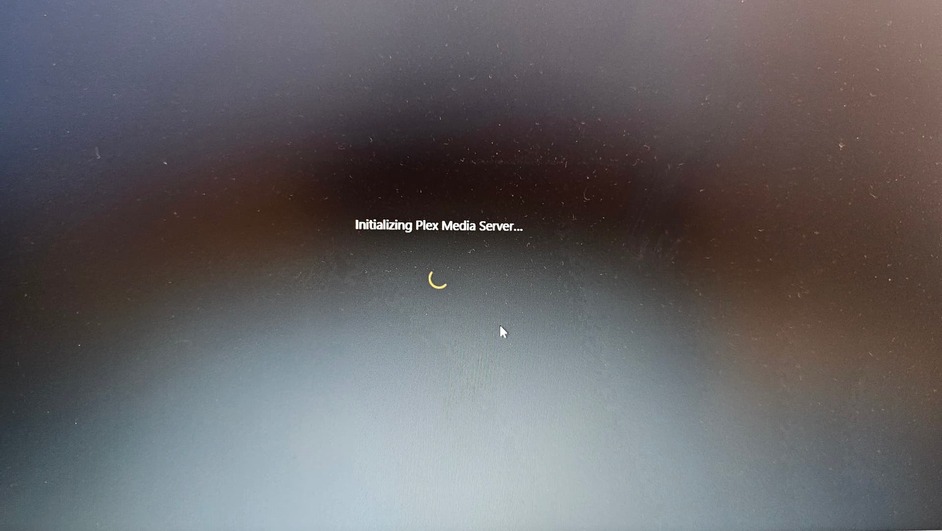
I have a Plex Pass subscription and am facing an issue with setting up a Plex server on Windows 11. I have a VPS from Voxfor and want to install the Plex server on it, but I’m encountering a problem as shown in the images.
This is the issue I’m encountering:
When reviewing the Plex support article, I opened the registry but did not find the PlexOnlineHome file. However, I deleted the other mentioned files and reset the permissions, but the server stays as shown in the first image, then fails again.
For your information, I have checked the firewall and the port settings.
Please assist, and thank you.

You will be needing to reset your password. You have publicly posted your Plex Online Token.
No problem, but I would appreciate your help.
what ISP does the VPS use?

Thanks, reason I asked is there is a German host that has been blacklisted by plex, but doesn’t appear you are affected.
Can we get a copy of your server logs ?
What should I do with it?
When you are trying to claim the server, are you opening the web browser directly on the server machine, over an RDP connection?
You might wanna look at this:
as well as this:
A) This server isnt on Windows INFO - Plex Media Server v1.40.4.8679-424562606 - Western Digital My Cloud Home aarch64 - build: linux-aarch64 unknown
B) Seeing about 30 [HttpClient/HCl#5c8e] HTTP/1.1 (0.3s) 422 response from POST aka HTTP 422 Unprocessable Content error messages.
C) You enabled verbose logging which makes it harder to use your logs. Please go back to debug level
I have a Plex server on WD that works well, but I’m having issues setting up a new server on a Windows Server VPS.
Can we get a copy of the server logs from the VPS install? the WD logs are kinda useless 
None of these solutions worked. I uninstalled and reinstalled everything.
I was waiting for a copy of your server logs from the VPS before I gave any suggestions.
“It has no records as it does not exist in Plex Web yet, it has not been recognized. When pulling records the previous time, only the existing WD server appeared.”
Would you like me to help explain or clarify anything about this translation?
Let me reference the second section of the server log article titled Manually Finding Log Files. Just because the server isn’t claimed doesn’t mean there are not usable log files.
Logs.zip (275.7 KB)
Your logs show that your hosting provider is Hetzner which has been banned (See German Hosting Provider comment above) TorrentFreak article on this
I have set up a VPN, and it worked successfully.
But the question is, will I need to keep it running all the time?
