Server Version#: 1.29.2.6364-7000
Synology DSM 7.1.1-42962 Update 2
Logs.zip (63.3 KB)
Hi there,
@ChuckPa I need your help.
I reinstalled my Synology NAS as new and I have troubles with PSM.
First, I got an “Not Authorized You Do Not Have Access To This Server” error (tried almost every way to fix it I found here and on the Internet): completely deleted PMS and reinstalled with cliam token option.
Now I can log in to Web App but it doesn’t see my NAS. Tried different ways to fix it.
Now I almost gave up and come here hoping you can solve my issue.
I am accessing PSM by IP address; I have no proxies or VPN enabled when connecting.
Here is screenshot how it looks like:
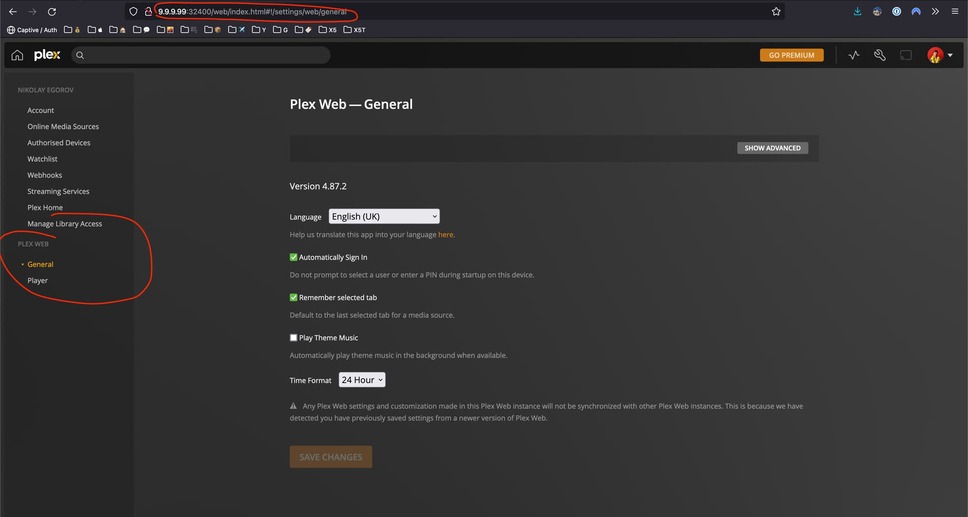
Logs attached above.
Thank you in advance.
