sbhatla
January 23, 2023, 11:20pm
1
Server Version#: 1.30.1.6562Plex Media Server Logs_2023-01-23_18-05-57.zip (180.2 KB)
I’m tearing my hair out here. The Plex web app is suddenly reporting that my libraries are empty.. I have PMS installed on a QNAP NAS. I’ve tried uninstalling/re-installing but it makes no difference. What should I investigate?
Log files attached.
ChuckPa
January 23, 2023, 11:38pm
2
You’ve got the Codex Pack & Multimedia in use:
Jan 23, 2023 17:56:22.103 [0x7f15a42d6b38] DEBUG - [Req#33b] Filesystem Type: none Path: /share/CACHEDEV1_DATA/.qpkg/CodexPack/tmp Name: /tmp
Jan 23, 2023 17:56:22.103 [0x7f15a42d6b38] DEBUG - [Req#33b] Filesystem Type: fuse.hdsfusemnt Path: /share/CACHEDEV1_DATA/.qpkg/CodexPack/share Name: hdsfusemnt
This never works.
You want to give PMS the path to the real shared folder containing your media.
Something like this:
If you have it lumped into “Multimedia” then you still have to break it out to the individual shared folders.
Multimedia is a Software API which hasn’t played well with Plex since the beginning.
If you haven’t seen this, you might find some useful guidance here:
sbhatla
January 23, 2023, 11:59pm
3
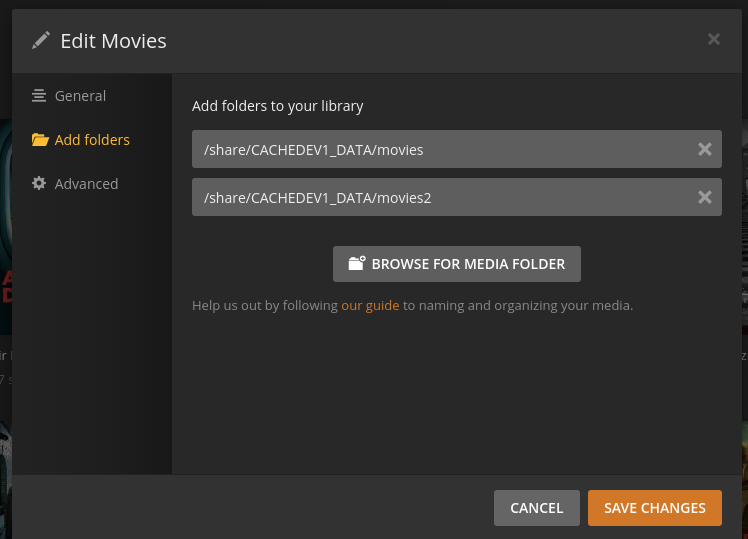
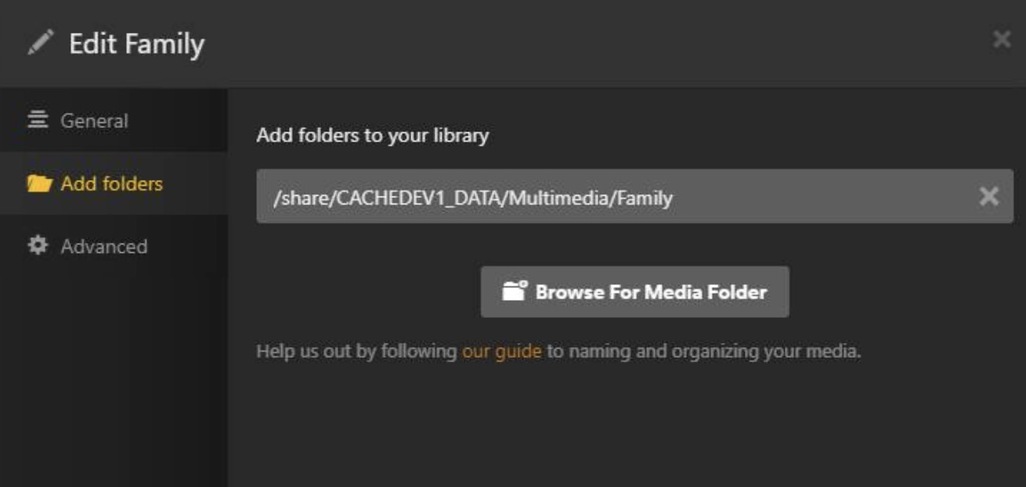
Hi Chuck, thank you for your reply. Here is a screenshot of the folder paths - I think it already follows your guidance?
I just discovered that my media files have been encrypted by ransomware with a .deadbolt suffix. Would that be the cause of an empty library?
ChuckPa
January 24, 2023, 12:16am
4
If you’ve been ransomware hit.
Contact QNAP
After you’ve resolved it, you might want to reconsider the apps you have on it / how you manage it. I’m willing to bet it came in via Windows and you have a weak password somewhere.
QNAP can help with all this.
If you have a backup of your media elsewhere, when you discuss with QNAP (phone call), discuss a factory reset and wipe it all.
Yeah, I do have a full backup. I think a factory reset will be the safest option.
There are Windows machines on the same net, but another attack vector is the QNAP cloud remote access (which I will no longer enable!).
Thanks for your help.
I agree. QNAP Remote Cloud is a dangerous attack vector if you don’t have control of the endpoints. (smart firewall)