Quality options not available

Server Version#: Version 1.18.7.2457
Player Version#: Version 4.22.2

For some reason there’s no option to play series at the original quality on my home PC (which is also the server). Everywhere else its fine, other PC’s, other accounts and on my Chromecast. If I restart the server I can watch 1 episode of something in good quality and then it goes back to max 386p

Tried it on different browsers as well but same result

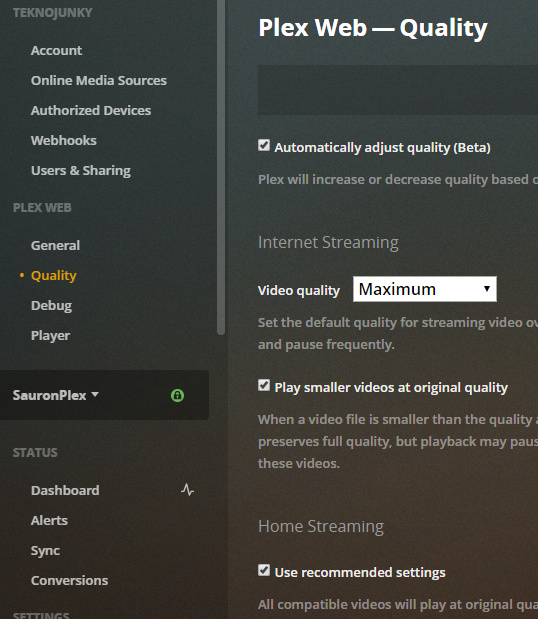
you’re using Plex Web ?

image

Yep, tried it with both recommended and maximum settings and still not working properly :frowning:

can you try unchecking “use recommended settings” under Home Streaming

That’s what I meant :slight_smile:
Did it with both checked and unchecked. I also analyzed the library

what options is it giving you? can you take a screenshot

Sure

image

Then when I restart the server, this will happen on the same episode

image

And then the next episode it will be back to the first picture

I just realized you are using the local app. do you have the same issue when using. https://app.plex.tv ?

I do not so I guess that fixes that! Weird though.
Main reason I didnt use it was because the link always gives me an insecure connection when using it at home
This topic was automatically closed 90 days after the last reply. New replies are no longer allowed.
