Briefing update please ?
Current PMS + Nvidia GPU 4.0.2 + QTS 4.5.3 + Quadro P2000 works?
Briefing update please ?
Current PMS + Nvidia GPU 4.0.2 + QTS 4.5.3 + Quadro P2000 works?
Ok so here is my setup right now that works:
1 - TS-873
2 - Quadro P2000
3 - QTS 4.5.3.1652
4 - NvKernalDriver 4.5.3.1652 and driver GPU NVIDIA 4.0.2
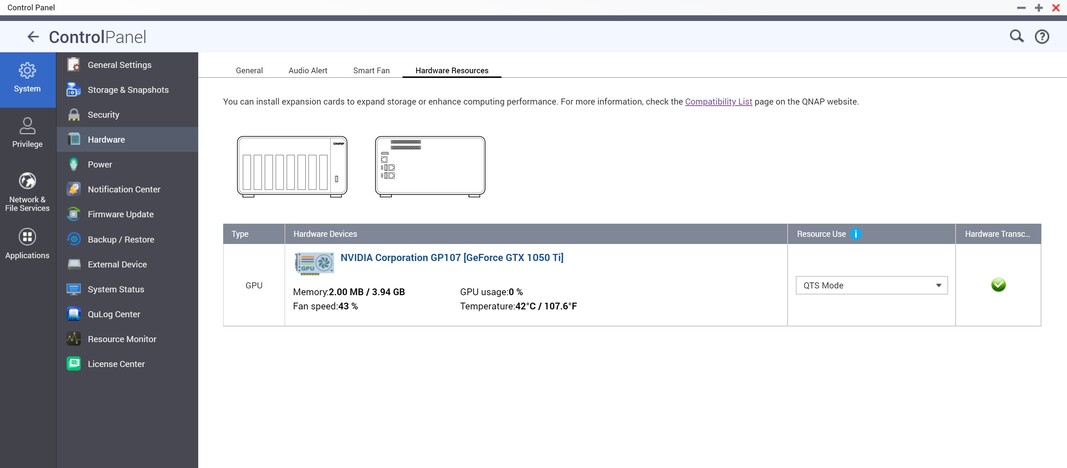
here is a screenshot of the hardware info working almost properly (still missing gpu usage)
For what I need be concerned with, Does Plex HW transcoding work without failure?
@ChuckPa Hw transcoding works in plex with the 4.0.2 nvidia driver
Yep, it actually is.
So, winning combo for me is 1.23.0.4497 along on 4.5.3 along with that 4.0.2 driver. It is working on a p200 quadro.
Consider me shocked and impressed
Thank you all for reporting.
That confirms what we had hoped but not confident of without a hard verification: The correction for the GT-series Nvidia cards was also applicable to the P-series Nvidia cards.
This is excellent news.
if @ilboss can repeat the magic, I think we have an interim solution
later I try the new PMS by updating to QTS 4.5.3 while keeping the 4.0.2 drivers. but it is not the solution, Qnap needs to fix the 5.0.2 drivers with a fix.
We know it’s not a solution.
My goal here is to help you get something while QNAP does fix their drivers.
This worked for me, thankyou!

Folks,
When you list the versions of things?
Please don’t forget to include the NVIDIA_GPU_DRV package version.
I confirm, everything works.
QTS 4.5.3 - NVIDIA QUADRO P2200, Nvidia Driver 4.0.2 (old ones), PMS 1.23.0.4497
Thanks to all the staff for fixing the qnap driver problems.
Now all that remains is to wait for updates.
If you have a Quadro, please update to qts 4.5.3 because it has important security updates, but don’t update the nvidia drivers and stick with the 4.0.2 of the old FW.
Unfortunately, when i downgraded the nvidia drivers from 5.0.2 back to 4.0.2 they didnt start and showed incompatible on my qnap. i had to install 5.0.2 again. The patch notes from 4.0.2 → 5.0.2 state that 4.0.2 isnt compatible with QTS 4.5.3 anymore.

do this: download the latest fw 4.5.2 from here: TS-873 - Centro di download | QNAP
Then uninstall the nvidia 5.0.2 drivers, downgrade the qts to 4.5.2, once rebooted install 4.0.2, reboot, then update to qts 4.5.3 and then don’t update nvidia drivers, leave 4.0.2.
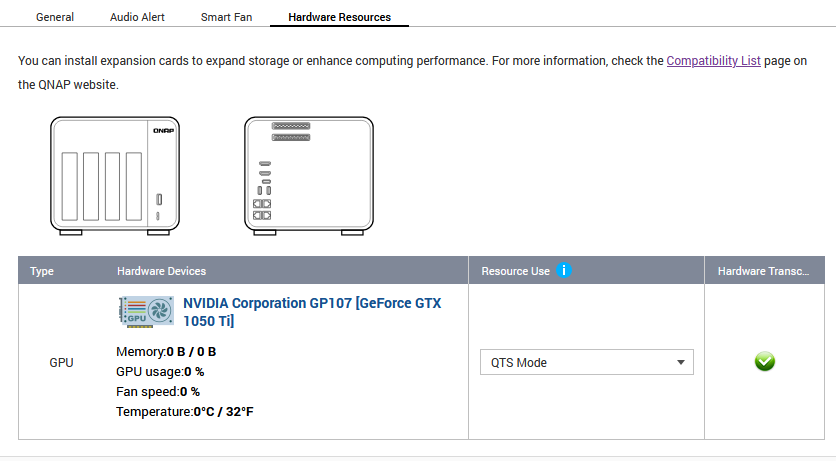
Tried this but it doesn’t work. It forces you to upgrade the Nvidia driver to 5.0.2. Here is what I have:
It is still not using the graphics card for transcoding.
if you have a 1050ti the 5.0.2 drivers work the problem was on the gpu framework, in fact from the screen the gpu detects it correctly.
you tried to restart only pms because if you start it automatically, it starts it before the drivers and the transcoding does not work.