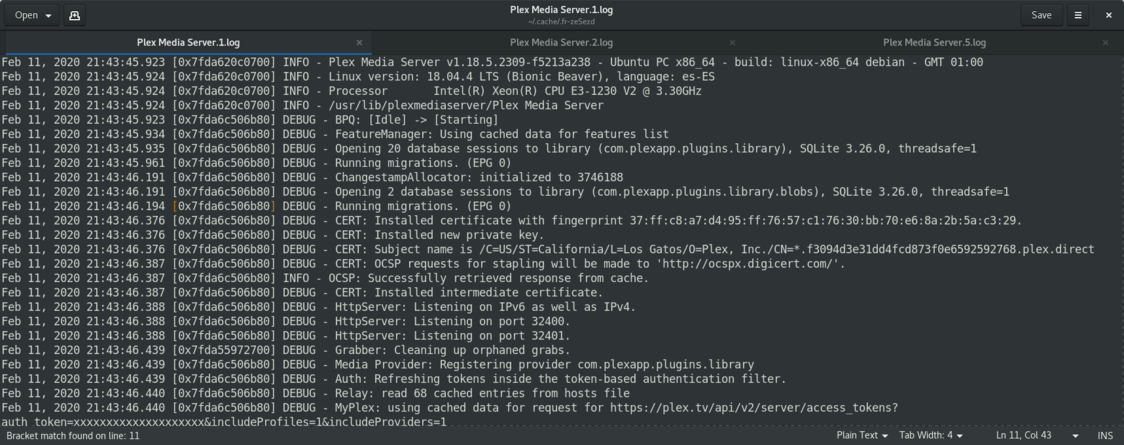
Server Version#: Versión 1.18.5.2309
Player Version#: 4.22.1
i don’t know why the PMS is crashing randomly this pasts weeks (2 or 3)…
in SSH connection the sudo service plexmediaserver status indicates an active session (but the web app doesn’t load) and there’s a crash info related, but i don’t know the reason (neither the solution).
i know it’s necessary to attach the logs (in zip mode and no verbose) … but who and where to attach that? … for privacy reasons?
i’m reading in forums some relative issues, but in windows enviroments
in fact, there isn’t a real crash via logs…or SSH view
…but for some reason the main web app appears without content, and only Tidal service are active.
sorry for this…but in the previous logs there was a crash.
…but for some reason, in the last…it doesnt appear
… if in the Next days, i have this trouble, i’ll attach you the web-app view, the service plexmediaserver status…and the necessary
I was experiencing a similar issue after upgrading to 1.18.5.2260 and 1.18.5.2309. I was effectively locked out of my Plex server as it was set to secure connections required. When I went to the server settings, each page would fail to connect to the server. The PMS database looked like it was crashing and the libraries wouldn’t load all the cover art and would fail to start any playback. After realizing relayed connections through Plex.tv’s dashboard and external network connected Android app usage would allow secure connections and playback.
After loading a guest browser session, I found it functioned just fine without my browser extensions. Turns out that multiple ad blocking chrome extensions started blocking traffic surrounding the connection to the Plex Web instance. These extensions that seem to have caused some issues with Plex Web on these latest versions of PMS. The extensions I had installed are Privacy Badger, AdBlock Plus, Ghostery, and uBlock Origin. After whitelisting the plex web pages with each, Plex Web functioned normally. Previous to these versions of PMS, I never had to whitelist Plex Web.
Here are the list of addresses that were being blocked.
plex.tv
analytics.plex.tv
*********************************************.plex.direct (subdomain was several public/private IPs and a GUID.)
provider-static.plex.tv
metadata.provider.plex.tv
news.provider.plex.tv
podcasts.provider.plex.tv
vod.provider.plex.tv
webshows.provider.plex.tv