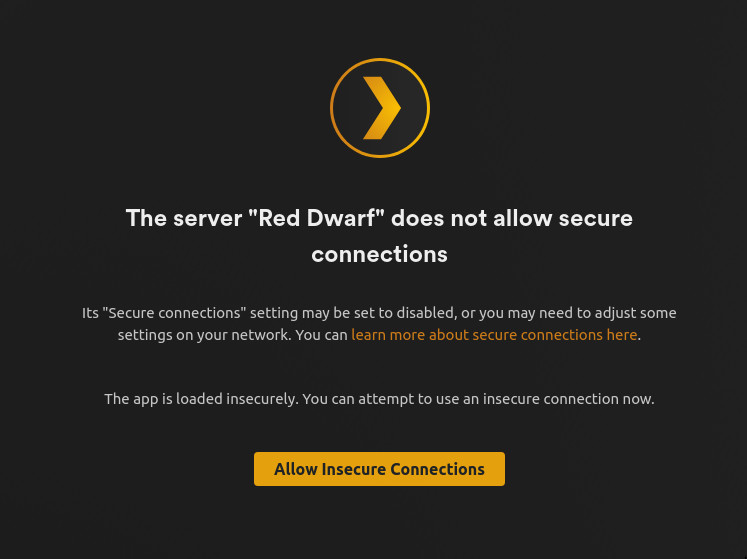
Server Version#: 1.40.3.8555
Player Version#: recent players on different platforms
OS: Ubuntu 22.04
Router: EdgeRouter 12
This is a weird one I think. I have had remote access setup and working for a long time. And then came a power outage and after that things are weird. I can enable remote access and everything works fine for all my clients. But then a couple of days passes and my clients can’t access my server any more. But if I go into the web UI and click Apply right of the manual port text box I always restore access for my clients. This is weird.
What is actually happening here? There seems to be some state change on whatever is behind plex.tv. That’s the only way I know hoe to interpret this.
I have configured my router to forward port 32400 to my Plex server. My public IP never changes.
When clicking Apply my browser sends two PUT requests to http://192.168.2.125:32400/:/prefs. A bunch of query parameters are set. The difference between the two are that the first one is sent with the query parameter PublishServerOnPlexOnlineKey=false and the second with PublishServerOnPlexOnlineKey=true. There’s a bunch of other requests sent as well but these two (maybe just the last one) seems to be the important ones.
Anyway, what could make my server go offline like this? Any ideas on how to troubleshoot this?
OK. It’s worth a try. I’ll report back after trying it out.
But the original question is still valid? Why does remote access break? Why does remote access get restored by “applying” the manual port? Any ideas on how to troubleshoot?
Disabling ipv6 did not work for me. Clients looses access and “applying” the public port restores access. It seems that doing something equivalent to:
curl -X PUT http://192.168.2.125:32400/:/prefs?PublishServerOnPlexOnlineKey=true
this restores access. I have been trying to find docs on what the PublishServerOnPlexOnlineKey setting does. So far I have only found it mentioned in the Python PlexAPI docs. There it says: “publishServerOnPlexOnlineKey (bool) Publish server on Plex Online. Publishing a server makes it automatically available on your client devices without any configuration of your router.” Which is cool, I guess. Cool but untrue since I do need to forward port 32400 from my router to my Plex server.
The original question still stands: Why do I have to do this in the first place? Why is my clients loosing access?
It would be nice if some Plex dev could weigh in here. In the mean time I guess I’ll have to set up a cron job to keep my Plex server accessible.
Having the same problem, nothing changed on my end in the last few days and now we cant watch via the iOS app because of it. None of the work arounds you mentioned seem to work sadly.
Well, my minimal curl thing did not do the trick. I need to look into this more when I get home from my vacation. In the mean time I’ll just keep clicking that apply manual port button in the web UI. It’s annoying, but it’s all I got.
What’s the best way to get some attention from Plex devs?