I’d like the ability to remove all recommended tabs from within a specific library of a user or globally.
I have a dedicated library for Kids TV Shows. Some of them are more ‘adult/teen’ focused so I have used the latest ‘managed users’ segmentation to create a user for my under 7 year old, and have organized the age appropriate content via TV-Ratings so that in that childs library, ONLY age appropriate content shows up. However, because of the type of shows that the library contains (Bluey, Numberblocks, My Little Pony Tales (1992), etc).
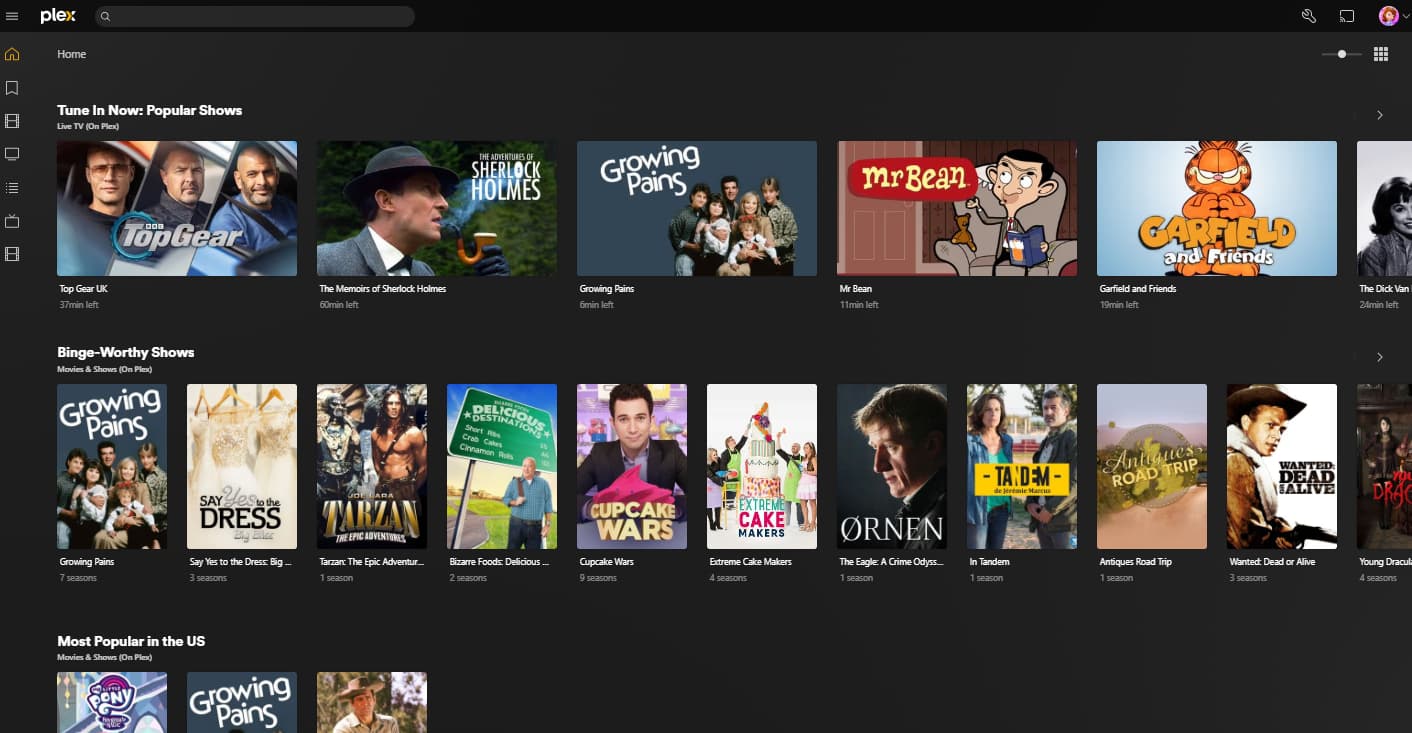
The home tab (on iPhone/iPad/AppleTV) for my daughters profile makes suggestions of shows I don’t want her to see, know about, or have the option to watch (IE My Little Pony, Friendship and Magic (2010), Power Rangers, Telletubbies, etc)..
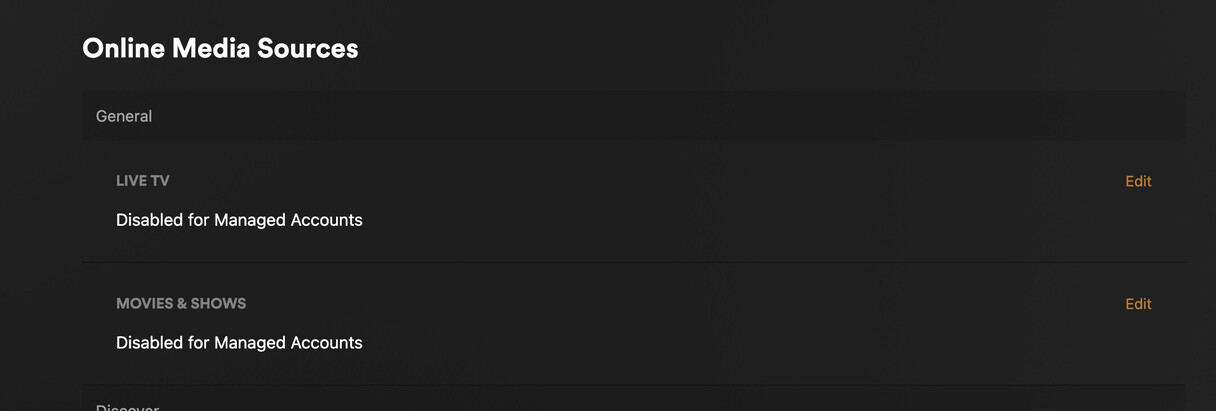
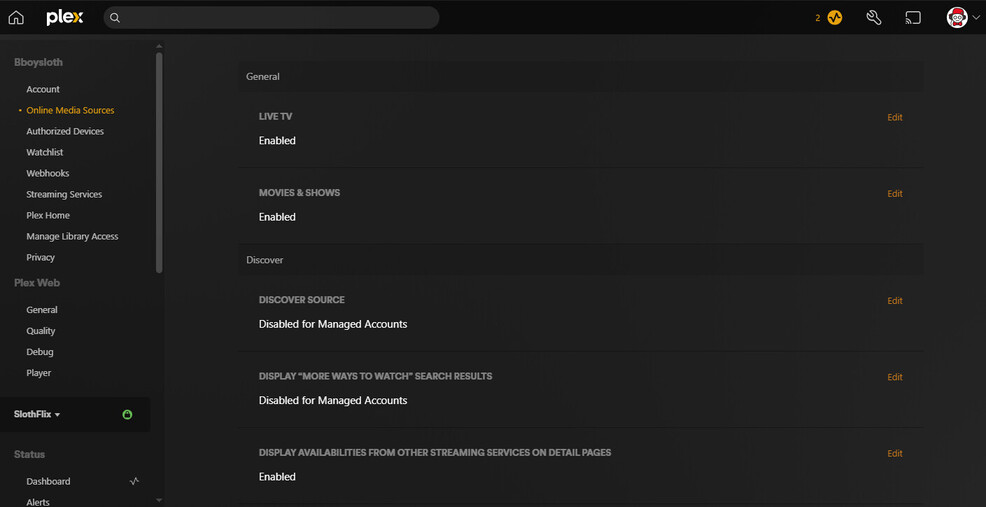
There seems to be a way to limit suggestions via Settings > Manage > Libraries > Manage Recommendations – but this does NOT turn off On Demand recommendations.
How do I turn these off for the whole library?
The Sections in ‘Home’ I want to disable are called (currently 3May2025):
“Tune in Now: Popular Shows”
“Binge-Worthy Shows”
“Most Popular in the US”
“Quests, Sagas, and (sometimes) Dragons”
“Best of the West”
“Leaving Soon”
I want to control what my child is or isn’t exposed to, that is my whole reason to have a Plex Library.