I can’t find a support category, so forgive me for posting this in general.
As of the early hours of 03 Oct (about 05:00 GMT), I updated my docker instance of Plex (to v1.18), and ever since have been unable to sign in.
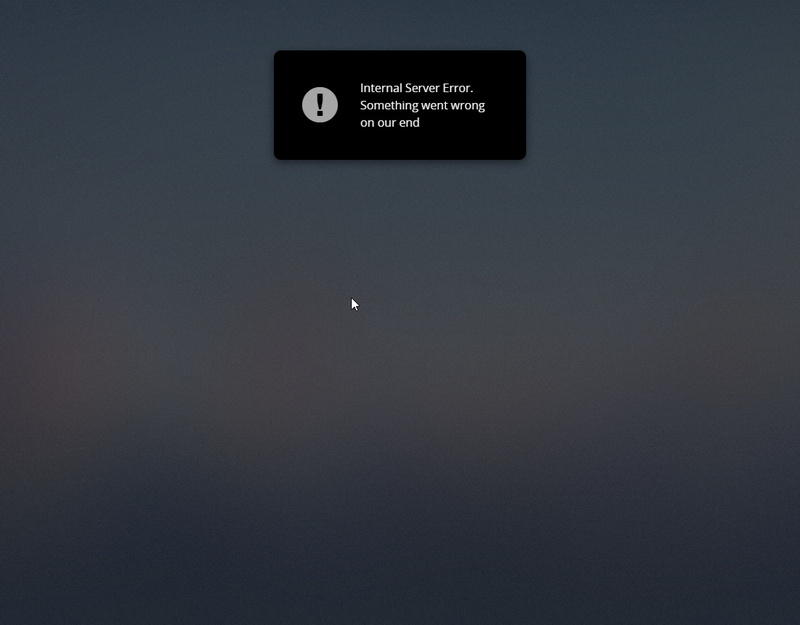
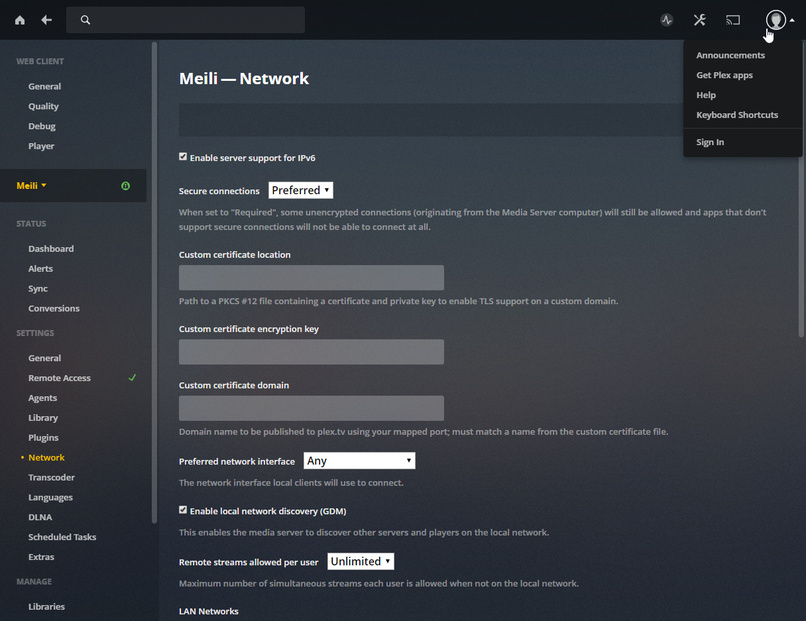
I’m unable to claim my server without using Claimit, I’m unable to log in through the Plex web app, or locally accessing my server. I keep getting redirected to the app.plex.tv sign in page, proceed to do so, and then get an “Internal Server, something went wrong on our end.” error.
I originally thought I’d borked something during the upgrade - but I’ve been through various recent versions of my database, I’ve been back through the last 5 tags for the docker instance I’m running (rolled back pretty much straight away to the last known version that did work). I’ve cleared browser cache, cookies, hosted app data, etc etc.
The one thing I’ve been able to discern is that it looks like my Plex server has a cert installed for plex.direct that doesn’t match the plex.direct address that is being issued. (No amount of cache clearing, renewing the certs etc has managed to make this match - I see a new cert installed in the server, but the plex.direct address still seems to point to the old one. (I’ve no idea how this plex.direct works, so I don’t know if that’s relevant or not…) To try and eliminate the plex direct thing, I’ve run through a reverse proxy using only HTTP (local side) and having disabled remote access all together, and I’m still unable to get signed in or claim the server.
I have tried installing fresh servers, on fresh machines, on separate networks, I’ve tried using different browsers and machines for signing in - I’ve even spun up a few virtual browsers in docker to eliminate any cache or cookie stuff. Still nothing - no matter fresh server or old, nothing helps.
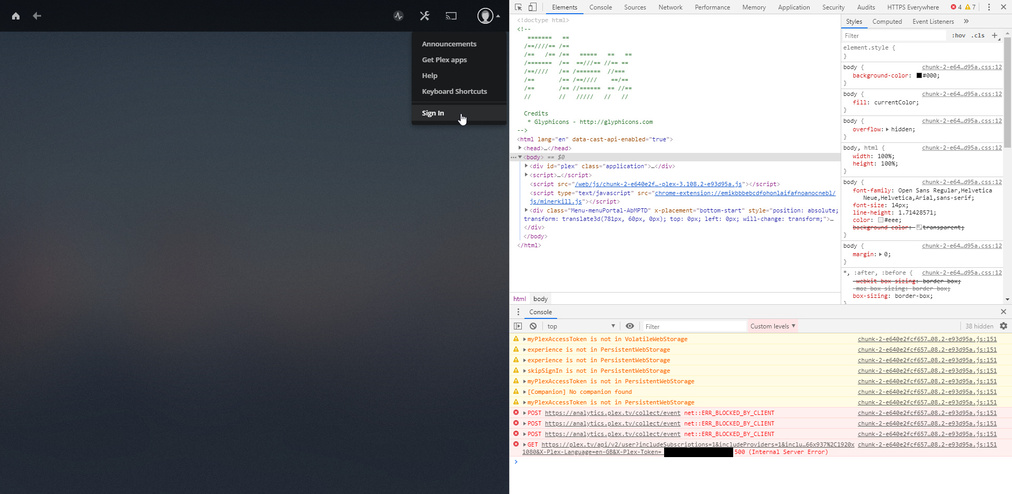
I keep seeing:
GET https://plex.tv/api/v2/user?includeSubscriptions=1&includeProviders=1&includeSettings=1&includeSharedSettings=1&X-Plex-Product=Plex%20Web&X-Plex-Version=4.8.3&X-Plex-Client-Identifier=7lky0udti0qptauqixsyio89&X-Plex-Platform=Chrome&X-Plex-Platform-Version=79.0&X-Plex-Sync-Version=2&X-Plex-Features=external-media&X-Plex-Model=hosted&X-Plex-Device=Windows&X-Plex-Device-Name=Chrome&X-Plex-Device-Screen-Resolution=850x868%2C1920x1080&X-Plex-Language=en-GB&X-Plex-Token=XXXXXXXXXX 500 (Internal Server Error)
and
GET https://plex.tv/api/v2/user?includeSubscriptions=1&includeProviders=1&includeSettings=1&includeSharedSettings=1&X-Plex-Product=Plex%20Web&X-Plex-Version=4.8.3&X-Plex-Client-Identifier=7lky0udti0qptauqixsyio89&X-Plex-Platform=Chrome&X-Plex-Platform-Version=79.0&X-Plex-Sync-Version=2&X-Plex-Features=external-media&X-Plex-Model=hosted&X-Plex-Device=Windows&X-Plex-Device-Name=Chrome&X-Plex-Device-Screen-Resolution=850x868%2C1920x1080&X-Plex-Language=en-GB&X-Plex-Token=XXXXXXXXXX 500 (Internal Server Error)
in the developer console - as well as (if I connect locally):
GET http://127.0.0.1:32400/media/providers?X-Plex-Product=Plex%20Web&X-Plex-Version=3.108.2&X-Plex-Client-Identifier=arsnmiz65sbilyeuo8u1wsgc&X-Plex-Platform=Chrome&X-Plex-Platform-Version=79.0&X-Plex-Sync-Version=2&X-Plex-Features=external-media&X-Plex-Model=bundled&X-Plex-Device=Windows&X-Plex-Device-Name=Chrome&X-Plex-Device-Screen-Resolution=850x868%2C1920x1080&X-Plex-Language=en-GB net::ERR_CONNECTION_REFUSED
I’m not sure why it’s trying to talk to 127.0.0.1 though, as the server isn’t localhost.
I also keep seeing this in the server logs:
ERROR - Error issuing curl_easy_perform(handle): 60
However, the machine this is running on is kept up to date with NTP (and I’ve verified that it’s correct on various other machines) - I thought maybe this would have something to do with the mismatched certs?
This all seems to me like some sort of plext.tv or plex api issue - but as it happened right after I upgraded, I can’t be sure. The fact that fresh server installs on separate networks all give me the same issue - could there be something at the Plex side of things that has “stuck”?
I don’t know, a full 24 hours troubleshooting the same thing over and over and over is somewhat draining… I think I need a coffee now.
Any help much appreciated, I can of course provide logs or whatever else may help.
Thanks,
David