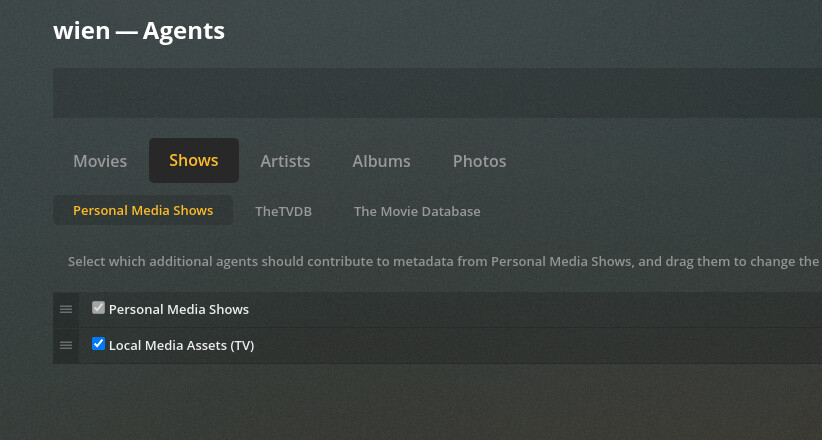
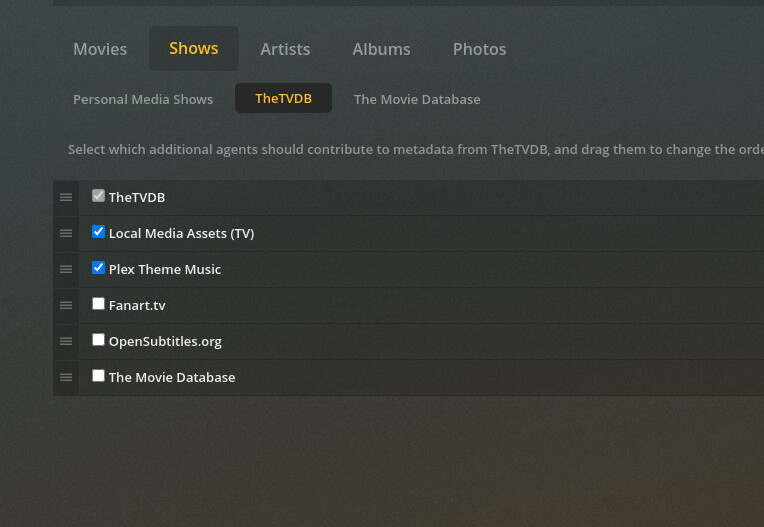
Went ahead and removed/emptied trash/readded/scanned/analyzed again. Note that I scanned and analyzed twice, since I had Local Media Assets as my second agent instead of the primary for the first time.
My stacking for TheTVDB matched yours on the initial run in my previous post, then I swapped it back to what I had previously for this thread, which was LMA > TVDB > Theme Music, and did a re-scan and re-analyze. Neither allowed the season poster to pop up
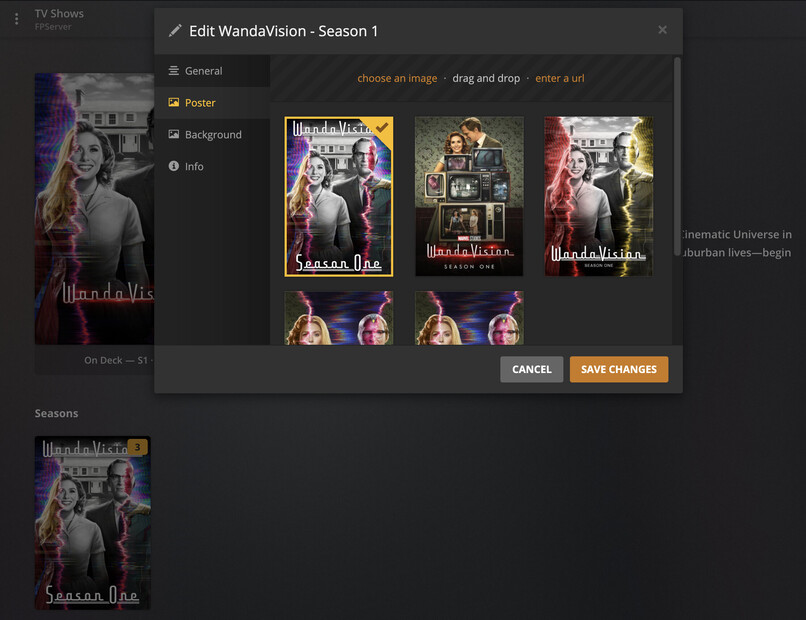
So this was clearly an issue specific to WandaVision, which was also still failing to receive any metadata from the TVDb API. Even though the show said it was matched, I manually rematched it to WandaVision and the TVDb data AND my custom season poster showed up as expected.
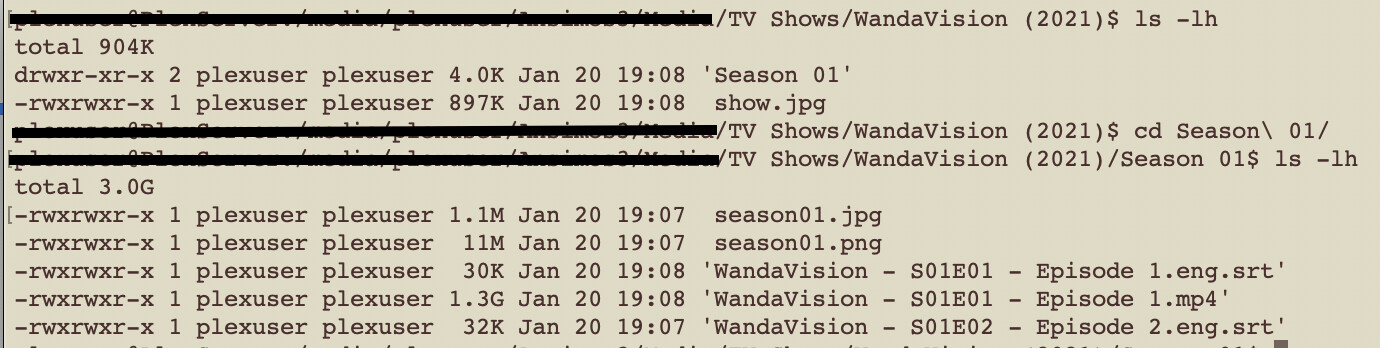
End of the day, I’m not sure if there was an issue with the TVDb API being down or having incomplete data in its response (which is not uncommon) or if Plex had trouble auto-matching to my TV show despite me following the desired naming pattern, but having my season poster inside of the season folder and named “seasonXX.jpg” and making sure my show was (1) matched correctly and (2) receiving TVDb data resolved my problem.
That said, I still struggle to get local media assets to show up on the season level for media that is not found in TVDb, so that is still an issue.
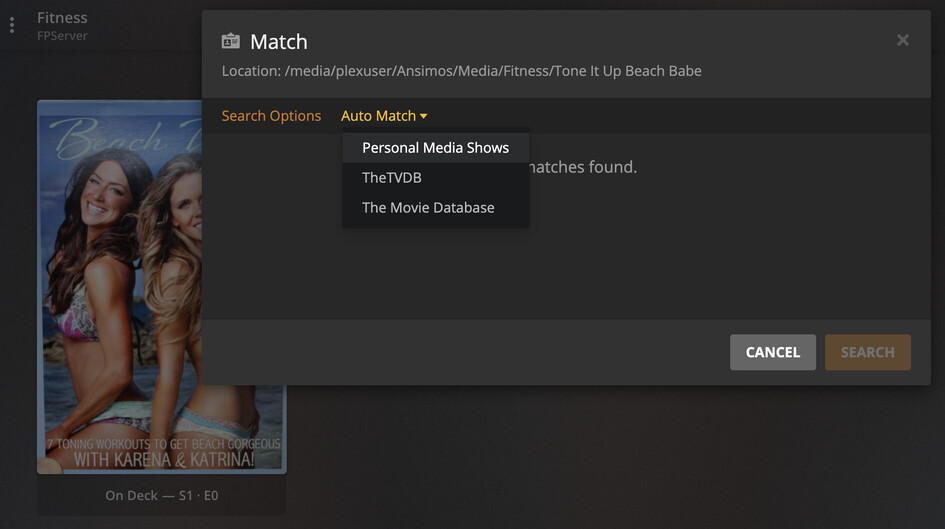
I was able to get non-TVDb local media assets to show up by changing the match to personal media. After I clicked that, suddenly all of my local posters showed up.