If you go to your account level settings vs client settings you can turn off the Discovery stuff and you won’t see it on your Home Screen or mobile in the new Experience. It’s in the Online Media Sources section. I think it’s easier to do this via web.
In my Home Screen on Roku I have Search, Home and Libraries. That’s it.
On my iOS devices, the bottom just has Home and Library. I’ve got none of the other services showing up. I send this same info to my friends\family hitting up my server in case they want to turn it off themselves - they were getting thrown off a bit about which stuff was mine and which was Plex’s… I was getting “why am I seeing ads?” questions from a few of the less savvy folks. 
I also set ‘Ratings and Reviews From’ to No One which turns all the reviews off (you can pick other options). That’s in your main Account settings page.
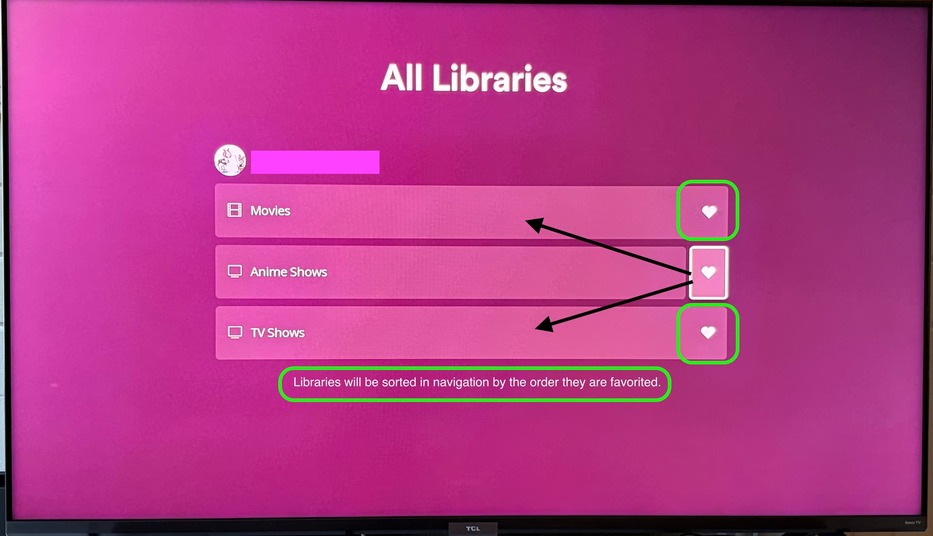
In the older UI you could remove a lot of that stuff just by changing settings on the client but the FULL way to remove it all is to disable it at the account level. The new Experience being more universal seems to be designed more for account level controls that filter to the client rather than granular client controls (favorites will work the same way evidently).
The new Experience, with all that stuff disabled for myself quite some time ago, hasn’t felt too terribly different really. A lot of the navigation woes I was worried about are more just odd for me than frustrating. I don’t use Live TV or DVR or any other services though so that might make a difference compared to others.
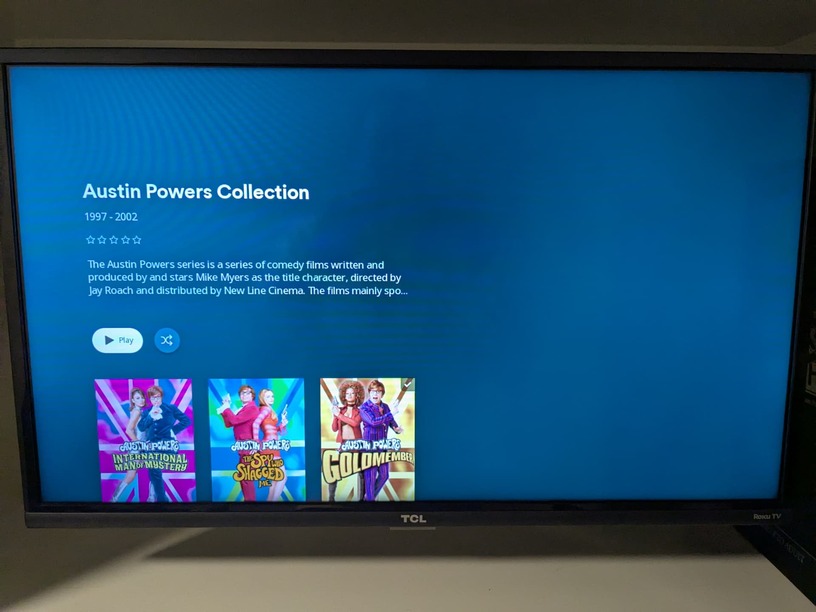
I still would like the background image to fill the screen and be static and dimmed on the details page rather than filling only part of the screen and disappearing when I scroll down - I like the ascetic of the static background image. I picked it I wanna see it.
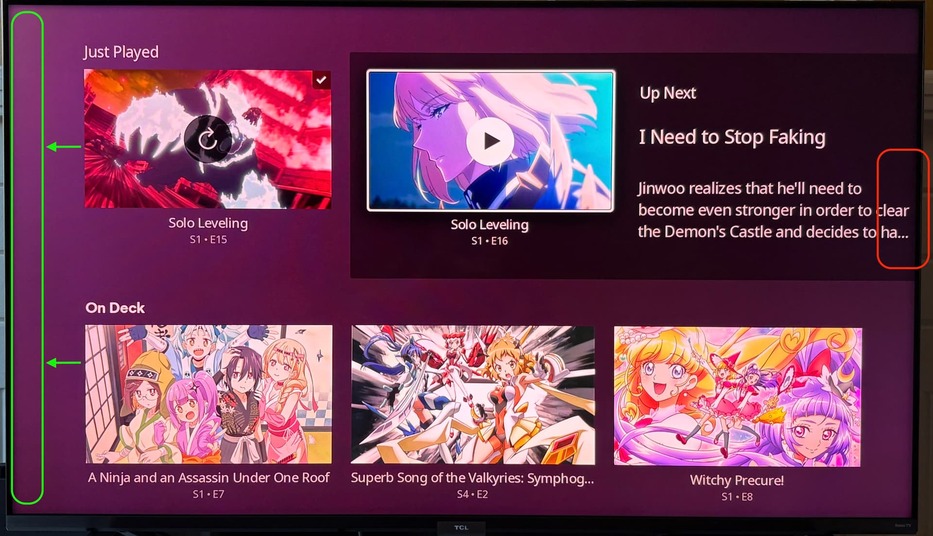
I’ve also customized my Home Screen with custom collections and hubs to make it work for me better than the default options so I don’t really leave the Home Screen to dive into libraries that often. I still think that the new navigation has introduced more “clicks” to get to the libraries but at the same time they load faster (and I do prefer the click to load after selecting rather than the previous automatically load as navigating - that would cause my sluggish RokuTV to stall trying to switch libraries or get to settings).
I only mention this stuff not to defend anything but it’s not like they’re going to back down on the UI changes for navigation so these might be ways to work within the Experience to make it less frustrating or annoying or clunky. You’ll notice most of my suggestions are ways to tweak what exists rather than overhaul stuff… past Plex might’ve been willing to change those things (like like previous UI attempt Lazarus_Long posted) but not current Plex.
I also currently have some extra time on my hands so this gives me something to do.
Edit:
Because I was asked before, just a quick mention of my Home Screen customizations in case it helps others:
- I removed the built in “recently released” movie row and created my own smart collection and added a row called “recently released unwatched” instead. It works the same but doesn’t include any titles that are watched; this way ones I’ve already watched don’t show up so I don’t have to click past them. Keeps it kinda cleaner for me (I also have watched indicators for Movies turned off - I know what I have or haven’t seen).
- I have a Smart Collection for “not watched recently” which has a row on my Home Screen. This collection includes 30 movies I haven’t watched at all, or haven’t watched in over 3 years, selected randomly. It changes dynamically.
- I have a Smart Collection for “Nostalgia Action Movies” which includes 30 movies with genre action and release decade 80s/90s/00s selected randomly. Also changes dynamically.
So: Continue Watching, Recently Added in Movies, Recently Added in TV Shows, Recently Released Unwatched Movies, Random Not Watched Recently, Random Nostalgia Action Movies, Recently Added in Anime Shows (2nd TV Show library).
These rows help remove decision fatigue when trying to simply find something to watch over browsing through hundreds of titles in my library. I worked at video stores for years… having a selection to choose from makes it easier sometimes.
 ” at the end of that but given the tone in the forums right now that probably doesn’t carry the lighter tone in which it was intended. Apologies. We are starting to see this value internally and have even gotten feedback from people noticing releases quicker and with more content in them so that promise is being realized but I acknowledge we have a ways to go before I can make light of that in a way that doesn’t sound flippant.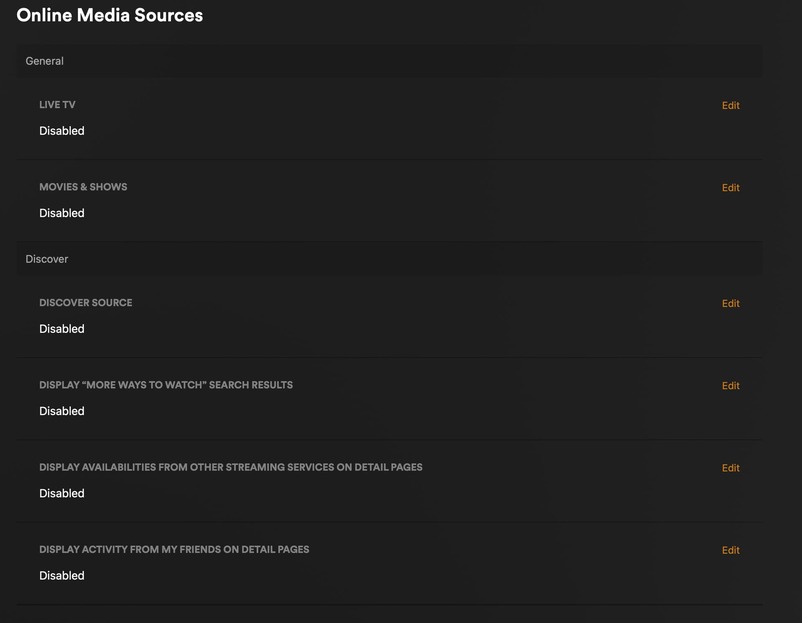

 , but I’m liking the new UI (not the missing pieces though)