I’m having an issue with remote streaming to my in laws house. Everything is setup correctly. We used firestick before switching to Roku and were able to stream original quality with no issues.
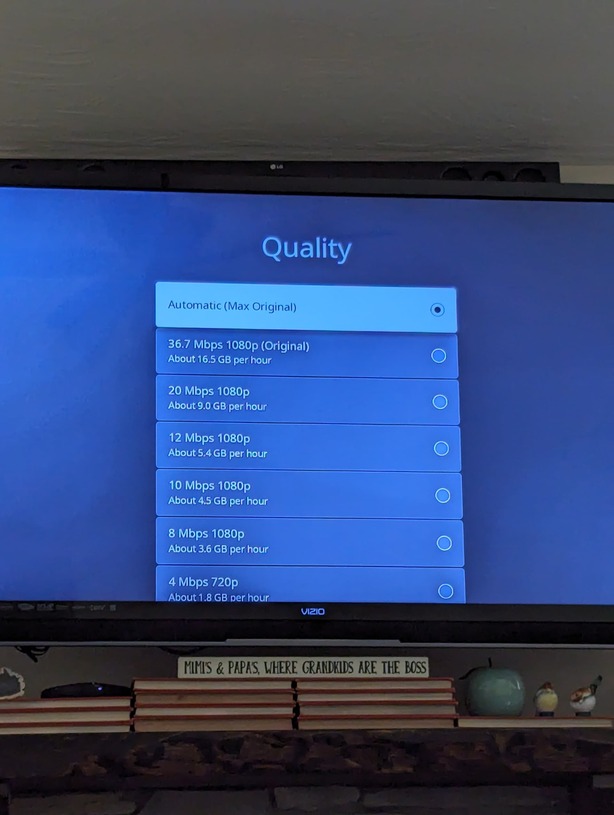
However, with the Roku Ultra, I can’t seem to make it stream original quality automatically. My side is setup fine.
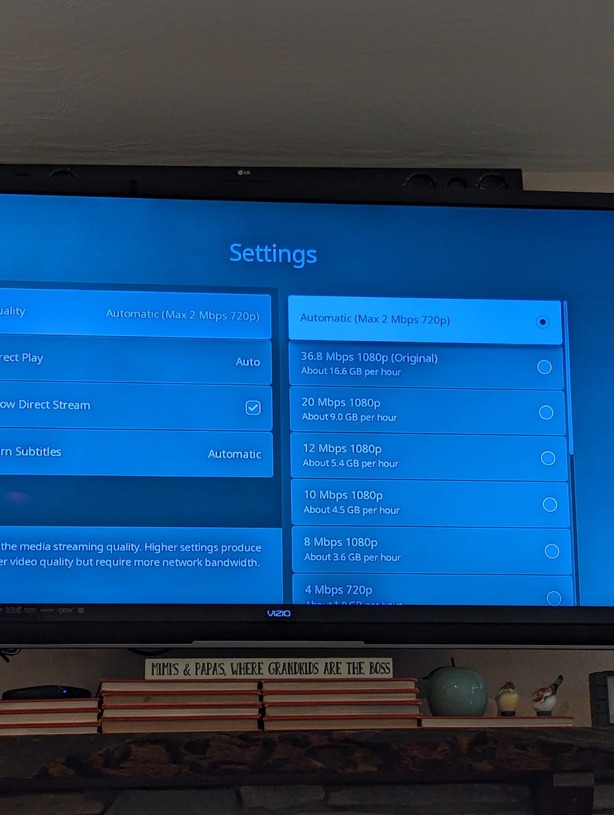
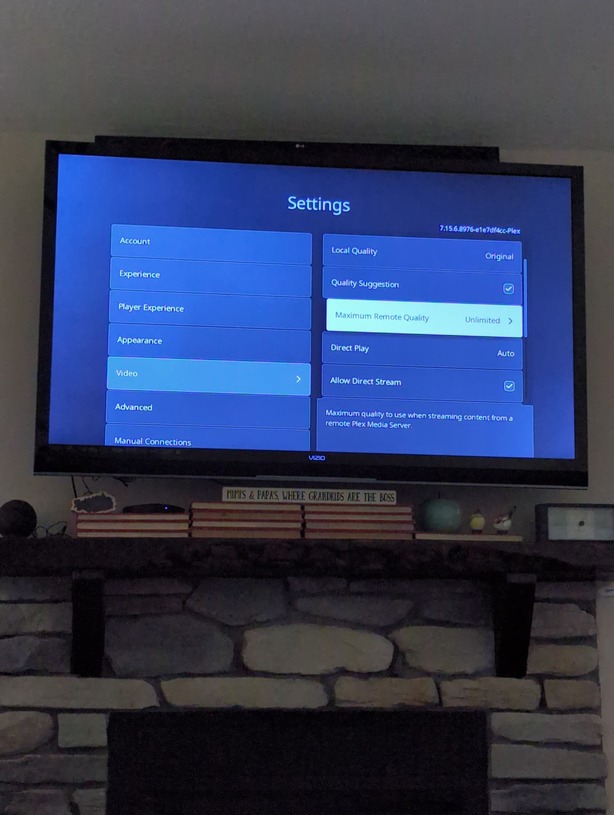
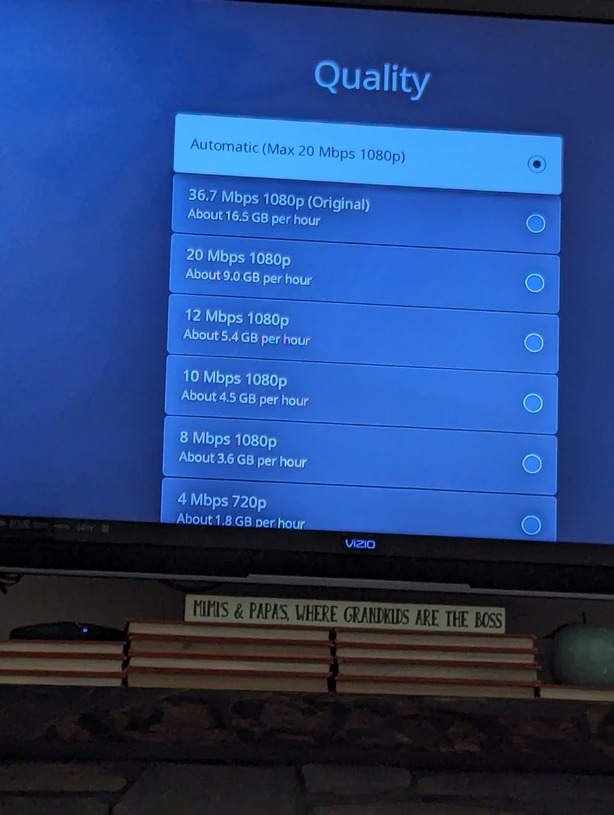
On the Roku side, I have gone under video settings and changed remote to “maximum”. However, when a movie or show is played and you click on playback settings "Automatic (Max 2mbps 720p) is what is selected. If they want to watch with better quality they have to manually select to choose original quality on every single movie.
There has to be something wrong here, there has to be a setting to make it choose original quality automatically. All the guides I’ve seen for Roku show the setting page used to show “Orginal” instead of “unlimited” but what is the point of unlimited if your going to auto set it to 2mb for everything?
Am I missing something?
Thanks!