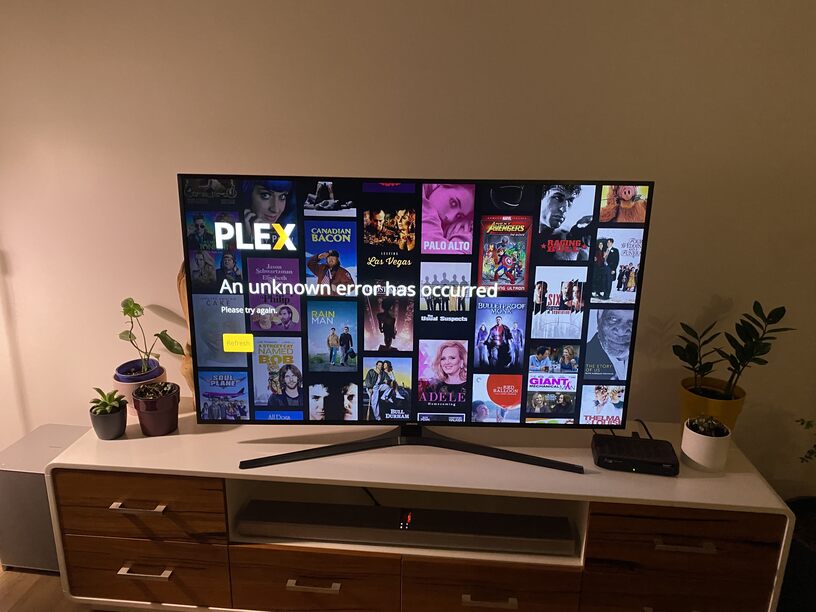
I have the exact same issue. It started yesterday afternoon. opened the TV and was on my daughter’s account, so wanted to switch to my account but wouldn’t let me. Was saying that account was offline. I could see and play content from my Plex server but could not switch user. So I uninstalled the APP and when I tried to sign in, got the same error message. It’s not an issue with my internet or my Plex server. I have another Samsung TV that the Plex app works perfectly. The TV that is not working is Samsung UN65KS9000. Did factory reset on the TV also reset my router. Amazon TV and Netflix work without any issue. My LAN connection is wired. The TV that work is QN55Q70T. Something somewhere changed, firewall rules, policies a maintenance or something else. Any one has any idea???
Got the same issue…cannot sign into my account…I have reset the Samsung TV to the factory settings, re-install the app but I cannot pair the TV with the app…Netflix, Amazon Prime, etc paired perfect…Plex did not…got “an unknown error has occurred” error when trying to pair the app with mt Samsung TV
Can everyone please specify the model and year of their TVs? I think that would help to troubleshoot, who ever will do that.
From all the messages that I’ve seen so far seem to be all KS models.
Mine UN65KS9000 MFD: May 2016. Hopefully they haven’t decided to terminated support for 2016 models.
Same here. Cant say exactly when but sometime on the 11th.
Plex (“Orca”) is saying (my name) is off line, looking under prefs/System it shows my name and only option is Sign Out.
When i do that and try to log in, noting happens.
Fix this!
My tv is a UE55JS8000 (J-mode) 2015.
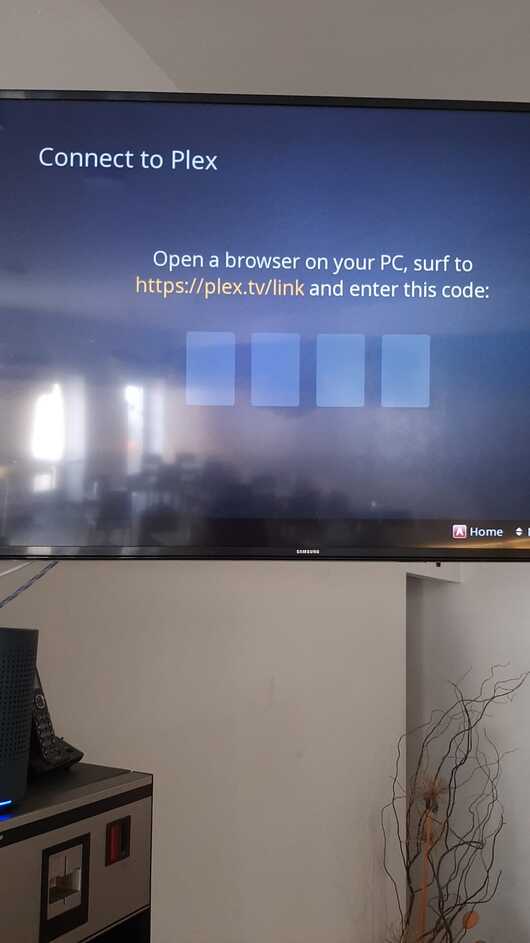
Same issue here. 2016 Samsung UN55KU6300. Plex app showed ‘Offline’ although connection to local Plex Media Server was fine. I tried removing and reinstalling the app but now the PIN screen does the same thing as OP.
i have the same problem on my smart tv samsung i uninstalled and reinstalled and appears on the screen 4 pin to enter when a 4 digit code should appear to enter on ple.tv/link
It’s FIXED. Plex released a new SSL certificate to replace the one they released yesterday that was signed by a CA that didn’t exist on my Samsung (and apparently many other) TVs.