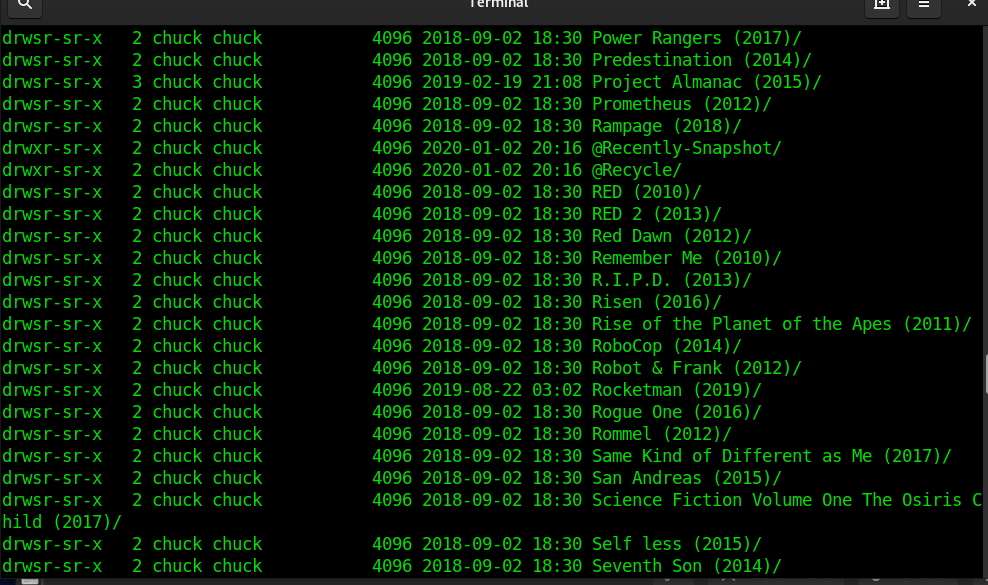
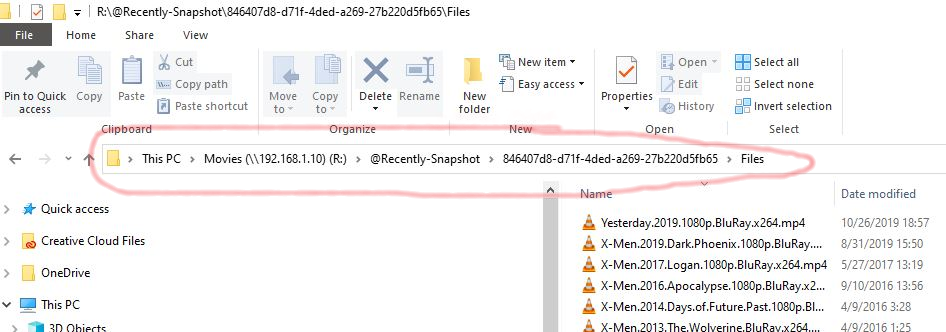
I am saying that even after the edits we did, it’s still picking up the snapshot files.  I thought it was fixed at first, but when I edited the backup job, I noticed I had temporarily disabled the snapshot option during the backup job (my mistake). So with the box unchecked as shows in the shot below, it still has the original problem.
Additionally, here are my commands to ensure the service was stopped and edits are indeed in place. After stopping and starting again, I did a final test and the problem still exists.
(Stop Plex)
[/share] # $(getcfg -f /etc/config/qpkg.conf PlexMediaServer Install_path)/plex.sh stop
Stopping Plex Media Server…
(Make sure plex is dead, and it is. Made sure client would not connect)
[/share] # ps | grep plex
5348 admin 101336 S /share/CACHEDEV1_DATA/.qpkg/PlexPy/bin/python PlexPy.py --daemon --port=8659 --datadir=/share/CACHEDEV1_DATA/.qpkg/PlexPy/DATADIR --config=/share/CACHEDEV1_DATA/.qpkg/PlexPy/CONFIG/plexpy.conf
12831 admin 2276 S grep plex
(Start Plex after confirming dead)
[/share] # $(getcfg -f /etc/config/qpkg.conf PlexMediaServer Install_path)/plex.sh start
Starting Plex Media Server…
(Edits are still in place)
[/share] # cat Filter.py |grep Recently-Snapshot
IGNORE_DIRS = [‘@eaDir’, ‘.UNPACK.’, ‘.FAILED.’, ‘..', ‘lost+found’, ‘.AppleDouble’, '..itlp$’, ‘@Recycle’, ‘.*.photoslibrary’, ‘#recycle’, ‘@Recently-Snapshot’]
ROOT_IGNORE_DIRS = [‘$Recycle.Bin’, ‘System Volume Information’, ‘Temporary Items’, ‘Network Trash Folder’, ‘@Recycle’, ‘@Recently-Snapshot’]
(Plex still indexing dupes)