Server Version#: 1.16.5.1554
Player Version#: 4.6.2
When I load a “fresh” Plex web tab in my browser (from https://app.plex.tv/desktop), there is no search panel in the header bar. This is in the “Home” screen:

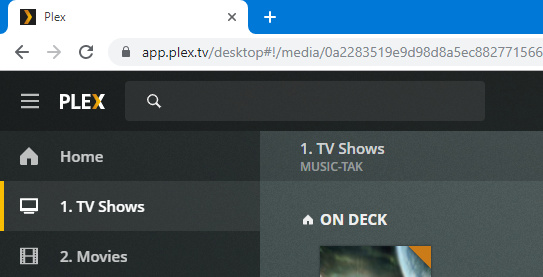
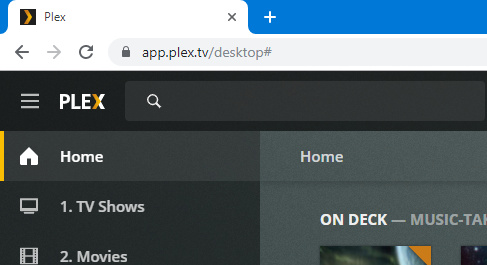
Once I browse to a library, the search bar appears, and remains in place even when I browse back to “Home” (which is where the search panel was missing previously).
Browse to library:
Back to home:
I’ve tried multiple browsers:
- Google Chrome 76.0.3809.132
- Firefox Quantum 69.0 (64-bit)
- Microsoft Edge 44.18362.267.0
Surely this is a bug in the web client?
