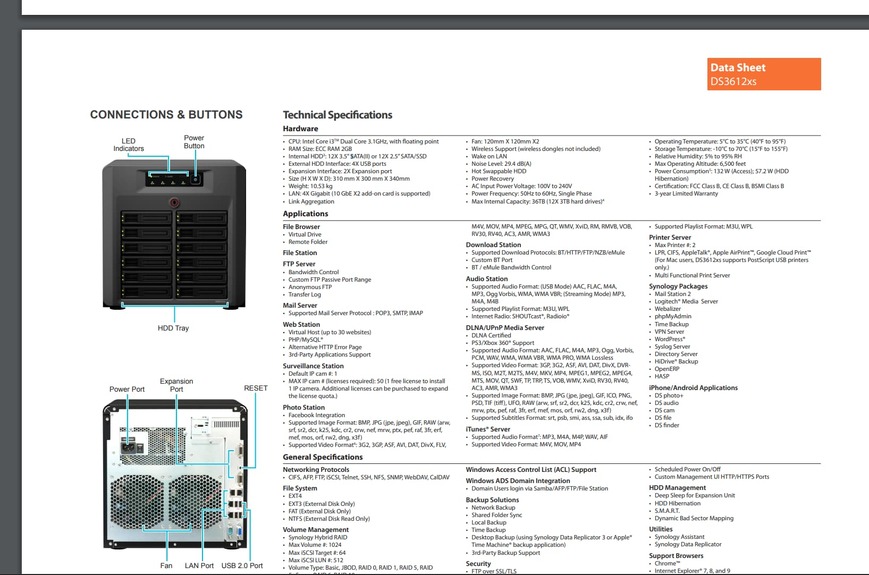
I’ve been using Plex Media Server on my NAS Synology DiskStation (DS3612xs, DSM 5.0-4993) for nearly 10 years without an issue, however about 4 months ago when I accessed my server, opened the Plex Media Server app and logged in, it told me it was ‘looking for servers..’ and displayed the message ‘A server could not be found. Download and install Plex Media Server, and it will appear here.’
I’ve attempted troubleshooting and I’m a bit confused about the difference between the Plex Web app and Plex Media Server. I’ve always just opened the Plex Media Server via the icon after logging into the server, entered my email and password and my library is available.
I can see the server when I go into settings>devices:
1.12.2.4929-29f6d1796 4 months ago
Plex Media Server
DiskStation
Linux 3.2.40 (#4 SMP Wed Aug 20 13:04:11 CST 2014)
Reading the troubleshooting guides, I thought I might need to ‘claim’ the server but I cannot figure out how to start that process. I’m not able to select anything on the entry for the server under ‘devices’.
I’m guessing this could be any number of things, if anyone is able to point me in the right direction I would be extremely grateful. Happy to provide any additional information not already listed.
Opening plex directly with the link above I get the same issue, it can’t find the server and gives me options ‘Download Plex Media Server’ or ‘Download for NAS Platforms’. Isn’t what I’m opening Plex Media Server?
Woah, that’s embarrassing. I’ve avoided updating because I have an irrational fear I’ll lose my library info and have trouble with the backup. I’ve just tried to update but am not able to find any links within the app that does this and when I try to update via the Package Centre within my Synology server it tells me it’s up to date. Wondering if this might be related or also if it’s better to resolve this issue, then update.
Keep in mind the processing of several years of database updates will take some time during which the server will show up in „maintenance mode“ (giving you an unstyled error message).
Once this is done… can you check out the information showing if you open http://[Syno IP]:32400/identity? I’m particularly interested about the value in the claimed=„…“ part (should be 1 or 0)
Using that link I’ve tried to install both the ARMv7 options in the Package Centre on my Synology Diskstation and I get the following error:
“This package is not supported on the platform of Diskstation”
I used this page as a reference to determine which I need:
It states that DS3612xs is x12, which is not explicitly listed on any of the download options. Just to complicate things it might be worth noting that my server is actually a HP Proliant Microserver that was setup by a friend to run the Synology software on their recommendation.
Oh… I missed that. I’ve only checked that the Plex Media Server should still run on your version of DSM 5… not taking the ancient hardware into account
Your setup is running Synology‘s DSM 5 on a HP microserver? Or are you using the Syno as storage for the HP microserver (running which OS)?
That’s correct, I am running Synology’s DSM 5.0-4993 on a HP microserver. An old friend who was (apparently) more IT savvy that I am recommended it. I have my doubts because I haven’t been able to update it beyond this above version.