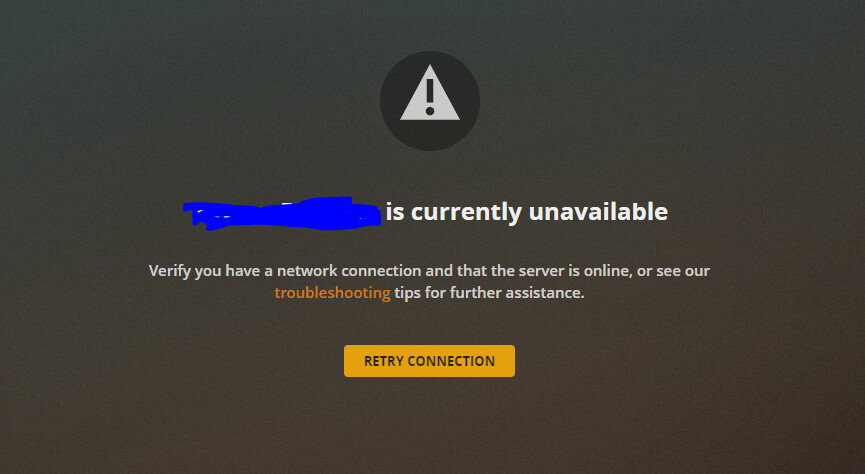
Hi, I’ve just had to reinstall Win10 on my computer which had my server on it and now, since I had to reinstall PMS again my last server is marked as unavailable (same name and exactly the same setup I think). I don’t really know what to do. Anyone got any tips?
The old entry is probably still there because the PC got a new machine identifier when you reinstalled it. Therefore Plex is considering the new installation a different server.
You can remove any zombie records from the list of authorized devices. Be careful when you delete the entry… if you delete the new server, you’ll need to claim it again.
If possible, I would prefer to keep the old server with all the preferences and what’s “on deck” and so on but as long as I have a working setup I’m fine with whatever solves this.
Keep in mind this is not the full-fledged server configuration… once you wiped your PC, reinstalling Windows, that old server was gone. It’s just a record about that server having been linked to your account!
Supposedly it’s the older entry.
If you’re unsure, wait for the next update to see which record will show the updated version. Alternatively you could temporarily rename your new server (e.g. Payam-Desktop -> Payam-Desktop (new)) and then delete the record with the old name.
Thanks for the help, I’ve now bid my farewells and RIP’s to my old server that’s been with me the last 7 years. This is a new era beginning. (It’s all working without ‘unavailable’ nonsense now).