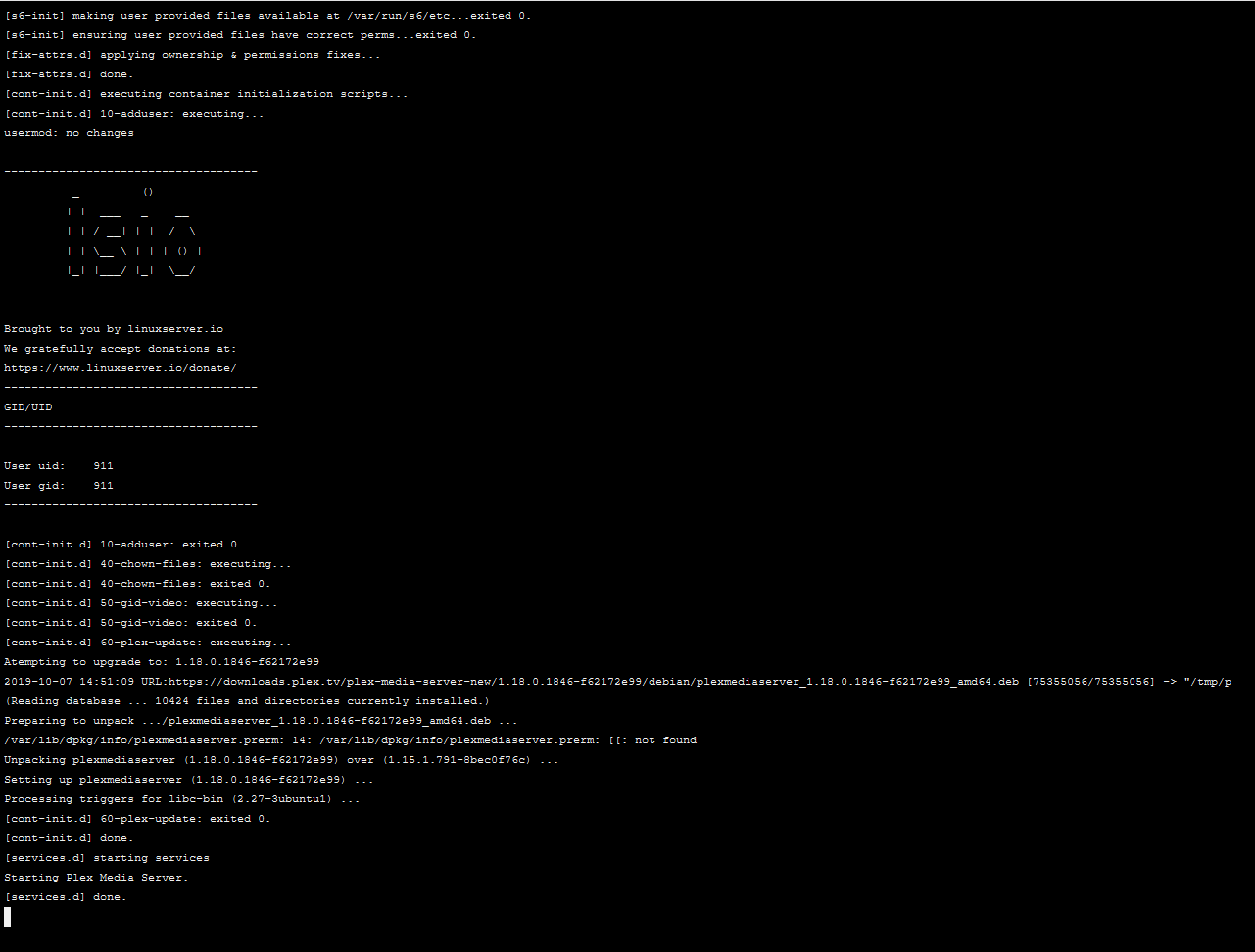
I have tried to restore all my plex-related files to before everything crashed, back to the 3rd of october. I created a completely new container and let it run.
Still nothing. The server is completely unreachable, and from what I can tell no new logs have been created, the last timestamp now being 2nd of october. This makes sense as I rolled back a day before the 4th. I think there is something very wrong with the 1.18.0.1846-f62172e99 update process. It seems I’m not the only one having issues: Plex server update 1.18.0.1846-f62172e99 is borked
Docker containers do not have a console and must be claimed via a claim token. That’s the extent of my knowledge
IMHO, Creating a docker container on a host and then never moving that container to another host is rather pointless because of complications just as this case demonstrates. I see it time and time again. If this were the native app, it would have been resolved in short order.
Fair enough. Thank you for looking into it anyway.
The reason went for a docker setup is, at least partly, because I want to stay more up to date than what is provided through Qnap. The last available version there is from late July.
I did rename the Preference.xml file to Preference.xml.old and started PMS back up.
I too have multiple subnets, but do have hosts in the same subnet as my Plex box. If I visit the IP of the box http://IP:32400 from a box in the same subnet, I get a XML output.
It is interesting, wont work remotely without hitting the check box to manually specify the port, still using 32400. Once hitting that and retrying, remote access works.
Remote access is very sensitive to timing. With minimal latency to Plex.tv and a good modem/router, it is flawless. I say this because if using UPnP or manual forwarding, it cannot report falsely to PMS on the host. I’ve seen many partial implementations by purportedly reputable vendors which don’t work well. In my case, I went full deal. I have pfSense running on a Netgate ARM processor box. PPPoE comes into the box, It handles all PPPoE -> Ethernet conversion, firewall, and then routing onto the LAN. Because of how I have it configured, I’m a ‘hole in the internet’. I see pings but it never replies so as far as port scanners are concerned, there is no host at that address and they move on.
This works well for me and as indirect consequence, so does everything else on my LAN including PMS.
I’ll just chime in that I see the exact same thing in regard to having to check the box to manually specify port even though I am using the default 32400. This was the same for me before this latest preferences.xml issue however.
Independently, I’m running a very similar configuration to @ChuckPa. I’ve had good enough luck with the pfSense community edition (running on a Q6600 x86_64) that I’m just about ready to throw some shekels their way to continue development.
I’m not pointing fingers at @cowenbills, but something I’ve noted here is that a lot of people really just do not understand TCP/IP, and their infrastructure reflects it. I’ve found that when I starting thinking that I’m going to need a complicated configuration, I’m probably doin something wrong.
For anybody else who’s looking at this thread…
Validate that you have a running PMS, with the right ports open. On Linux, and with the default ports, ‘lsof -i tcp:32400’ should return the running process with open listening ports.
tcpdump and/or Wireshark can also be useful to at least validate that PMS is receiving traffic. tcpdump is available on pfsense, that’s also useful to check traffic passing through.
Logs… pfSense logs a lot, check your NAT firewall to see if you can enable more verbose logging.
WiFi… I’m running Ubiquiti hardware, that’s highly useful for checking ports and client specific traffic. My provider sends IPTV streams on a dedicated network, and my PMS host has a capture port on the video network (this lets me check the IPTV sources as well as decipher channel lineups.) Check your access points (may be the same as your NAT firewall) for additional logging.
Creating multiple subnets, without a proper switch to support it, and need of it, is a fool’s errand, IMHO.
Multiple subnets requires a layer 3 managed switch to be of any use.
a. Layer 1 is the Physical Layer - provides link speed and duplex
b. Layer 2 is the Data Link Layer - provides Ethernet frames ( MAC addresses )
c. Layer 3 is the IP layer - This is where IP packets occur
d. Layer 4 is the Protocol & Port numbers - This is where TCP lives
Creating multiple subnets in a home environment, where you have fewer than 255 devices (limit of one subnet) really isn’t warranted mostly because broadcast packets don’t cross IP subnet boundaries unless you have the appropriate enterprise gear, and have it correctly configured, to do so.
My LAN is flat with exception of the Guest WiFi. I have created:
192.168.0.x - all wired and wireless LAN devices belonging to the house.
192.168.65.x - Guest Wifi
The pfSense manages both. I use this to prevent any Guest WiFi from access the main LAN unless I write a specific rule for it.
The intent of the main LAN is full access to all devices and services including PMS
The intent of the guest LAN is internet access only.