Server Version#: 1.19.3.2852
Player Version#: Plex app for Windows and Mac; Browser play via Chrome; Apple tv app; iOS app iPhone/iPad
Server: Windows 7 SP1 64bit
CPU: Intel i5 4690 @ 3,5 ghz
RAM: 24GB
Drive: Samsung 840EVO 250GB (+ other data disks)
Internet connection; 250Mbit Down // 100 Mbit Up
//////
For months I cant get to hold a “Fully accessible” status for my family to stream my video files.
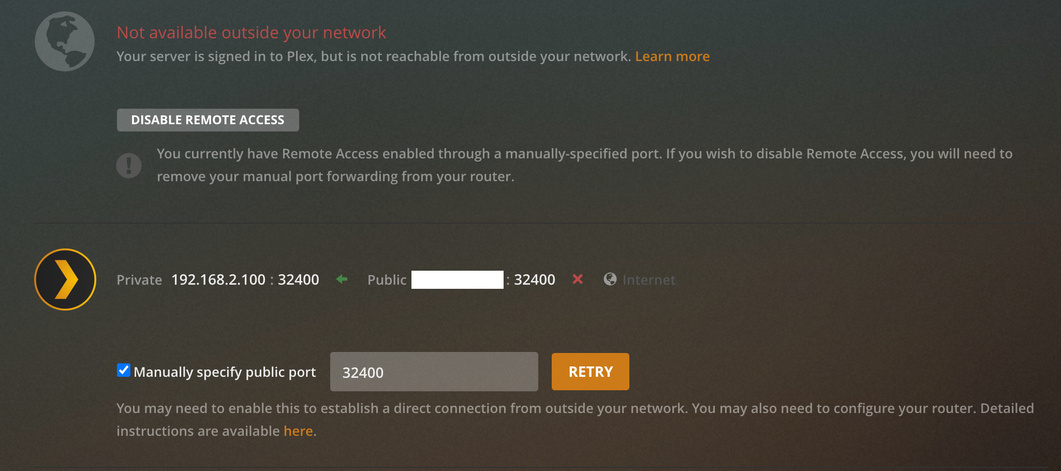
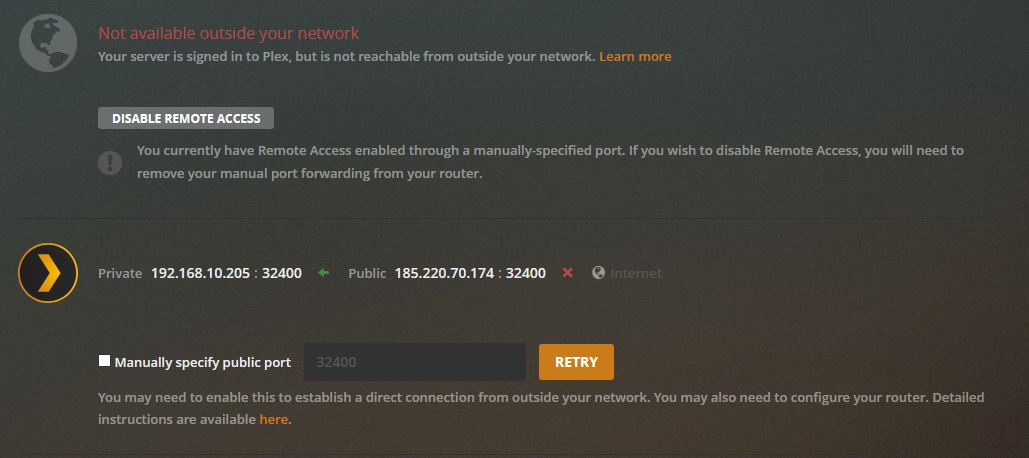
Whenever I press retry, often it shortly is accessible but not to far there after it mentions yet again " not available outside your network" after multiple updates restarts refreshes i come here to hope for some support in this matter. Lifetime Plex-pass holder.
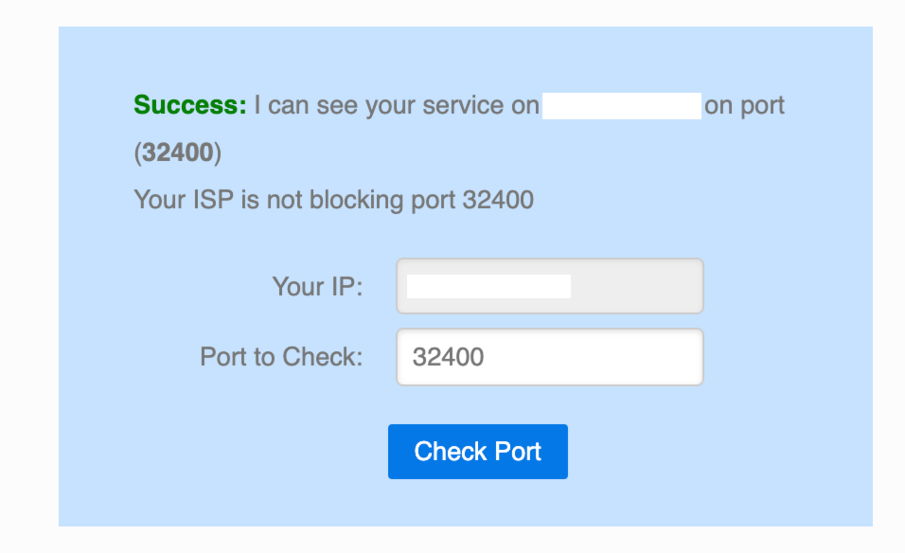
Ports 32400 is forwarded, as on the below screenshots it does show as working. Canyouseeme.org shows 32400 is open whenever Plex says fully accessible, and says not open whenever plex isnt accessible from outside my network.
To show it cant be my network somehow, I also have a Synology device where port 5001 is forwarded too, while checking 32400 i also check 5001, this port is always open and accessible.
Over LAN, never any issues always perfect streaming quality and speed.
Remote stream via iPad on Plex app, while RETRY is pressed and made accessible, full quality stream shortly possible before server goes to " indirect " again.
Stream to AppleTV Plex app, always notifications connection speed to server is low, stream does not want to start, and usually straight for the indirect 2MBIT connection which is not what i want.
Sending file from host to client via Synology file share goes easy 50MBIT max client download speed.
//////
Plex settings:
Auto adjust quality; OFF
Internet streaming video quality; MAXIMUM
Direct play; ON
Direct stream; ON
Internet speed set to; 75MBIT
Limit remote bitrate set to; Original (no limit)
Support for ipv6; enabled
Secure connections; required
Transcoder quality; automatic
//////
Thank you kindly for any helpful advise on this matter.