Server Version#: 1.19.4.2935
Player Version#: 8.1.2.18135 (although any player I try to access)
Pulling my hair out with this. I have been using Plex Pass for 3-4 years. I have the server set up on a Mac (2010). Internet speeds upload and download are absolutely fine (50mb/s & 10mb/s). All was fine until around 8 months ago when Plex became unreliable and unstable, constantly reporting…
‘Oops something went wrong. Please trying again in a few minutes’
…when accessing via web browser on the actual host of the media library (Version 4.30.2).
When connecting via any player, even when successfully accessed on host Mac via web-browser, everything is empty. After much messing about I finally get the items to show (I’m using Amazon, LG Smart TV, PS4, iOS players) if I get something to play (even a tiny file in SD) there is loads of buffering, if I interrogate the library in any way it crashes, if I watch a film there is buffering, it crashes after the film and needs to be re-booted. I’ve checked settings, uninstalled, reinstalled, ensured nothing else is running on the Mac (which works perfectly) and checked internet speeds, used WiFi, Wired. Honestly tried everything I know of, but it remains horribly unstable.
First, there are a number of basic steps which I assume you have already tried (optimizing the database and cleaning bundles for example).
When you say you have done an uninstall / reinstall are you referring to the MacOS or just the Plex server program? I am guessing you are only doing an uninstall / reinstall of the Plex server program. Perhaps there is some remnant of the previous installation which is causing the problem to persist. Starting from scratch with a clean system install might resolve the issue. This is the technique I have used on the rare occasion a glitch has manifested itself. This includes allowing the clean install to re-acquire all meta data rather than trying to restore from a backup. I also have a spare server ready to go - Just in case!
Is the computer used for anything else, or just Plex? Any chance you have picked up a virus?
Have you monitored the server’s activity when trying to watch media? Activity Monitor and / or the Plex Dashboard offer a window into system resource utilization.
Another thought… Do a fresh install and only add a single media file to your library… Just one movie for example. How does it work?
Do you have a second computer you can use as a test bed?
You didn’t really say much about the computer itself… 2010 Macintosh… Mini/Pro/iMac/Book? CPU (C2D/i3/i5/i7/Xeon)? OS? RAM? Drive(s)? Perhaps there was a Plex update 8 months ago which is causing issues with your configuration. Are the media files stored on an external drive / array? I am running a 2009 XServe, but recently upgraded it to 10.11.6 as 10.9.5 was becoming a bit troublesome. Have you run any OS or system checks? I am a fan of Onyx as a basic system check and cleaning utility.
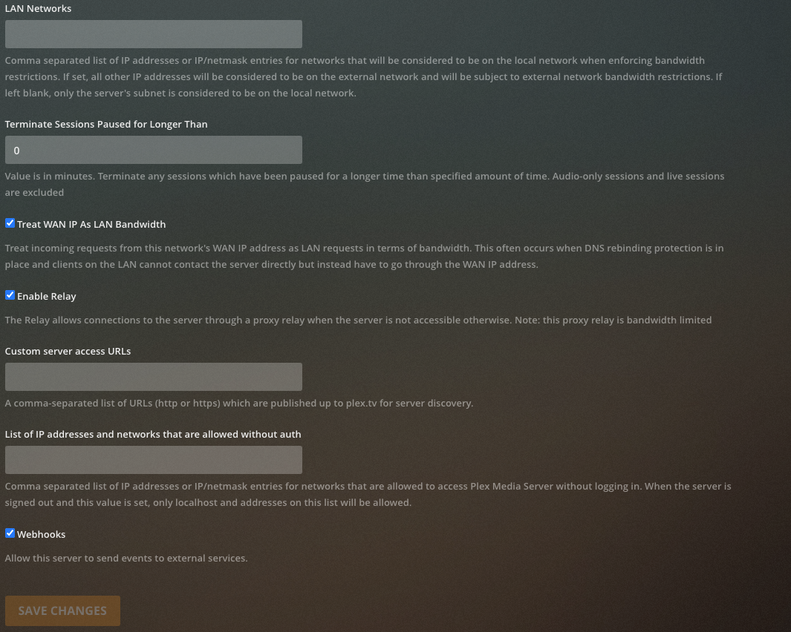
and can you give me screenshots of your Remote Access page in settings, Network in settings and Library in settings and Schedule in settings and ofc Transcoder page in settings