Server Version#: 1.29.2.6364-7000
Player Version#: 4.87.2
I’m a bit scared to ask since there is a DSM 7.0 thread, but I did my best to read and understand it. But it does not seem to be an issue with tokens, just accessing media.
So a quick breakdown of the steps I took, after upgrading DSM 6.2 to 7.0, my server was unreachable. TV and Movies folders also unreachable, naturally. I then updated the Plex Server installation (through a Repair button as prompted in the Package Center). When that didn’t work I patched DSM once again from 7.0 to 7.2 as I realized the upgrade didn’t take me immediately to the latest version.
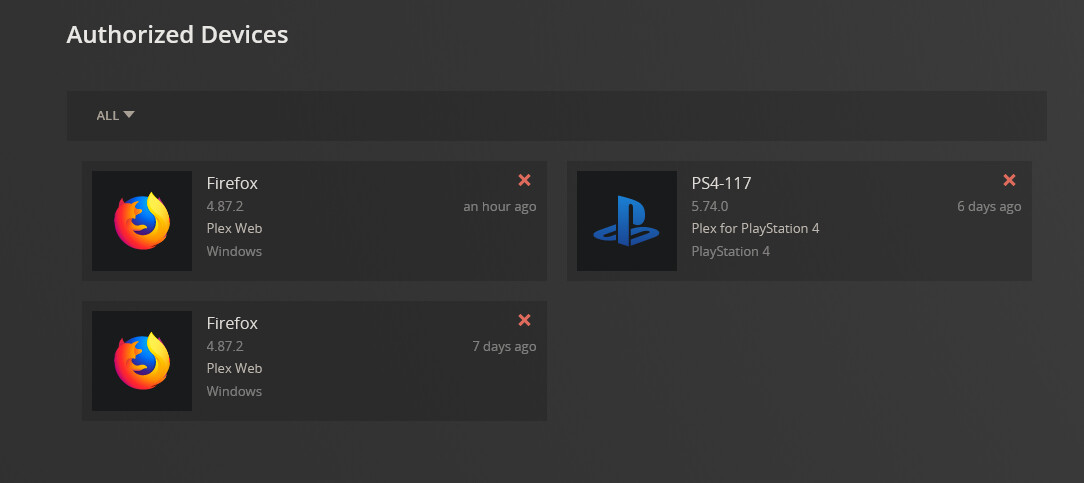
A help page on the site said that I could try removing the server from Authorized Devices and logging out then back in would add it again. I saw that under Authorized Devices two older versions of PMS and it said they were running on DSM 6.2 which looked outdated. I removed them.
The old server was listed here but no restart or logging out/in adds the new one
I finally came here and read the stickied “DSM 7.0” post and and gave the “PlexMediaServer” user Read/Write permission on the whole “Video” folder in Shared Folders which used to belong to the user “Plex”, which I removed.
Finally there is a “PlexMediaServer” folder on Volume1, and another folder called simply “Plex” which I have a feeling is the older one, but I made sure PlexMediaServer user had Read/Write on both of them.
Yes, that folder still exists and has content. I found the migration guide, and it seems I should uninstall PMS, reboot, and run the installer again. But I’ll wait for your response.
As DSM upgrades – If Plex is still installed – It creates an empty/rogue server.
We need to get rid of that.
Uninstall the package with the ERASE (red) option
Now go through the guide, granting PlexMediaServer (system internal user) Full Control permissions (administrative, read, and write) for “All folders. sub-folders, and files” of the Plex share . — IMPORTANT for this to work.
When complete, Installing again will automatically start
– It will sit at ‘Installing’ until done.
– Open a new tab to the Syno
– Look at ‘Migration.log’ (Plex share)
– It will show you progress.
When it’s done cleaning, you’re done.
Only thing left to do is grant PlexMediaServer (not Plex) access to your media.
Perfect, it’s back online. Thank you very much!! I had to Stop and Start the service one last time at the end and then it finally showed up and I could reclaim the token.