Server Version#: 1.18.0.1913-e5cc93306
Player Version#:LatestPlex Media Server.1.log (10.1 MB)
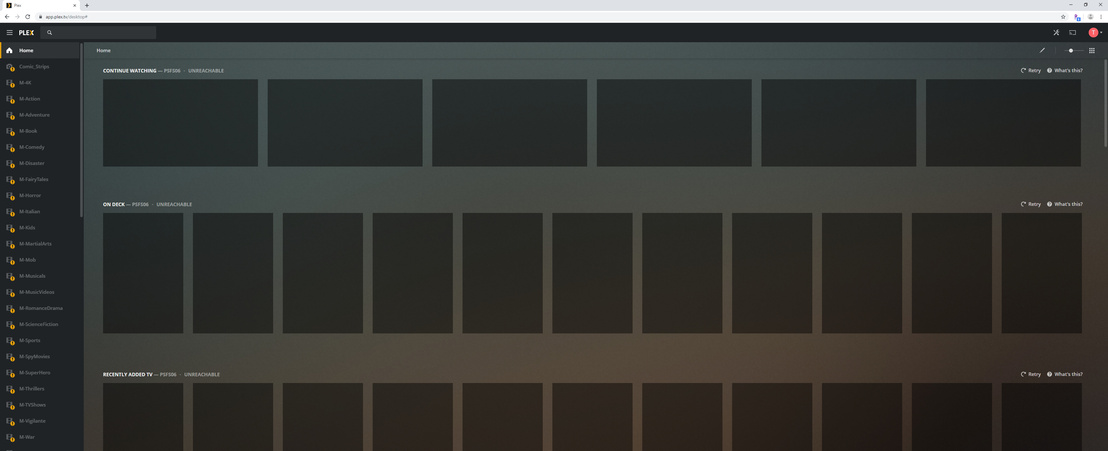
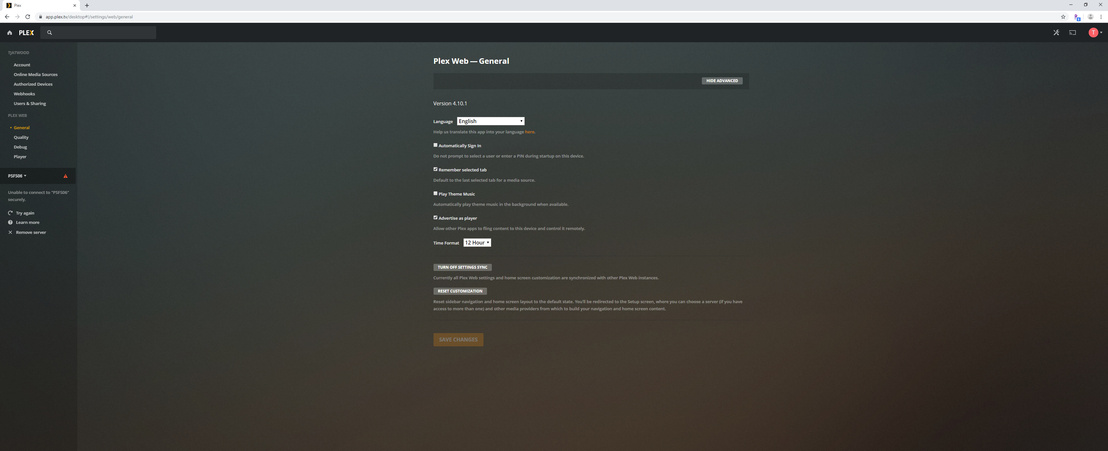
NO MATTER WHAT - inside or outside the network, getting Server Unreachable
Keeps going between reachable and unreachable - had recently updated to 1.18.
When it is unreachable, cannot get into the actual server for server settings.
Getting VERY frustrated. My next move will be to downgrade to 1.16 or move to EMBY
Hopefully, the logs will tell all.
Also have the issue with skipping when settings set to allow Plex to manage for very large bit rate files.
I had the same problem for an entire day after updating to the latest version the night before. I woke to about 78 up/down notifications. Ultimately, this is what I did to fix it, and it has been rock solid ever since. And, I know some of these steps were probably not necessary and the exact order may be off…
Remove all PLEX OS firewall entries. I use Malwarebytes Firewall Control and temporarily set it to not create new rules.
Remove all PLEX port forwarding rules in the router.
Disable PLEX remote access.
Change the PLEX server IP to another static IP in your subnet.
Run “ipconfig /flushdns” on the PLEX server.
In PLEX network settings change “Preferred network interface” from “ANY” to the new IP.
Create the port forwarding rule in the router using a different port#.
Stop PLEX.
Turn the OS firewall on and set to learning mode via Malwarebytes Firewall Control.
Start PLEX.
Enable remote access, set to manual, enter the new port #.
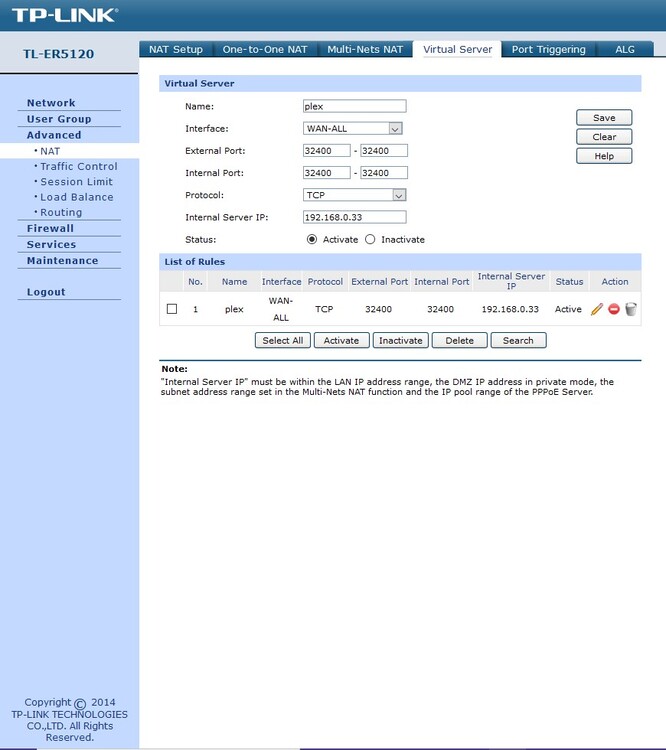
it’s not the firewall, i have all ports open for plex but found that it would only work with a vitual server asign the ports and make DMZ, direct link to the out side web…
Might be down to double NAT, so will have to use virtual server!
Your virtual server is the same thing as port forwarding which I have properly enabled. Will wait to upgrade again once this is fixed. The bug is still out there for playback on local, high bit rate content.
The idea to flush the dns might be a winner here. I was beginning to think it was a changed port with Plex itself but did not have time to tinker with that. Have family members who needed access to the training videos, etc so could not leave it down.
I have the exact same problem and have tried each update for v1.18 of PMS on Windows 10 (latest I tried was v1.18.4.2171 and took over 90 mins.). Every one of them says server is unreachable which is stupid considering the PMS and all it’s data (not media, though) is on the same hard drive on my PC. I keep backing down to v1.17.0.1841 which works fine. What DOES work are all the remote Plex apps on the iPhone, iPad, TiVo when PMS is on v1.18 for short time I have it up until backing down. That tells me it’s NOT a network thing.