Server Version#: 4.31.2
Player Version#: Latest for Apple TV (as of 4/15/2020)
I just found out you can have an intro or welcome video play when you open Plex before it shows your library. I’ve been looking around on account settings and on forums but I haven’t found the option. Does anyone know where it is and how it works?
That was it! I set up a pre roll for my Plex videos. However, after I set one up I noticed that my videos don’t play automatically after the pre roll when I play something remotely. If I play a video locally like from my Apple TV, it works just fine.
Client Support: Not supported by all clients. Only works with clients that support Extras / Trailers. I didn’t see a list of which clients do / do not support this capability.
Client Setting: Clients must allow Cinema Trailers. If set to none, then they won’t get a pre-roll video either.
Library Support: Must be enabled for each library. The Enable Cinema Trailers advanced library setting must also be enabled for the library.
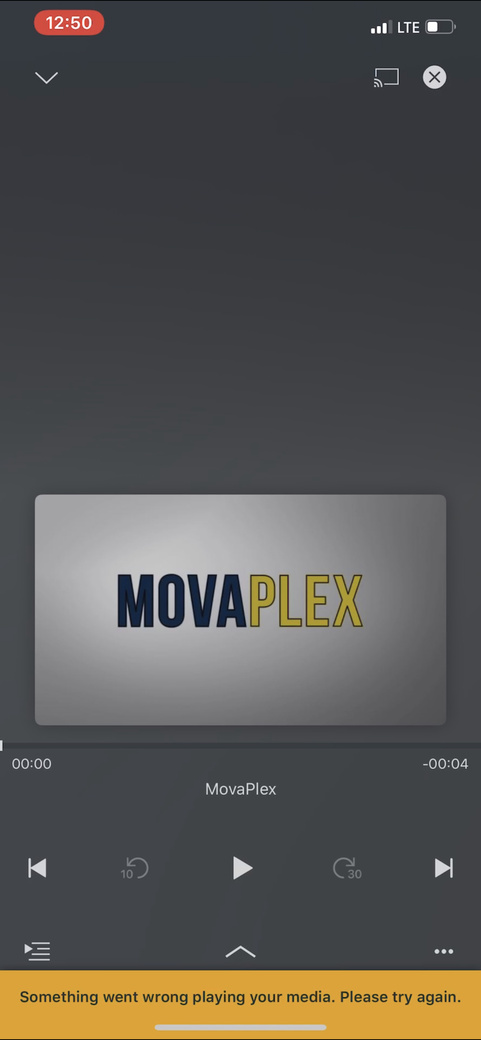
So I checked my library setting and they do have cinema trailers enabled. The client setting I wasn’t entirely sure of, but I couldn’t find anything specified to the app to change. I put a screenshot with what happens. I sometimes receive that error on the bottom and sometimes it’s not there. However, if I’m on my WiFi at home with my server, no problem at all. Pre roll plays, then the video.