Server Version#: v1.24.4.5081-e362dc1ee
Player Version#: - PMS Logs.zip (916.2 KB)
Synology Nas: DSM1513+
OS: DSM 7.0-41890
Hello forum,
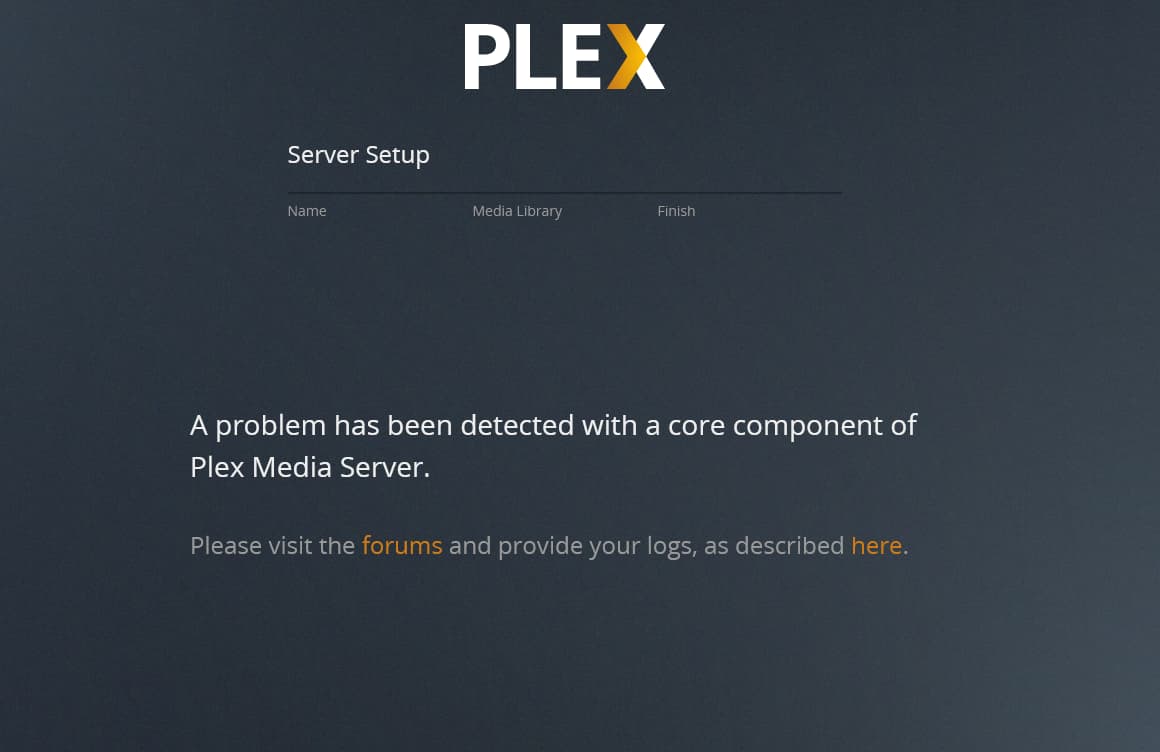
I’m currently trying to install the pms on my synology Nas, the installation itself runs fine but after the installation I always get an error in the plex web interface while trying to set up the server.
My Steps
I downloaded the latest server version from the plex.tv website, I did not use the beta package in the “Package Center”
I manually installed it using a Claim token.
After the installation I opened the web interface and want to set up the server, after the first screen the server displayed a loading animation and then the error.
I already tried reinstalling the server (with both completely remove and just unclaim option, I also deleted the PlexMediaServer shared folder)
As additional information, I know that plex was running on the system once in the past, but it was uninstalled long before updating to dsm7.
Just to clearify, this is the installation of a new server without any settings. I just mentioned the fact that the system did run a psm before in case that it might screw with the installation.
I re-downloaded the package and tried once more to install it, but I still get the error.
As far as I can read the logs the problem seems to be in the com.plexapp.system plugin, it looks to me like it is missing the file Resources/Plug-ins-e362dc1ee/WebClient.bundle/Contents/Info.plist but I dont know the system enough to confirm that that is the problem and how to fix it
Yes, the sha sums did match up, I deleted the old shared folder back when i uninstalled it (I think about 2 years ago) so that one is gone for sure.
For the User, I did never remove it but the only plex related user which I can find is PlexMediaServer which is probably used by the current “new” installation
Thank you for your help, I wanted to try one more thing before letting it sit and collect logs and it seems like the problem is solved.
I uninstalled the server once more while keeping all files & settings, then I installed it with a “Normal installation”. The new server now shows in the web interface with the host-name of the device and no library’s, which I can now add manually.