Server Version#:1.16.2:1321 ASUSTOR
Player Version#: 2.1 LG Content Store
TV : LG65SK8100LLA
I’ve got a problem with linking my account to a TV which was already linked to my NAS but I wanted to test 4K transcoding so I created a brand new account and server from my PC and I logged out and wanted to log in with the new account.
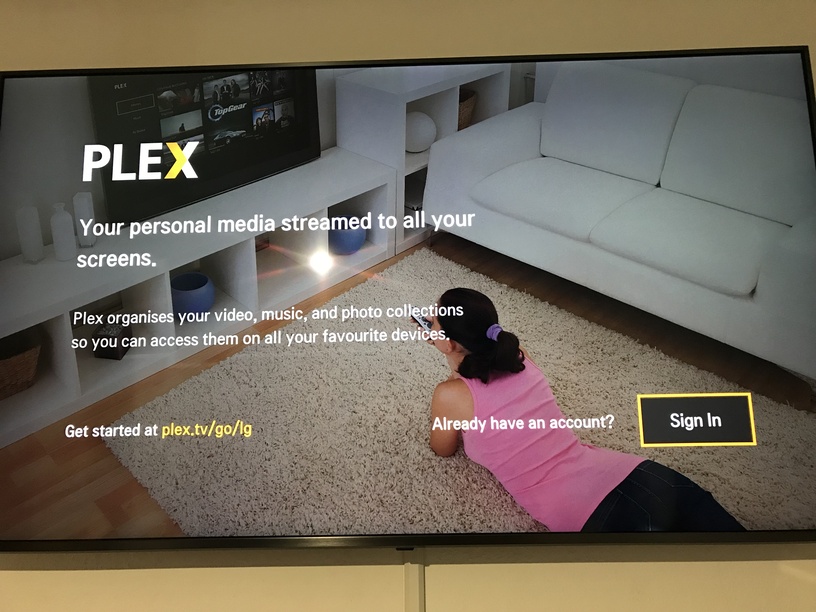
So I did that and when I tried to connect the TV to the PC Server I have to enter the 4 Digit Code and when I do that. I get confirmation from the browser " Account Linked " “Your account has been successfully linked, please revisit your app to continue” and then in the TV appears the black screen with PLEX logo and after 2 seconds send me back to " Sign In" page where I get the 4 digit code. I did that like 20 times and couldn’t get it to work. It just keep redirecting me to this page. Then I decided to give up and go back to my main account which is connected to my NAS and I thought there isn’t going to have problems with that, but this very problem persists.
I did reinstall PLEX TV APP a couple of times even I return the TV to the “Defaut” settings but I can’t connect this TV to none of two servers that I have right now. I have another TV which is almost the same and with him, I don’t have any problems, even with my PC I change the server and I can connect but not with this very TV.
I check always to which account I want to Link that very device, so this isn’t a problem. Everything I do is correct. So if anyone got any idea, please share it !