Server Version#:1.30.0.6359
Player Version#:1.56.2
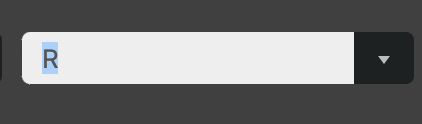
There is an “R” rating and an "R " rating (with a space) in my Content Rating list.
Looking at the XML for the one file shows a space after the “R”.
The file is Lone Survivor (2013)
Question is how to correct this?
Can I edit the XML, and if so how to locate the XML for the file?
I’ve looked at the file using a few tools (filebot, exiftool, xattr -l, media info, subler) and can’t see a content rating associated it with which led me to believe this is being pulled from TMDB. Looking at TMDB I don’t see a way to edit the content rating for movies.
sqlite> SELECT "_rowid_",* FROM "main"."metadata_items" WHERE "id" LIKE '85673' ;
sqlite> UPDATE "main"."metadata_items" SET "content_rating"='R' WHERE "id" LIKE '85673' ;
I am guessing there is another table or another process to update the xml for this media item once the database as been updated?
OK, looks like Cleaning Bundles and Optimize Database made the change permanent.
I guess the main question still needs answering, where does this 'R ’ come from and how to correct it? Since the metadata is being pulled from somewhere I assume that’s the source.