Server Version#: 1.25.3.5409
Player Version#: 4.72.1
I made the mistake of doing the plex library update.
I’ve only had problems since, I managed to fix my metadata issues. But I still have a problem, for several years that I used plex the configuration was the following:
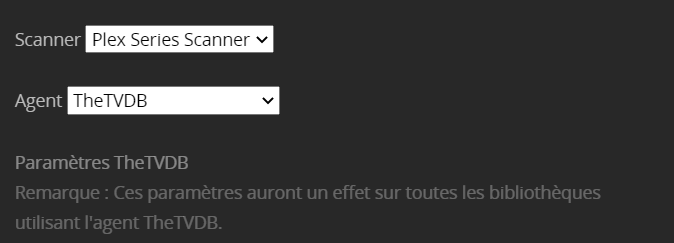
Using Thetvdb
Takes the FR language first, then US
Now if he can’t find FR he takes Japanese.
I would like my configuration to work as before, FR > US > other.
From what I’ve been reading in the forum, it’s unlikely those legacy agents will get more updates/changes.
If you’re using the Plex TV Series agent, you can override the metadata language of individual shows by simply editing their advanced properties ( > Advanced > Metadata language; you might need to refresh the metadata after changing the metadata language).
What are you trying to achieve by “forcing TheTVDb”?
You can configure the “Plex TV Series” agent to default to the episode ordering from TheTVDb: ⋮ > Manage Library > Edit... → Advanced > Episode ordering
If you have trouble with the ordering of a particular show you can override the library configuration by editing that show: > Advanced > Episode ordering
That’s where you can also direct the show to use aired, DVD or absolute order from TheTVDb.
Setting the episode ordering will exactly address the kind of disconnects where episodes are listed under a different number on both platforms.
Plex is consolidating a lot of data; so even if you’re using the episode ordering from TheTVDb you could still get the episode’s rating from TMDb (depending on your library configuration/preference).

 >
> 

