So I am in a bit of a pickle, I had two accounts and went to delete the old one, well for some reason I think it deleted the one I am currently using. Which I find weird I can still access the forums on it. I try to log into either account and my passwords do not work, i tried “forgot password” but no email is sent.
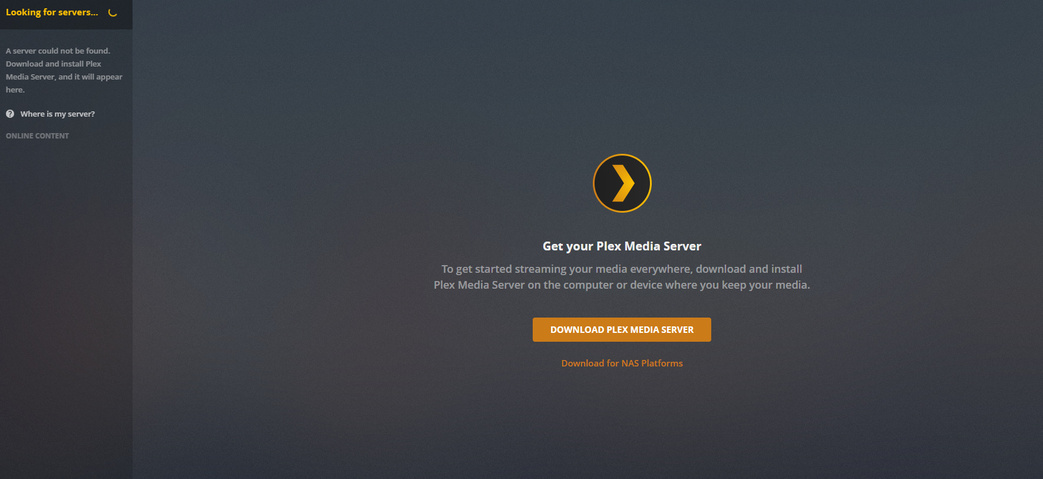
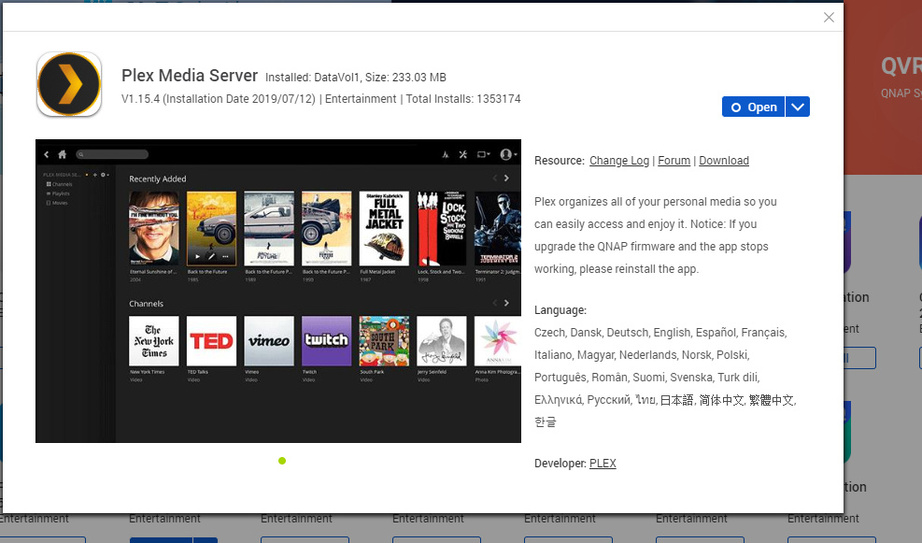
Also My Plex media server stopped working today (was tinkering around and this is the reason I deleted the account), I tried updating the qnap software version, and the plex media version, but to no avail. It gets stuck in trying to find the server.
I hate to be a bother, but is there anything you can do or recommend?
Thanks for the reply. I tried reinstalling the server, including restarting it. Sadly I cant ssh into it since it is not port forwarded. Right now it just gets stuck on looking for server. Is there a way to undo the soft-delete?
And I am loging into it via an IP and not app.plex.tv.
As always, thanks for the help/time.
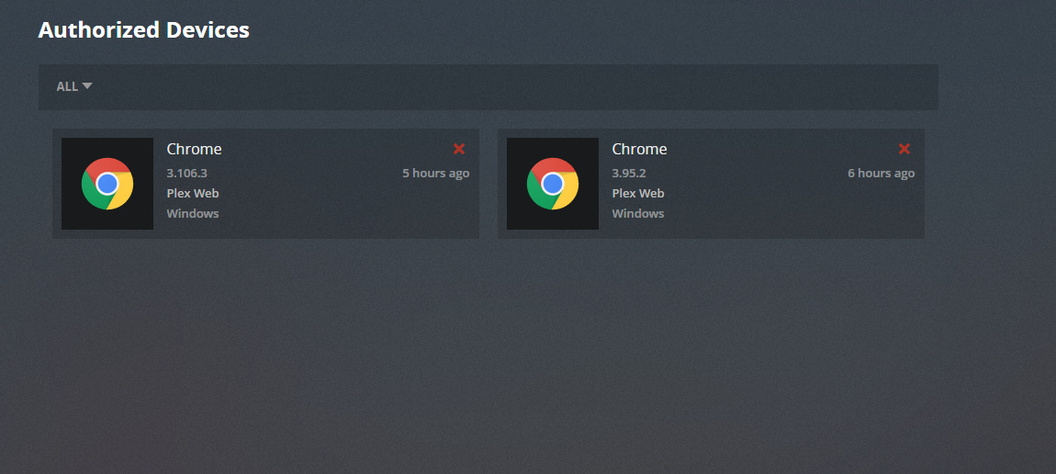
Edit: The server is not listed on my Devices page either
The QNAP Nas TS-451+ is connected to the wifi but refuses to get internet access. I have tested the usb wifi adapter and it is working. So if anyone has suggestions about that let me know. The nas is not a static IP.
Other devices are connected to the wifi and have internet access.
I will look into this when I get home. TO my knowledge it was set as the default gateway. I found some people online who had mentioned that they had to factory reset the nas and it fixed it. I will post the screenshots when I check up on it!
I connected to the ip and not app.plex as I have been doing. I logged out like 6 times, every time I refreshed I was logged back in again. Eventually it prompted me to log in and to create my libraries. Sadly it has to rescan everything and all my poster art/groupings are gone, but I have my server back!