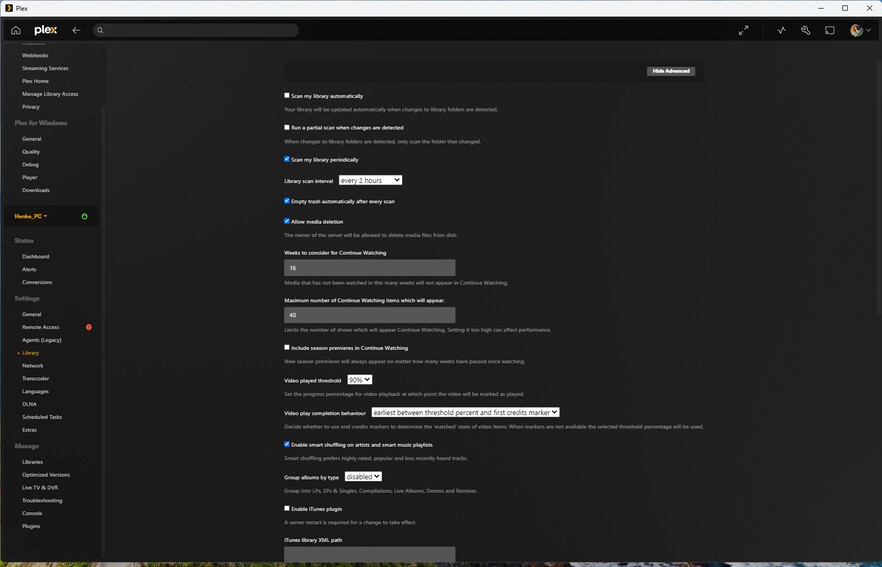
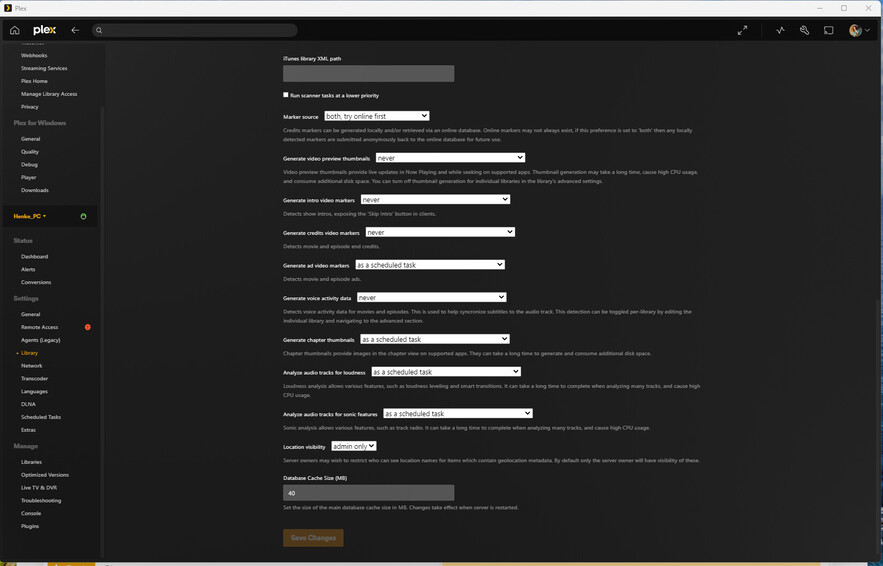
Server Version#: 1.41.6.9685
Player Version#: 1.108.1.307-dd5b87aa
After putting albums in the correct folders, and doing a library scan some music albums are shown (while scanning) but immediately disappears from the Artist area in my PLEX player. Both the server and the player is hosted on my Windows PC. I checked the unmatched and I have no unmatched.
It seems to happen to live albums, as well as cd boxes (that are ripped to FLAC). I have not noticed this problem with any studio albums (as far as I know).
It may be a naming mis-match, I guess, but the albums are briefly in the Artists list of albums (while the scanning is ongoing) so I am not sure. I also don’t know how to find them within PLEX so I can rectify any naming errors…
Anyone have any idea? Any help would be appreciated.
Switch the library to album view mode or maybe even track view mode.
Then look for titles you recently added.
Most likely, the newly added stuff has been merged into already existing artists, or albums.
Keep in mind that in Plex
there is no support for box sets - particularly when they contain albums by more than one artist. While you can add a box set as a large multi-disc album, all these discs must have the same identical AlbumArtist tagged.
each album can only be assigned to one AlbumArtist. If an album is tagged with more than one artist, it is usually merged into the existing record of one of these artists.
each track must be on a release (i.e. Album)
each release must be attributed to one Artist
Sampler albums and compilations usually use “Various Artists” as their AlbumArtist
Folders full of mixed tracks (i.e. without subfolders for AlbumArtist and Albumtitle) will usually cause chaos in Plex.
Particularly if you have enabled “Prefer local metatags” in the properties of the library.
Artist and AlbumArtist are two different things. There are also different meta tags for them.
If you have an album where all tracks DON’T have identical content in the AlbumArtist
metatags (or NO AlbumArtist metag at all), then mismatches are very likely.
Maybe it was just a matter of caching.
If releases are moved from regular albums to one of the other categories (or the other way around) it usually requires the client to load the artist’s page completely afresh.
In some cases, it even requires a nightly server maintenance cycle to pass, as some search indices in the database are only re-created during that time.