Server Version#: LINUX SRV on Desktop : 4.131.1
Player Version#: Apple TV
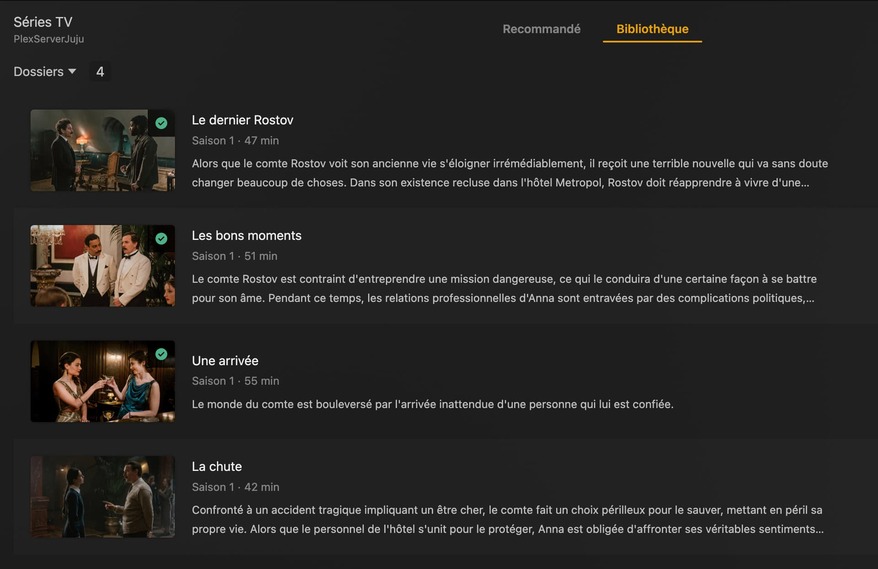
Hello, i have a strange problem with my plex server. I have some files (mkv) that are not visible in Plex.
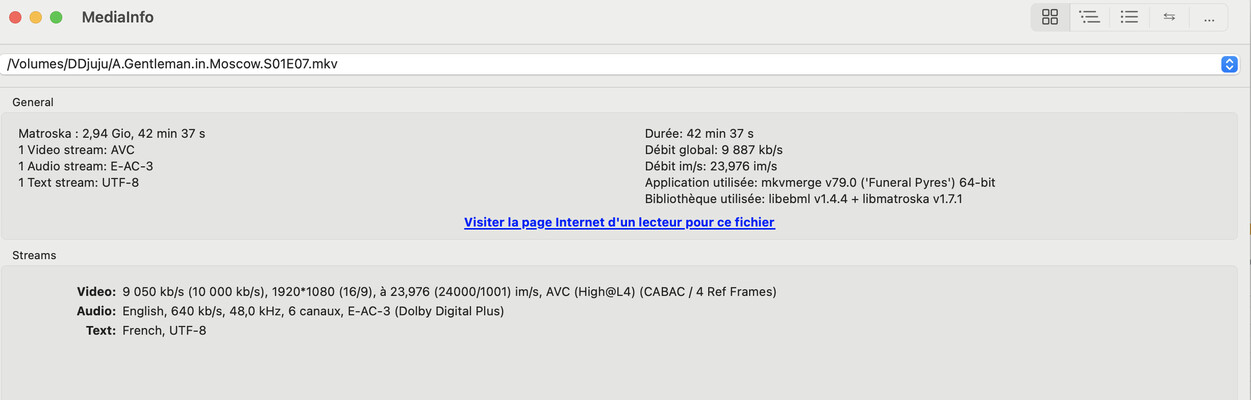
It is not naming problem. Sometime i just have to use MKVtoolnix to remux it removing a subtitle and then the export file with the same same works fine. Some times i have to reencode them.
I don’t realy understand the problem with my mkv : to many subtitle ? AC3 audio ? All files are readable directly on my laptop and my appltv.
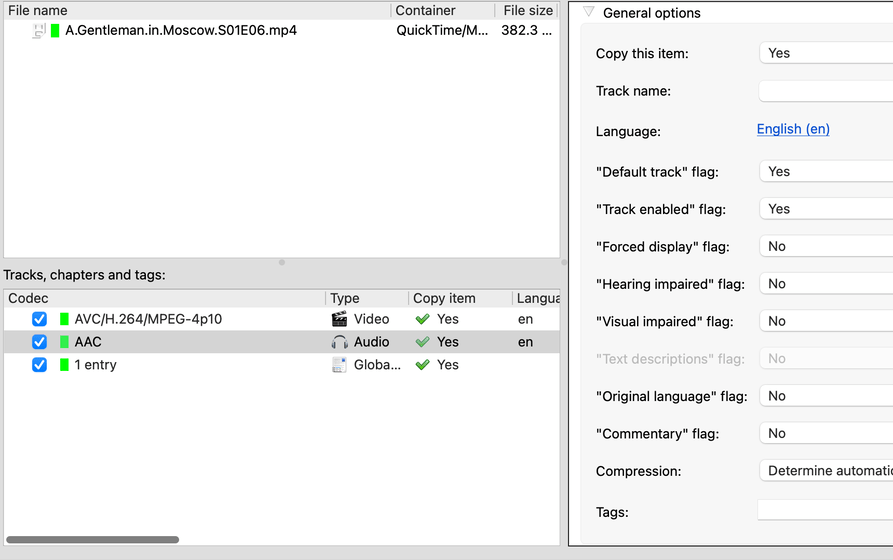
Tip: in your last screenshot above, you usually want to disable the check mark on the lines “Tags” and “Global tags”. These get inserted into MKV files by e.g. Handbrake, but usually do no good whatsoever. In fact, they sometimes contain contrary information to the regular MKV properties. I haven’t seen any instance where removing them would have caused some unwanted consequences.
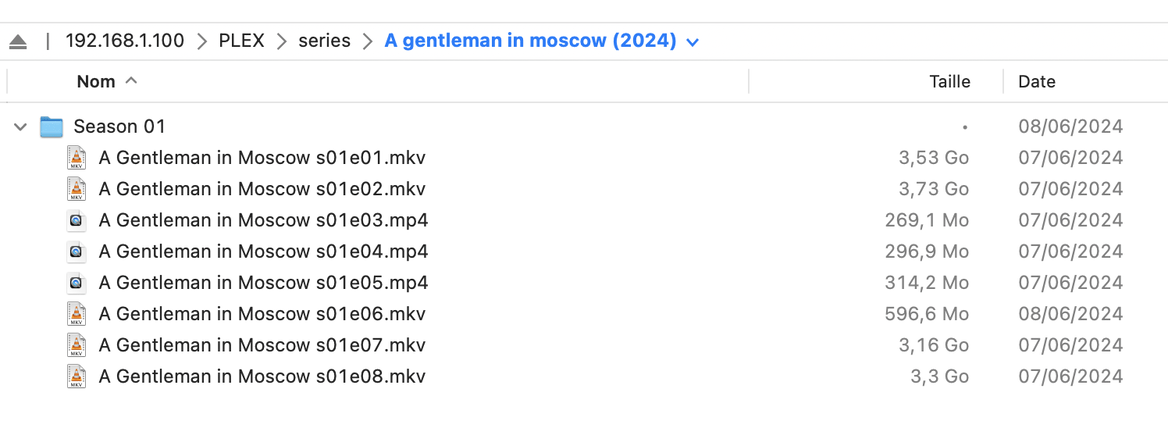
Plex Dance the show after renaming & reorganizing.
/Volumes/DDjuu  <-- Not added to any Plex library
../TV Shows <-- Add to TV Show library
..../A Gentleman in Moscow (2024) <-- ShowName (IntroYear)
....../Season 01 <-- "Season" in English
......../A Gentleman in Moscow s01e07.mkv
Another tip: avoid using 10bit color and the AVC codec together.
But that also has nothing to do with Plex server not picking it up.
Switch your series library to Episodes view mode.
Then enable the Duplicates filter.
If there are any duplicates, take a look at the file names in the Plex media info.
Effectivelly your right when i put a txt file rename with exactly the same name has my mkv it appear automatically in plex but the name is exactly the same i made a copy /past that why i became crazy !!!
thanks a lot i continue my prospection
Would you drop back in one of the files that plex is not finding for you, let it scan and the upload the server logs. We might be able to see what is happening in the logs.
Also, could you run ffprobe on the file and include that output ? The below syntax should give us all the information within the file.
Hello thanks a lot everyone, i got it, it is not a naming problem but a right problem, when i drag thought scp my files to server, some files stay in RWX for root only.
I run a chmod 644 -r in the folder and all files appear in plex very nice.
Very sorry fonr this stupid question, i’m happy to solve this probleme
Thanks again everyone taking time to help me