Hey,
recently I bought Hauppauge WinTV-QuadHD because I’ve read that Plex supports it and I want to use Plex as much as I can so I wanted Live TV.
I successfully set up the xmltv thing (because I found out Plex no longer supports the default-automatic EPG for the Czech Republic so I needed to make my own)
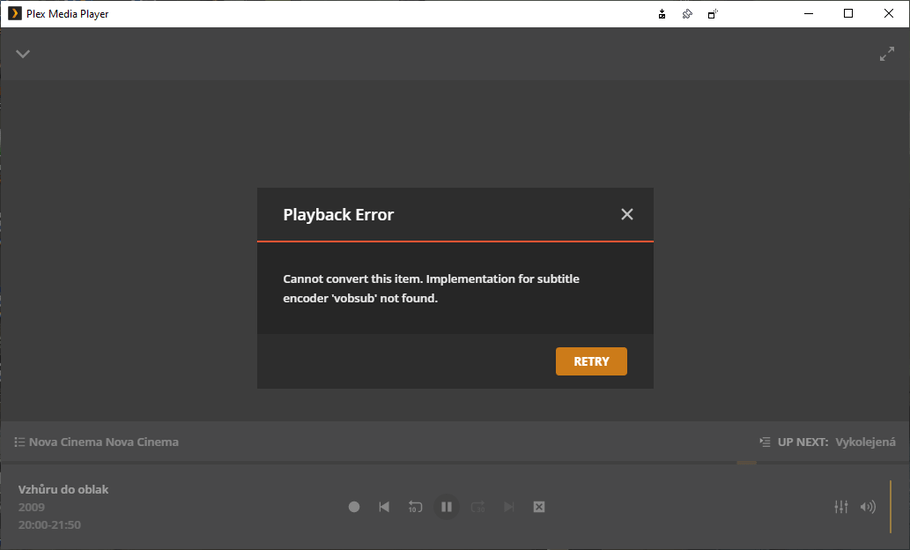
Now I found a problem. Some of the channels can’t be played on the Plex Media Player for Windows, it says:
Playback Error
Cannot convert this item. Implementation for subtitle encoder ‘vobsub’ not found.
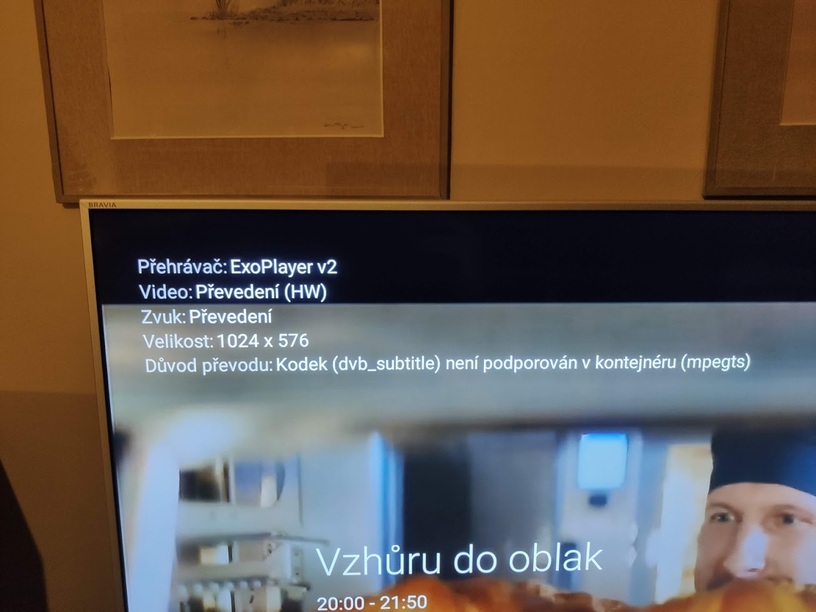
When I play the same channel on the Plex on my Android TV, it plays, but it’s transcoding and as the reason, it says:
“Codec (dvd_subtitle) is not supported in the container (mpegts)”
Is this because of the subtitles that the TV channel is streaming together with the video and audio?
Can I somehow disable the subtitles from loading? Because I don’t care about the subtitles at all, I just want to be able to watch all of the TV channels that I have.
If you need any logs I will be more than happy to provide them (if you tell me how)
Thanks for answers and have a great day,
Mavi
