Hello.
Searched the forum, and online, and can’t find any reasonable answer… Can’t we just have an option to show/sort music artists by Firstname/Surname, instead of Surname/Firstname?
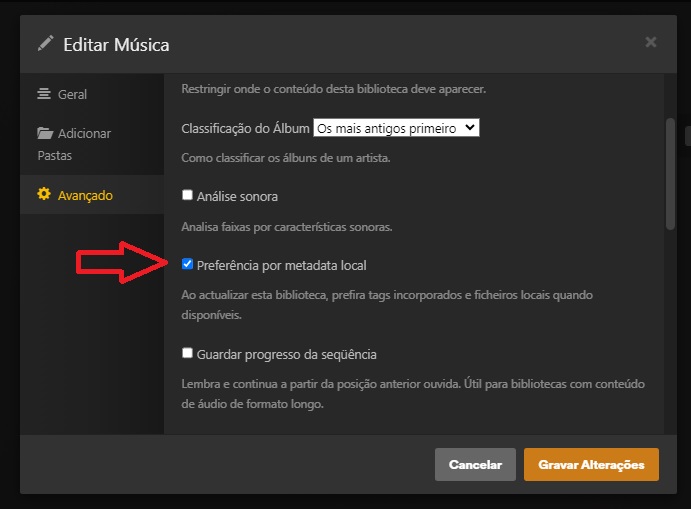
It happens when I have local metadata off (because of MusicBrainz, I guess…), but also if I have local metadata on, and the tags have the names in the right order. All the “script” options are unavailable because plugins are no longer supported (great thing to happen after buying Lifetime Pass, btw…).
Is it that hard to implement a “Sort” drop down button with “Name/Surname” or “Surname/Name” option?
Server Version#: 1.41.4.9463
Artist is a single string field. not separate for first/last. if you want the “sort artist” field populated a different way that has to come from local embedded tags in your files.
Sorry, but that has nothing to do with it.
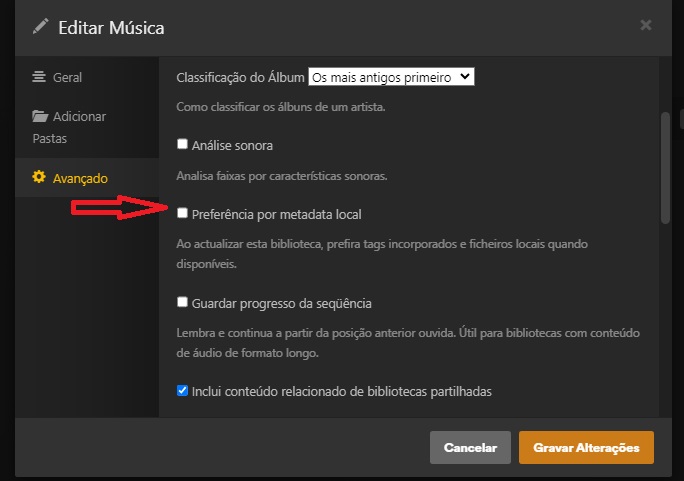
First, with:
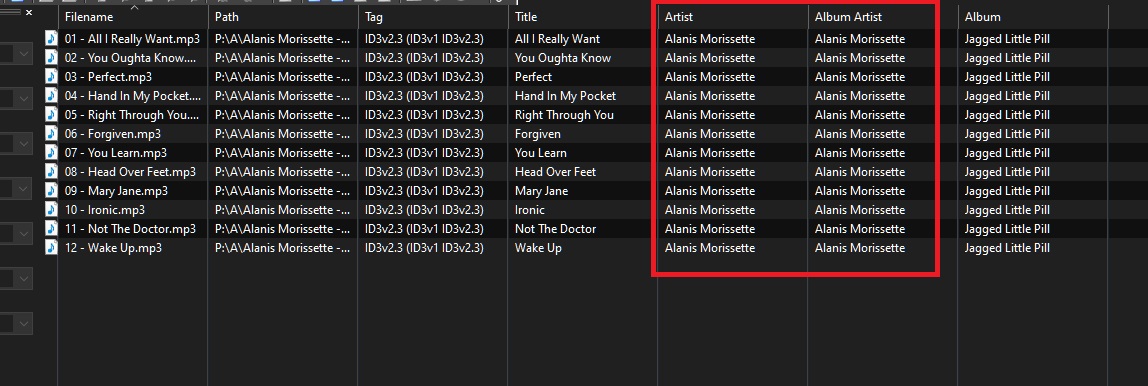
…and…
I get:
But with:
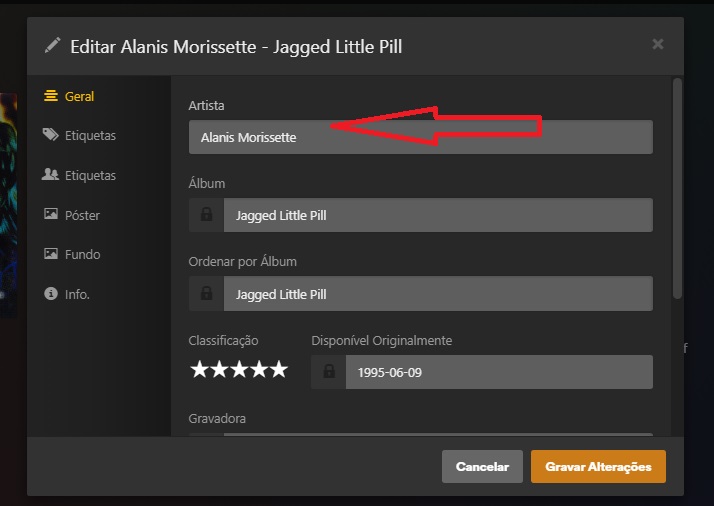
I get:
If I change to:
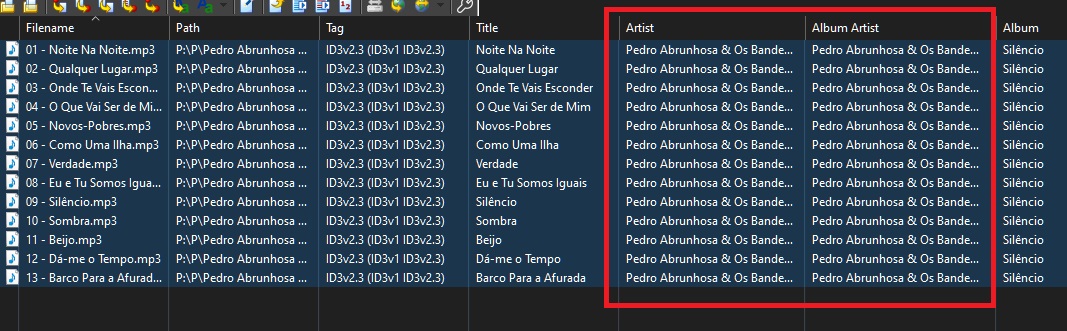
Even tho I still have:
I still get:
With the “local embedded tags” in Name Surname format I still get “Brian Adams” in the “A” (not B) and “Afonso Dias” also in “A” (according to the Brian Adams example, it should be in D).
BTW, with the exact same files (and tags) I can sort by “Name” or “Surname” with Emby, Twonky and even Windows Media Player…
After further investigation I find that the problem has nothing to do with MusicBrainz, or the tags. I have a band called “A Fúria do Açucar”. When I search on MusicBrainz I get “A Fúria do Açucar”. My tags (#artist, #albumartist, #artistsort, #albumartistsort) all have “A Fúria do Açucar”. Plex recognizes the band as “A Fúria do Açucar” but the field “Ordenar por artista” (I guess it translate to “Sort by artist”) shows “Fúria do Açucar”. It totally omits the “A” and the artist/albums, instead of going to the A section, go to the F section.
The only conclusion it that the problem is the way Plex handles the tag, not the tag itself. Hence, if it’s the way Plex handles the tag (and omits some info, and changes other info), it can also be customized to be sorted any way we want. Just need to give options on HOW Plex handles the tag.
Online we find that this is a very old problem (non existent in other products) so, if Plex doesn’t fix it is because they don’t WANT, not because they CAN’T.
The swapping of surname and last name is definitely caused by an embedded “Artist Sort” meta tag in one of your files.
Even if you later removed this tag from your files – at this point the artist record has already been created in plex’s internal database. So the sorting will not change unless you either
- edit the artist in Plex and change the Sort Artist field manually
- remove the whole music library from Plex and recreate it
Your last post above describes something unrelated to the initial issue.
Some articles from titles and artist names are automatically removed by Plex, to create their “sort title”. This is done to achieve bibliographical library sorting. An item with “A Weird Title” is therefore to be found among other titles starting with “W”, instead of “A”. If this wasn’t done, about 40% of all titles would be clustered together under the letters A and T (assuming all titles are in English).
Of course, with names and titles in other languages than English, this strategy not always appropriate.
Therefore you can edit a hidden server preference, in order to define the list of articles which shall receive this treatment.
If you want to disable it completely, put an empty string in there (instead of deleting the preference completely).
https://support.plex.tv/articles/201105343-advanced-hidden-server-settings/
ArticleStrings
This change will only affect newly added titles and artists. It will not change the server database retroactively and edit all the Sort Titles of all those items.