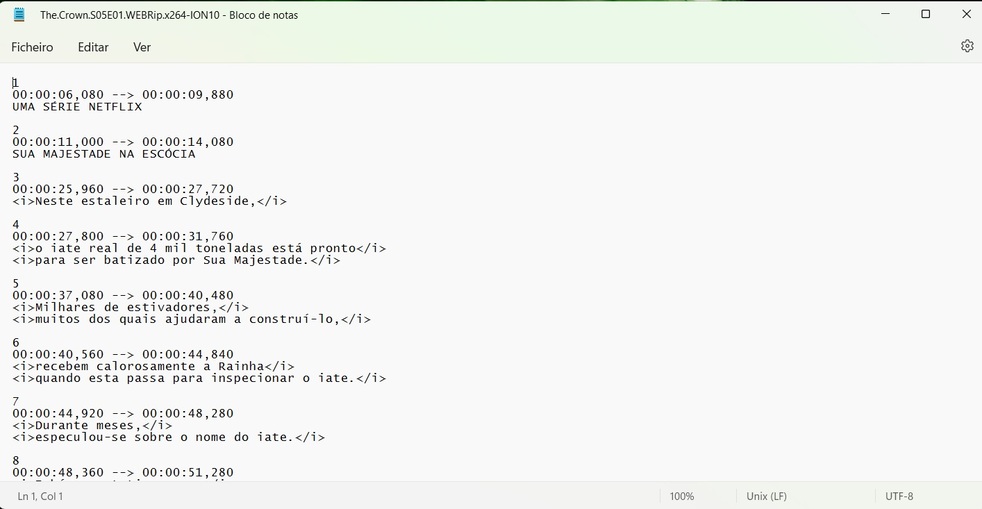
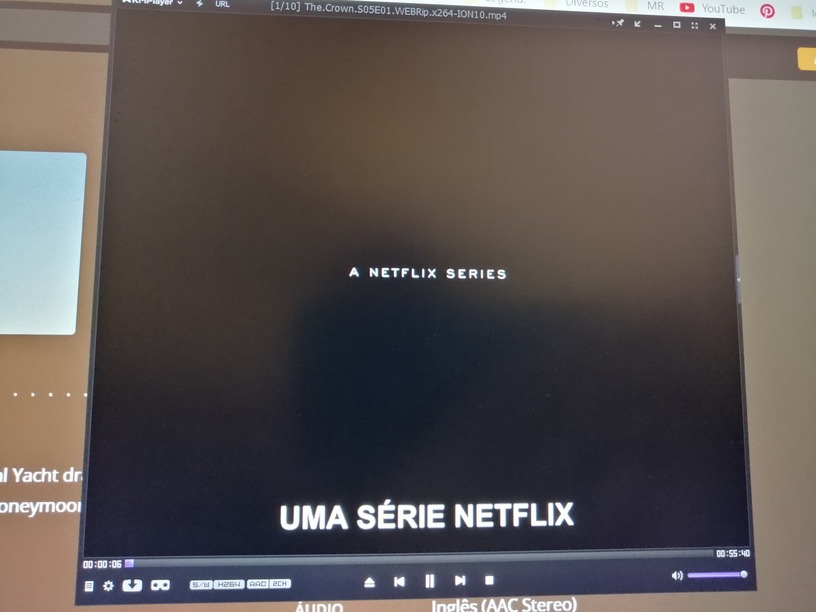
After the last Plex Play update on my LG tv, accented subtitles started to appear with errors (čćšđ…) with files I have in SRT and some of the ones I use online on XPlay. When I use the computer they are correct, but on TV it does not work. How can I fix this?
Server Version# 1.29.2.6364-6d72b0cf6
Player Version# v2.800.65
I don’t think I’m doing the right steps… I’ve tried and it’s still the same! On a PC player it works without error, on Plex on the Web without a problem, on XPLAY on TV it remains the same!
It’s the same, on Plex Web it works ok on TV’s XPlay it still has the error. I installed the PLEX app on the TV and it works fine, but it is much slower than XPlay and you cannot skip ahead for exemple… I’ve been using this service for years and I don’t understand why it stopped working
This subtitle file is messed up in general. All punctuation which is supposed to appear at the end of sentences is moved to the beginning.
It appears to have been edited in a LTR text editor at one time.