Server Version#: 1.40.2.8395
Player Version#:4.125.1
<If providing server logs please do NOT turn on verbose logging, only debug logging should be enabled>
Hi All,
I currently have my plex server setup on my pc (PC is connected to internet via ethernet), IOS app from which i cast to my TV with a Chromecast which is also connected via ethernet.
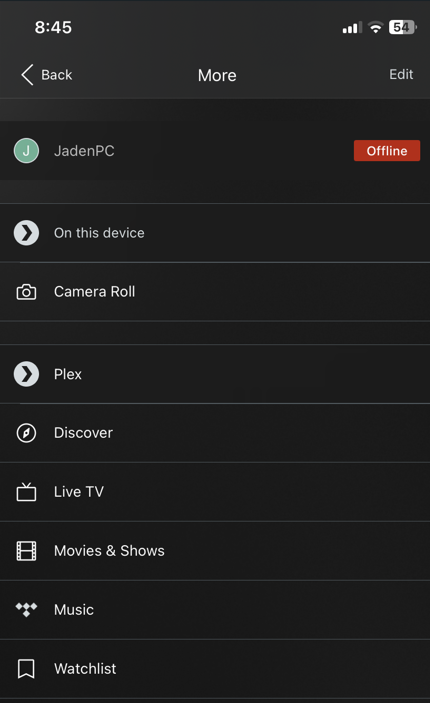
All of a sudden, my ios app consistently says that my server is offline when it plainly isnt.
There is no Chromecast visible when my pc is connected via ethernet only, if i connect to wifi i can then see the Chromecast, this has never been a thing.
If i do try and cast to the Chromecast i get “The server “server name” does not have a valid connection for casting. Check that the server is claimed in settings”. The server is claimed.
At this stage ive no clue what to do, i have logged in and out, removed the plex server, readded it, changed passwords, deleted and reinstalled the app but there has been no fix
Any info on this would be greatly appreciated
Cheers


Make sure that Windows considers the wired network connection as “private”, and not as “public”.
After disabling/enabling network connections, you need to stop and restart Plex server using its task tray icon.
I have never changed this and there have never been any issues, changed PC to private and no difference, exited and restarted PMS, IOS still saying server is offline, PC cannot find Chromecast on the same network
Windows changes this on its own, under certain circumstances.
Have you actually verified what it says at the moment?
Very strange, i dont believe my network has ever been setup as private
Yes, no difference
It certainly has been “private”, unless you’ve opened all those ports manually in the Windows firewall: https://support.plex.tv/articles/201543147-what-network-ports-do-i-need-to-allow-through-my-firewall/
Chromecasts are only visible in Plex clients which are running inside of Google software, like the Chrome web browser and Android OS.
How many router-like devices are in your network?
Have you had an update on these recently? (software or hardware)
Did you switch internet providers recently, or switched to a different tariff on your existing provider?
Did you add any network devices, like internet filters, proxies, network over powerline or tv cable, wireless access points etc.pp.?
