So I keep getting a ‘Playback Error, Too many active streams’ message. It always happens when I refresh the page, usually because I’ve pressed pause on whatever I’m watching and the media just wont seem to load until I refresh the page.
I know this is a common error message to pop up and there’s lots of posts already about this issue but none of the answers seem to actually help.
I’ve tried all the classics; logging out, removed all the devices, restarted my laptop, cleared the cache etc etc. I’m watching on safari on a MacBook. There’s no other Plex tabs or windows open, there’s no other devices watching. Plex just for some reason thinks there’s another stream that isn’t there and it seems like I just have to wait for a random amount of time before it catches up to reality.
Is there anything I can do?
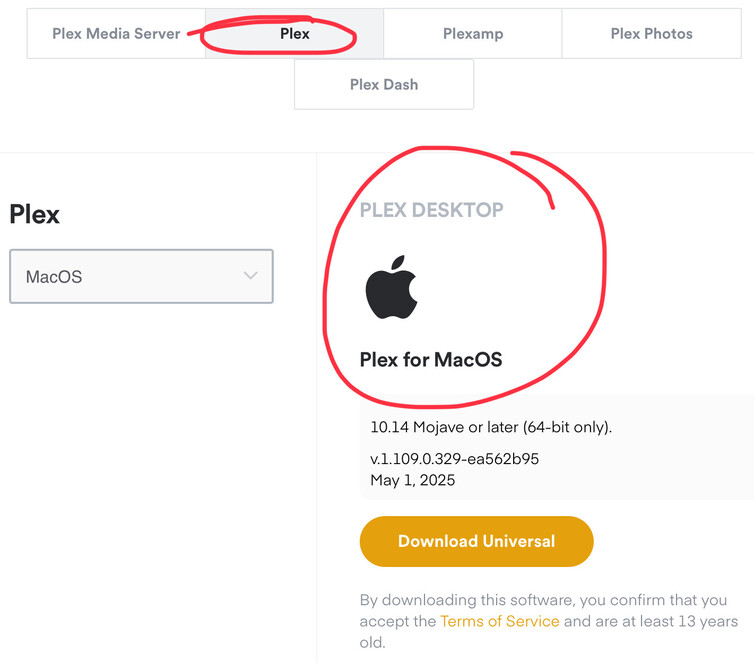
Is there a particular reason you’re not using the actual MacOS app?
I understand why pulling up the browser is the easiest cop out but the Web player is honestly the  way for using Plex and it can break Safari by maxing out CPU RAM and resources where using the Plex App for Mac won’t.
Download, Sign in… Resume playback
I’ve never used the app but gave it a go. Have just downloaded it and tried to play something and now I get the same message on the app too. Just tried going back on the safari version and it still says too many streams.
I noticed you’re not a Plex Pass user, but do you have a Plex Server setup on a PC/NAS or are you streaming off someone else’s server?
If YOU have setup your own server, you’ll want to QUIT and shutdown Plex Server and start it up again. Shutting the server down will abruptly stop whatever is clogging those connections up. Restating the Server gives you a fresh slate.
I’m streaming off someone else server
Okay, that’s unfortunately something the Server administrator will have to do. If you can contact who that person is and let them know that the server needs to be restarted, they’d get that fixed in about a couple of minutes.
They also may have setup on their end a set amount of available slots in which X many people can stream at one time. That also may be causing you to not be able to watch.
Either way, you’re still gonna have to communicate that to the server owner.
Started using the proper app instead of watching on safari. Much better. Thank you