Transcoding Error on QNAP with GTX 1650

QNAP Hardware: TVS-872x-i5 (Intel i5-8400)
Video card: ZOTAC GAMING GeForce GTX 1650 LP 4GB GDDR6 (ZT-T16520H-10L)
QNAP OS: QUTS Hero h5.0.0.2069
Server Version#: 1.27.2
Player Version#: N/A, Google TV w/ Chromecast
NVidia Kernel Driver: 5.0.1.2045 (provided by QNAP)
NVidia GPU Driver: 5.0.4.1 (provided by QNAP)
NVidia chipset: Turing TU117
NVidia NVDec: 4th gen
NVidia NVEnc: 6th gen
Plex Pass: Yes

More detailed hardware breakdown at the cross-post:
https://forum.qnap.com/viewtopic.php?f=182&t=167052

I have a new QNAP NAS as my media server for my 4K Vision/Atmos theater and I was dissatisfied with the transcoding performance offered by the onboard graphics on the Core i5. I added the graphics card above specifically for Plex to use for these situations. Following the QNAP instructions, I adjusted Plex’s Preferences.xml file to include the tag HardwareDevicePath="/dev/dri/renderD129", which I confirmed exists for my system. The result from this is that transcoding no longer works at all. Neither nvenc nor vaapi are working with this value being set.

Logs look like:

Jul 12, 2022 22:23:22.199 [0x7fe776f28b38] Debug — [Req#31ff/Transcode] Codecs: testing h264_nvenc (encoder)
Jul 12, 2022 22:23:22.200 [0x7fe776f28b38] Debug — [Req#31ff/Transcode] Codecs: hardware transcoding: testing API nvenc
Jul 12, 2022 22:23:22.200 [0x7fe776f28b38] Error — [Req#31ff/Transcode] [FFMPEG] - Cannot load libcuda.so.1
Jul 12, 2022 22:23:22.200 [0x7fe776f28b38] Error — [Req#31ff/Transcode] [FFMPEG] - Could not dynamically load CUDA
Jul 12, 2022 22:23:22.200 [0x7fe776f28b38] Debug — [Req#31ff/Transcode] Codecs: hardware transcoding: opening hw device failed - probably not supported by this system, error: Unknown error occurred
Jul 12, 2022 22:23:22.200 [0x7fe776f28b38] Debug — [Req#31ff/Transcode] Could not create hardware context for h264_nvenc
Jul 12, 2022 22:23:22.200 [0x7fe776f28b38] Debug — [Req#31ff/Transcode] Codecs: testing hevc (decoder) with hwdevice vaapi
Jul 12, 2022 22:23:22.200 [0x7fe776f28b38] Debug — [Req#31ff/Transcode] Codecs: hardware transcoding: testing API vaapi
Jul 12, 2022 22:23:22.200 [0x7fe776f28b38] Error — [Req#31ff/Transcode] [FFMPEG] - libva: vaGetDriverNameByIndex() failed with unknown libva error, driver_name = (null)
Jul 12, 2022 22:23:22.200 [0x7fe776f28b38] Error — [Req#31ff/Transcode] [FFMPEG] - Failed to initialise VAAPI connection: -1 (unknown libva error).
Jul 12, 2022 22:23:22.200 [0x7fe776f28b38] Debug — [Req#31ff/Transcode] Codecs: hardware transcoding: opening hw device failed - probably not supported by this system, error: I/O error
Jul 12, 2022 22:23:22.200 [0x7fe776f28b38] Debug — [Req#31ff/Transcode] Could not create hardware context for hevc
Jul 12, 2022 22:23:22.200 [0x7fe776f28b38] Debug — [Req#31ff/Transcode] Codecs: testing hevc (decoder) with hwdevice nvdec
Jul 12, 2022 22:23:22.200 [0x7fe776f28b38] Debug — [Req#31ff/Transcode] Codecs: hardware transcoding: testing API nvdec
Jul 12, 2022 22:23:22.201 [0x7fe776f28b38] Error — [Req#31ff/Transcode] [FFMPEG] - Cannot load libcuda.so.1
Jul 12, 2022 22:23:22.201 [0x7fe776f28b38] Error — [Req#31ff/Transcode] [FFMPEG] - Could not dynamically load CUDA
Jul 12, 2022 22:23:22.201 [0x7fe776f28b38] Debug — [Req#31ff/Transcode] Codecs: hardware transcoding: opening hw device failed - probably not supported by this system, error: Unknown error occurred
Jul 12, 2022 22:23:22.201 [0x7fe776f28b38] Debug — [Req#31ff/Transcode] Could not create hardware context for hevc

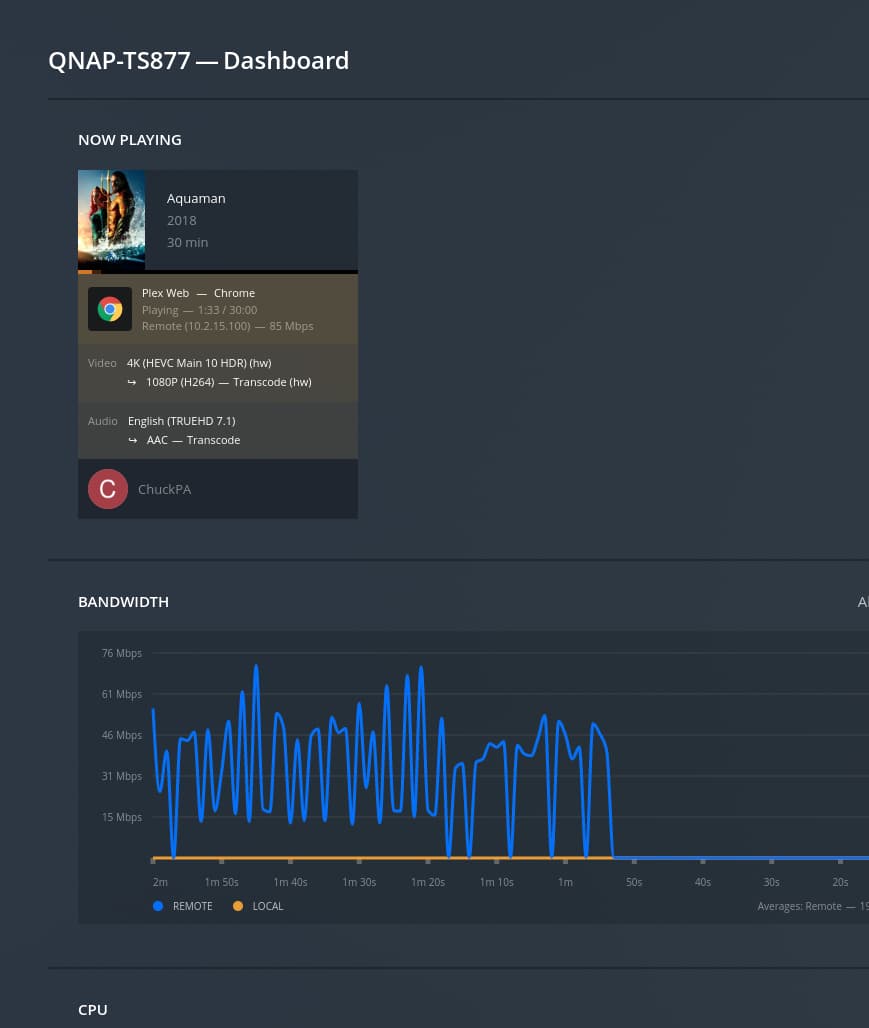
While I did use a particular graphics card not specifically included on the QNAP compatibility list, other GTX 1650 cards are listed and in the QuTS interface everything suggests it ought to work:

Not using any virtualization or passthrough, and the unit is headless.

Anyone seen this before? I’m stuck.
When you started PMS, did you receive any notifications in the message log?

Error messages would be:

  1. “NVIDIA GPU detected and the drivers are installed. Please switch card to ‘QTS’ mode for PMS to access it.”

  2. “NVIDIA GPU detected but the drivers are not installed. Please install the NVIDIA drivers to use this card with Plex Media Server.”

The test I perform to see if a GPU is available is:

  1. gpuhal_app -l → shows the list of installed cards
  2. gpuhal_app -s ID → Using the ID number from the list above, get its status
  3. if status returns driver_installed=1 then drivers are recognized as installed
  4. if status returns real_status=2 then the card is available (in QTS mode)

Can you confirm you’re getting these results ?

Thanks for your help!

Upon using the DOWNLOAD LOGS button from the “Troubleshooting” page in the Plex UI on app.plex.tv to get the PMS and other logs, I can confirm that neither the string nvidia nor gpu appear in a meaningful case-insensitive search across all the downloaded logs. The nvidia string returns zero matches in these logs.

As for the gpuhal_app results, I can confirm:

$ gpuhal_app -l
0:Intel Corporation:UHD Graphics 630 (Desktop):internal:2
1:NVIDIA Corporation:TU117 [GeForce GTX 1650]:external:7

$ gpuhal_app -s 1
active_status=2,real_status=2,driverqpkg=NVIDIA_GPU_DRV,driver_installed=1,in_used=none,transcode=1,display=1,pcie_slot=1,pcie_vp=1,va_type=none

Everything seems kosher there AFAICT.

Poked around a bit. Not sure if this is interesting or normal, but it’s not what I expected. I expected renderD129 for card index 1.

$ gpuhal_app -T=1
2//dev/dri/renderD128
$ gpuhal_app -T=0
2//dev/dri/renderD128

The -T option is insignificant.

I’m interested in seeing gpuhal_app -g

Everything you’ve shown so far implies, while the card is seen, the Nvidia drivers aren’t supporting it.

I’m signed into our HQ machine now and will test further

Per App Center, I updated to 5.0.4.1 and started PMS.

Hardware transcoding engaged normally using PMS 1.27.2 and our GT-1050 ti card.

My only thought is something with that particular card.

There is ample room to insert something like a P2200 or 1050.
Might you have access to borrow one and test ?

Thanks for testing! I don’t have access to a 1050 series card at the moment. I went with the 1650 due to the difficulty and expense in currently finding the older generation cards, along with the improved nvdec/nvenc generation and efficiency. My preference is to stick with something newer if it’s feasible to do so (and, naturally, to avoid the hassle of a removal and return cycle).

Running with -g shows me support=3, which is what I expected.

I am not sure if opening a ticket with QNAP asking for a driver update is correct or productive, but it’s the only other action I can think of at the moment. I’d rather not switch my entire NAS onto the beta software to test out the driver in the test release branch, at least unless I have some solid information that support has been extended there.

I believe I have resolved this problem. There appears to be a bug QNAP’s current version of the NVidia GPU installation script. I discovered this by poking around the libraries a bit. None of them were loaded. Here is what to do:

  1. ssh in to the device as “admin”. No other user will work due to file permissions.
  2. Edit /etc/ld.so.conf using your editor of choice such as vim.
  3. Add a new line with the contents /opt/NVIDIA_GPU_DRV/usr/lib
    • Note directory is correct for the QuTS Hero OS and driver versions at the top of the thread.
  4. Save the file.
  5. Run ldconfig
  6. Restart Plex Media Server.

Plex will now find and use the installed libcuda library.

1 Like

This topic was automatically closed 90 days after the last reply. New replies are no longer allowed.
