I thought I had seen a similar post but can’t find it now.
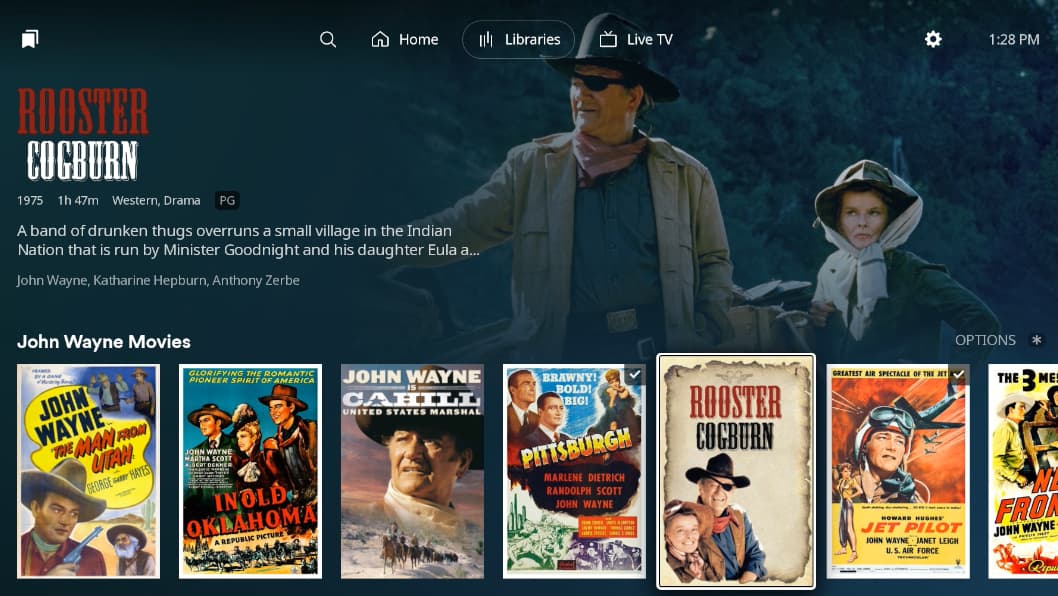
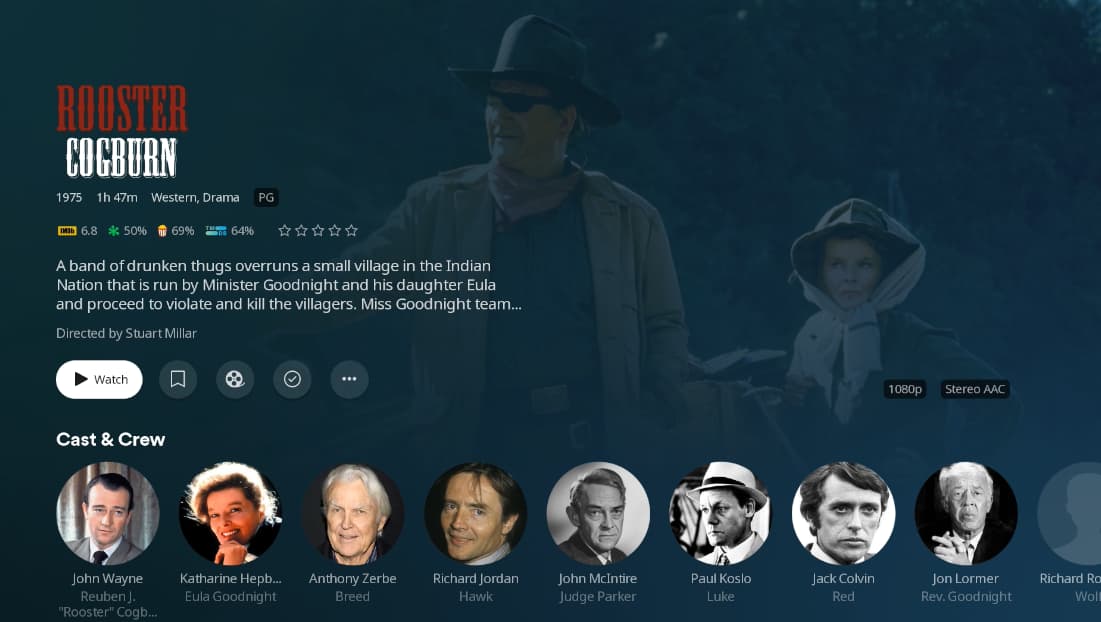
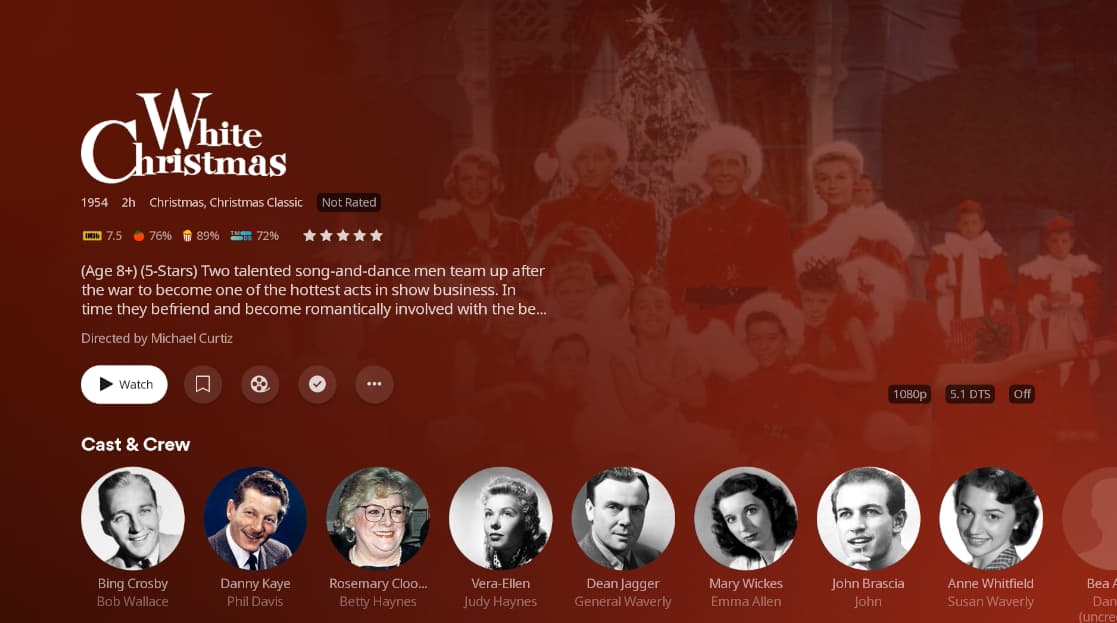
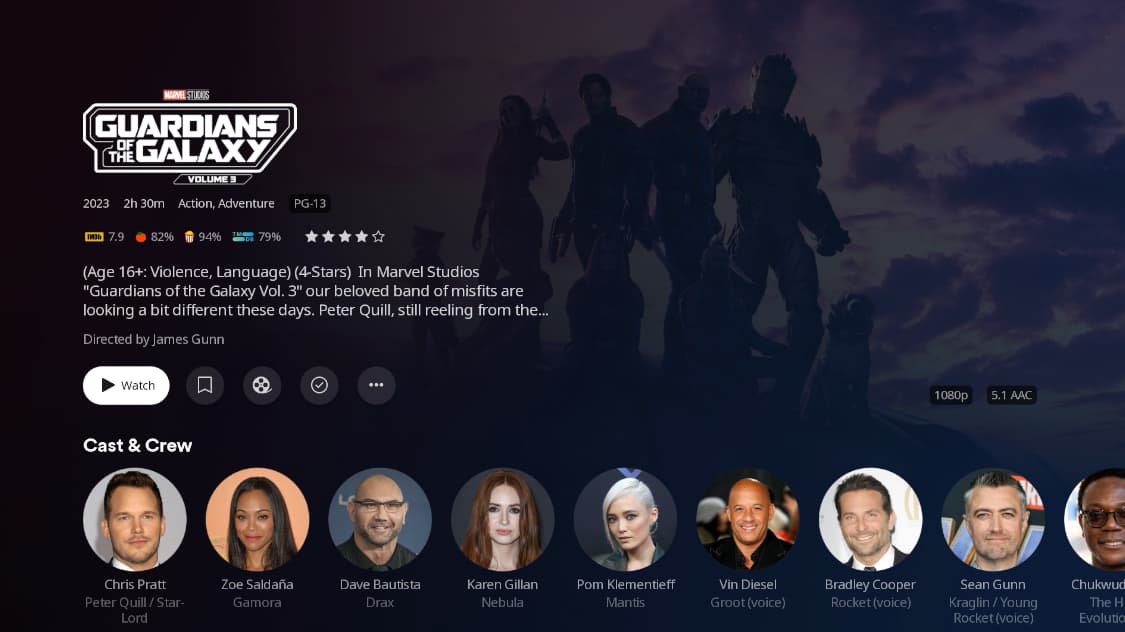
The “background” image looks fine when you are scrolling through movies on a hub, but when you select a specific movie title to see the movie’s details, the “background” enlarges and then the surrounding color overlays the “background” image but is less transparent than it was while scrolling. It then becomes difficult to see the image.
We saw this same issue in the Android app at one point but is now fixed.
I mentioned the same error since the beta on Roku TV about a month ago but so far I haven’t had a response. They launched the new experience for everyone but they didn’t fix it.
I do see they are focusing on crash bugs currently (which is definitely a priority), but I must say this specific problem must just be an easy transparency setting number.