Hi!
I have a current issue I cant get past. I have a synology DS1618+ and I have had no problems for months using. Lately, My server seems to go down and I cant access it from any device. Normally I restart my router and it comes back up. Then it goes down again. I then stop the service and start up again and I also restart my router and its good for awhile and it disappears as well. Lately its only up and running for a few mins.
I notice it when I open the plex media player app on my mac and it says no sources available. I check on the settings and my server doesnt appear as a choice. I currently have two servers. My old one which I am in the process or getting rid of and my current one on my NAS.
I honestly dont know what to do to fix it. I have never had this problem before.
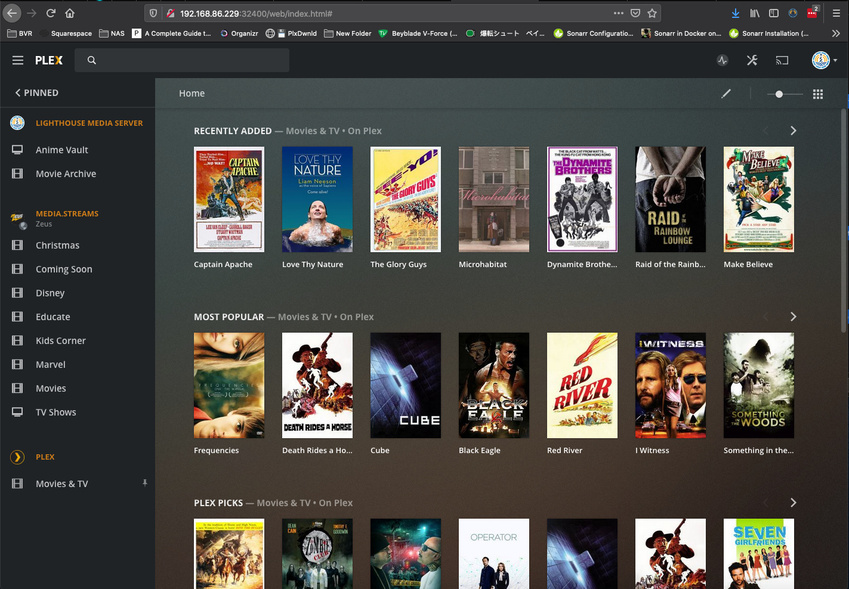
This is what I see from any computer. This is from the Plex Media Player app on Mac OS.
This is what shows on the browser when I click on the url to open plex. My server is called LighthouseNAS Btw. You can see its not an option.
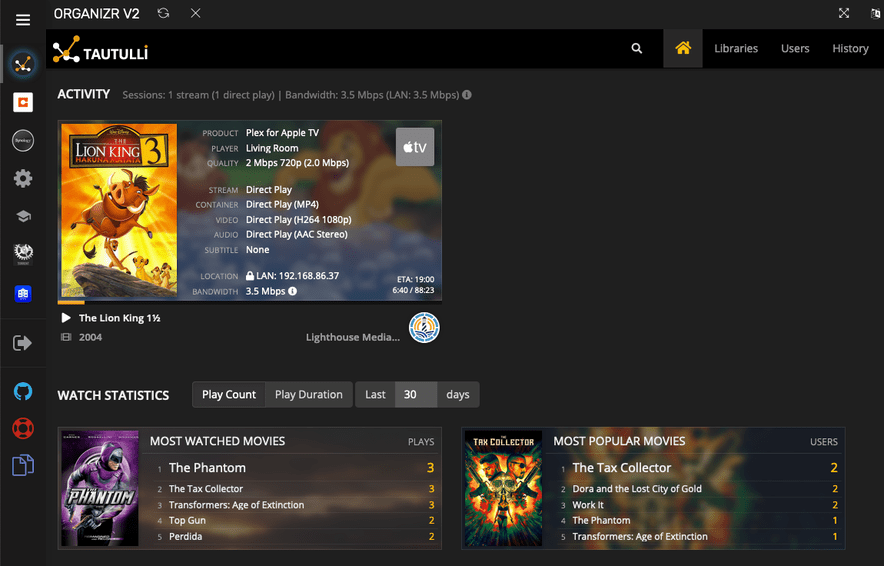
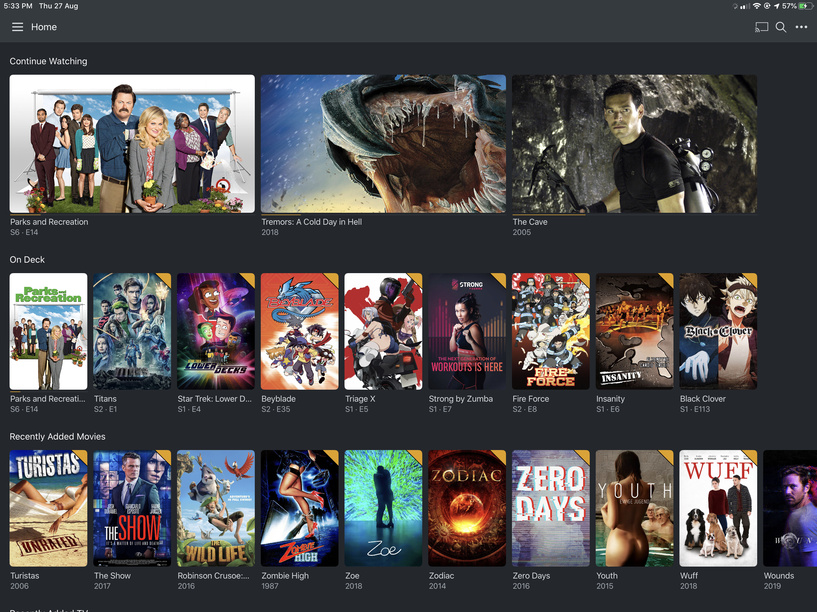
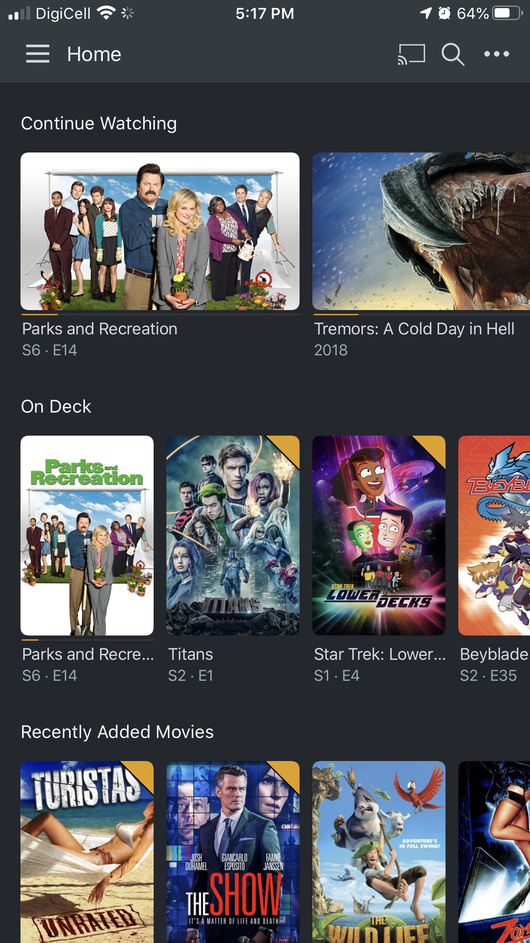
Now here is the weird part. Tautulli can connect to the server just fine. My phone and my tablet and my apple tv can connect just fine. They almost never go down. For example, as I am writing this, no computer can access it but my son is watching a movie through my apple tv and its streaming just fine. They do however go down eventually.
Here is my plex version. I installed it manually by downloading the package from the website as opposed to installing the one on the synology app store.
I also stopped getting notifications about new updates to the plex media server and didnt know I was behind till I downloaded a new one today.
To Recap
-
I cant access my server through any of my computers using the plex app or through the browser.
-
Restarting my router helps bring it back up and it goes down after a few mins.
-
Stopping the service and restarting helps as well but it goes down after a few mins.
-
By go down, I mean that it disappears and my screen stays empty.
-
My mobile apps can access the server just fine. My apple tvs as well. However, when it goes down, my friends that remote in cant watch anything either. So its down for me and everyone except for the apps I mentioned.
-
It never used to happen before.
Here are my logs as well.
Logs.zip (3.4 MB)
Any Ideas?
Adding this here if it helps as I brought it back up again.
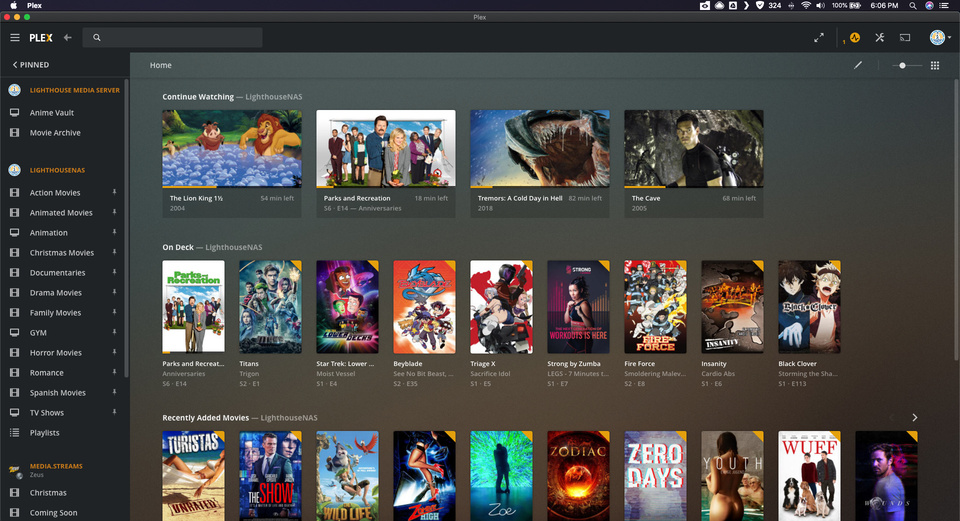
This is how it looks normally. You can see my old server up top and my nas one below it.
The shutting down might be me when I go in and stop the service from withing my DSM. I normally go in and stop it, wait a few mins and start it again.
How would I fix my WAN Issue?
I will look into fixing the folder issue.
Would any of this cause it to stop working? Like not show up at all on my clients?
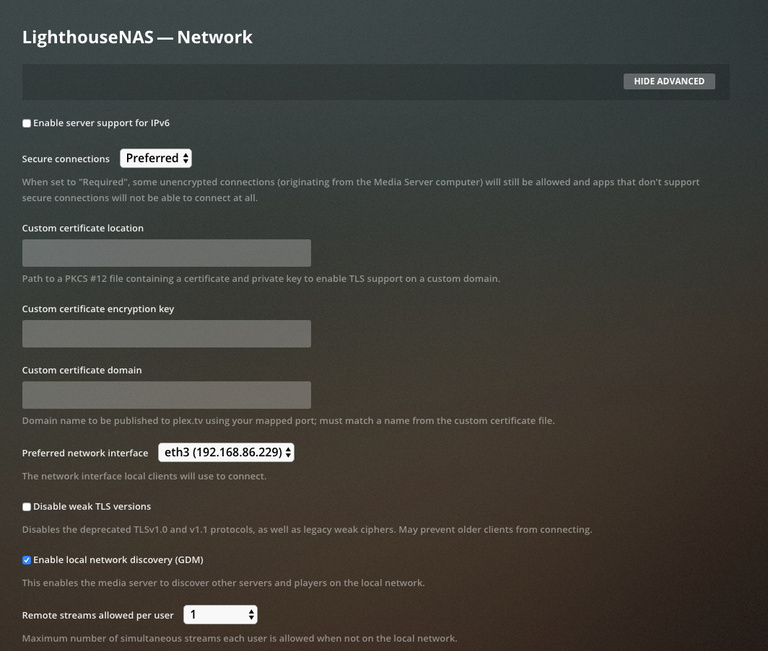
I would definitely be looking at your network configuration though and I would disable Enable relay in Plex Settings > Server > Network > Show Advanced.
Is this the setting that makes plex go through the relay when a direct connnection isnt available?
If you have your Plex server as part of the DMZ, that might explain the WAN = LAN issue, beyond that I have no idea.
I dont think I have it as a DMZ. I have a double nat and had to port foward in order to get my remote connection to work. I have had it working for almost 6 months and no issue. Thats the only thing that I can think of as to why my wan is a local IP.
Correct. My ISP provides a really crappy router that doesnt have a strong signal so I have a google wifi router in my home that is bridged. I have had it for like 2 years now and its worked great.
I never had the direct connection area figured out till a few months ago when a technician came to work on my ISP router and I was able to port forward.
Does your router support DHCP Reservation?
My ISP one or my google router? My google router, yes. I have one set for my NAS so that the IP is always the same.
Are all of your devices on the same subnet?
I wouldnt know. I never messed with the subnet. The only thing I changed on all my devices would be the DNS. They should all be on the same subnet, I would assume.
If your Google router was in Bridge mode, you would not be able to make any changes to it’s configuration. All of your network setup would be performed in the ISP router.
This is why you have Double NAT.
You are correct. I just checked it and in order for me to use the mesh, one has to be NAT so I end up with a double NAT.
In any case, all of your devices should be using DHCP Reservation. At least that way, your IP addresses would not change unless there were conflicts with your addressing.
As I mentioned before, the only one I set a DHCP Reservation was for my NAS as everytime it would reboot, I would get a new IP address and in case of emergencies, it would take me longer to log in as I wouldnt know where to go.
So you are saying I should reserve an IP for every device on my network, correct?
Have you configured the NAS to use a Google DNS server instead of your ISP’s DNS server?
Nope. But I just googled it and changed it on the NAS. So we are good on that end.
I will have to check to make sure they are all on the same subnet. My NAS is hardwired into my google router which is hardwired into my ISP.
I dont know if this means anything but I got my client on my Macbook to pick up the server by changing its DNS from cloudflare to google.
However, it goes down when it scans for new files. Ever since I changed the DNS, it comes back after about 30s on its own.
Should I disable the automatic scan? I have it set so that it updates when it detects changes.
So it went down again. No idea why. Yesterday I disabled UPNP for awhile and then renabled it and the server popped up and was available for several hours. Almost a full day. Then i just went down again.Logs.zip (4.2 MB)
The weird part is that the plex app on my ipad and iphone connect just fine. So do my apple tvs. I can play all my content with no problem.
However, the plex app on my computers cant access it and neither can the plex dash app or the varys app.
They all cant see the server at all.
Oh and if I add a new media item and the library updates, the new media shows up on my tvs just fine. So I dont know if its right to say that plex stops working as opposed to I cant access it?
Oh and everything else is working just fine. Tautulli is even accessing the server and reading that its playing.
There isnt much I can do to change the wan IP as I have a double nat issue. The wan of my google wifi would be a private IP address from my ISP router.
Ill try Tautulli
I could plug directly to that router but all my devices are connected to the other network so I would have to connect remotely to plex. Not really gonna work for me.
Ya its a tough spot. I had to wait about 5 years before I could get into the ISP router to enable remote conection.
is it normal that when I go to the IP address of the nas with port 3400 it doesnt load up my server? shouldnt that work as its on the same device?
yes. i did that. i actually just clicked the icon on my DSM and it loaded. Asks me to log in, but then it doesnt show the server. its as if its not even on, but it is.