Hi folks - new to all of this so apologies if this isn’t the best channel to post, but I know you’ll direct me
I have a WD My Cloud EX2 Ultra NAS. I’ve got Plex installed on that NAS device and have successfully created some shares with photos and videos that I can access via the Plex app on my Samsung TV.
I can play several videos, but there are several that I’ve identified as .AVI vids that, on the Samsung TV App, whenever I attempt to play them I get an error that simply says “cannot connect to server”.
At the same time, when I’m in my Plex account on the web (Mac using Chrome) - I also cannot play these same large *.avi videos. Although I CAN play other, smaller AVI vids. The error message I get here is: “The server is not powerful enough to convert video.”
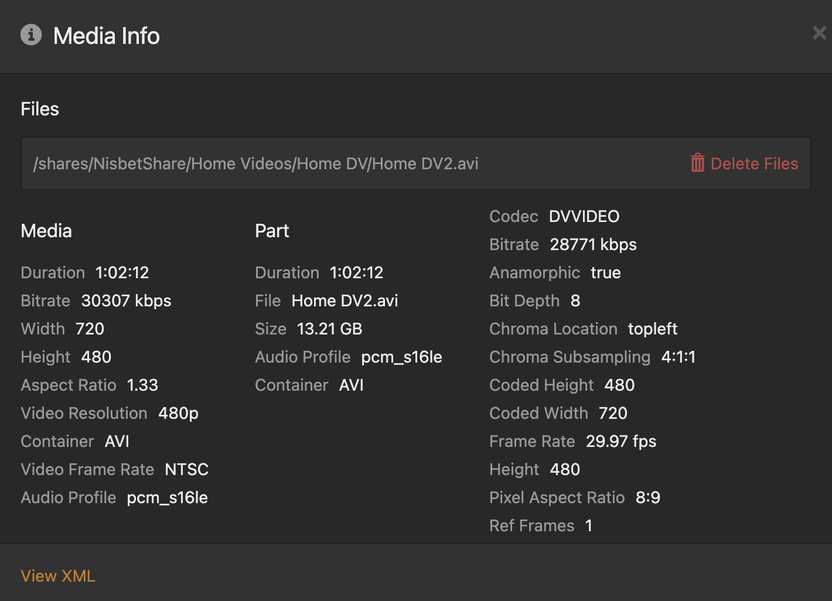
I’m including here more detail about one of the avi files that won’t play.
The problem is most likely the video’s codec. DVVIDEO is a bit unsual, so it has to be transcoded for playback on your TV. And I doubt that your NAS has support to transcode this video codec in hardware.
All you can do is to pre-transcode it into a more common video format.
See if you can feed it into https://handbrake.fr/ or similar software and turn it into H.264
In the time since I posted my question, I’m also discovering in Plex on the web the option to “optimize” a video, which I’m trying as we speak (optimize for TV). But I suspect this might reduce the bitrate, etc but not necessarily change the codec? Anyway - this is helpful for now! I’ll play around with transcoding and see if the optimizing does anything (although you might be able to tell me that’s a dead end
I’ll play around with HandBrake to see if it’s quicker to transcode these files, but either way - thank you so much for helping to solve my issue. Learning as I go… Thanks!
A slight change in topic, but still somewhat related:
When I originally create the Library element and choose the media (aka video files in a particular folder on my NAS) - I can see ALL the videos within that folder structure - aka from that folder and all subfolders.
When I optimize a video, I can see where it creates a new version in a new subfolder under “Plex Versions” on my NAS…
But when a new optimized file is added in a subfolder, I can’t find the new video in my Plex library.
What am I missing? is there a way to refresh what Plex thinks is in that Library?
The optimized version isn’t catalogued as a separate item in your library.
You should see that the original item has now multiple “versions” (=different qualities).
I tested created various optimized versions of a few different vids. I have now deleted all optimized versions in Plex.
However - these optimized versions using Plex did actually create new video files on my NAS - BUT - I cannot seem to delete them directly on my NAS device (via my Finder on my Mac, btw). I can’t delete them or seemingly move them or copy them, etc.
see here for example. In Plex I created an original quality optimized version of “Disney Movie only v27…” Plex created a subfolders Plex Versions/Original Quality and a new mp4 file on my NAS. I can’t delete it.
Most likely, Plex is running under its own user account, which is separate from the user account which you are using to access/administrate the NAS. So the files it creates are “owned” by this user account.
You’ll need to change the user permissions (and enable “inheritance” if you don’t want to repeat it on every single file).
But I have no idea if and how this is done on WD NAS devices.
yeah so it’s a Plex account that is creating these files on the NAS and I don’t have permission to delete or even move and I have no idea either how I would get access if I can’t delete them through Plex.
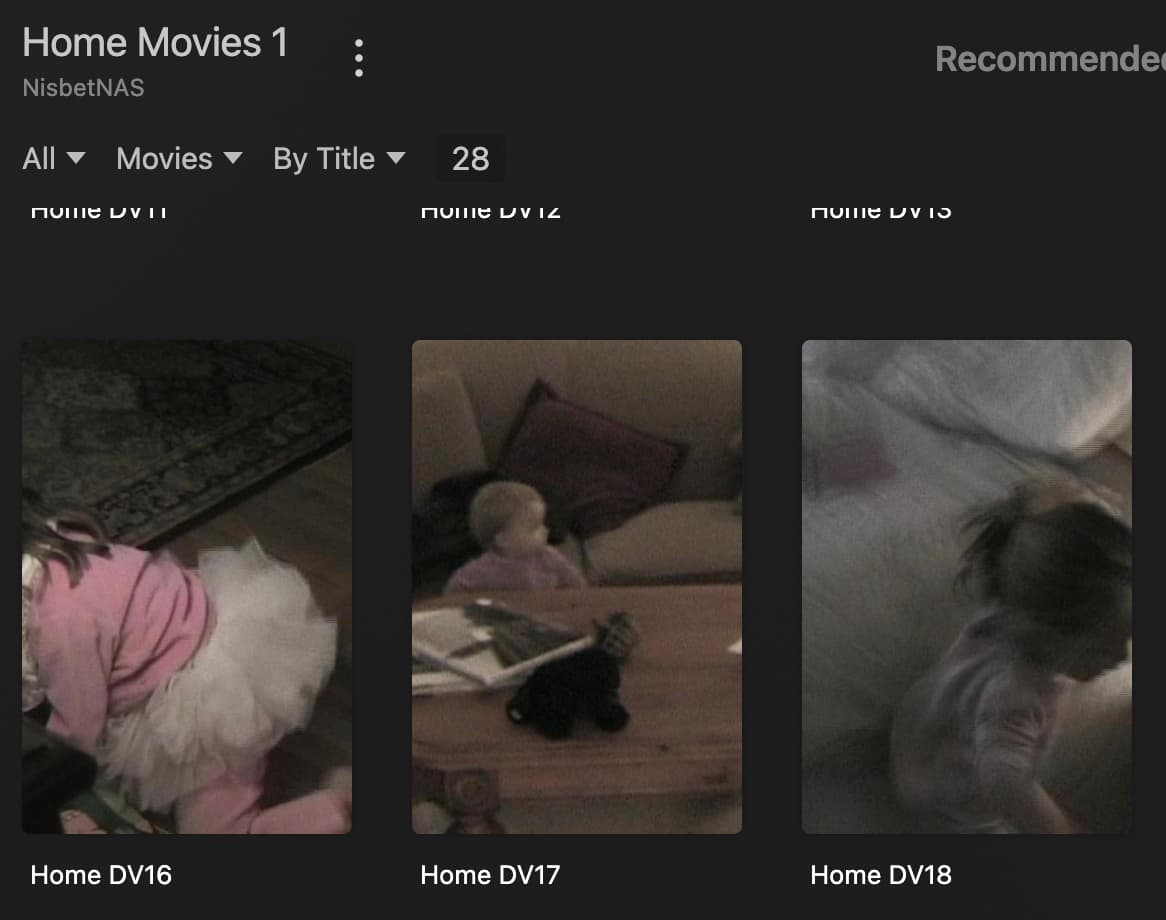
but back to Tom80H for a sec - he posted a screenshot of a file that has multiple versions. When I’m browsing my Library ‘Home Movies’ I see my videos that have been catalogued - looks like this:
There is no automatic decision, I’m afraid.
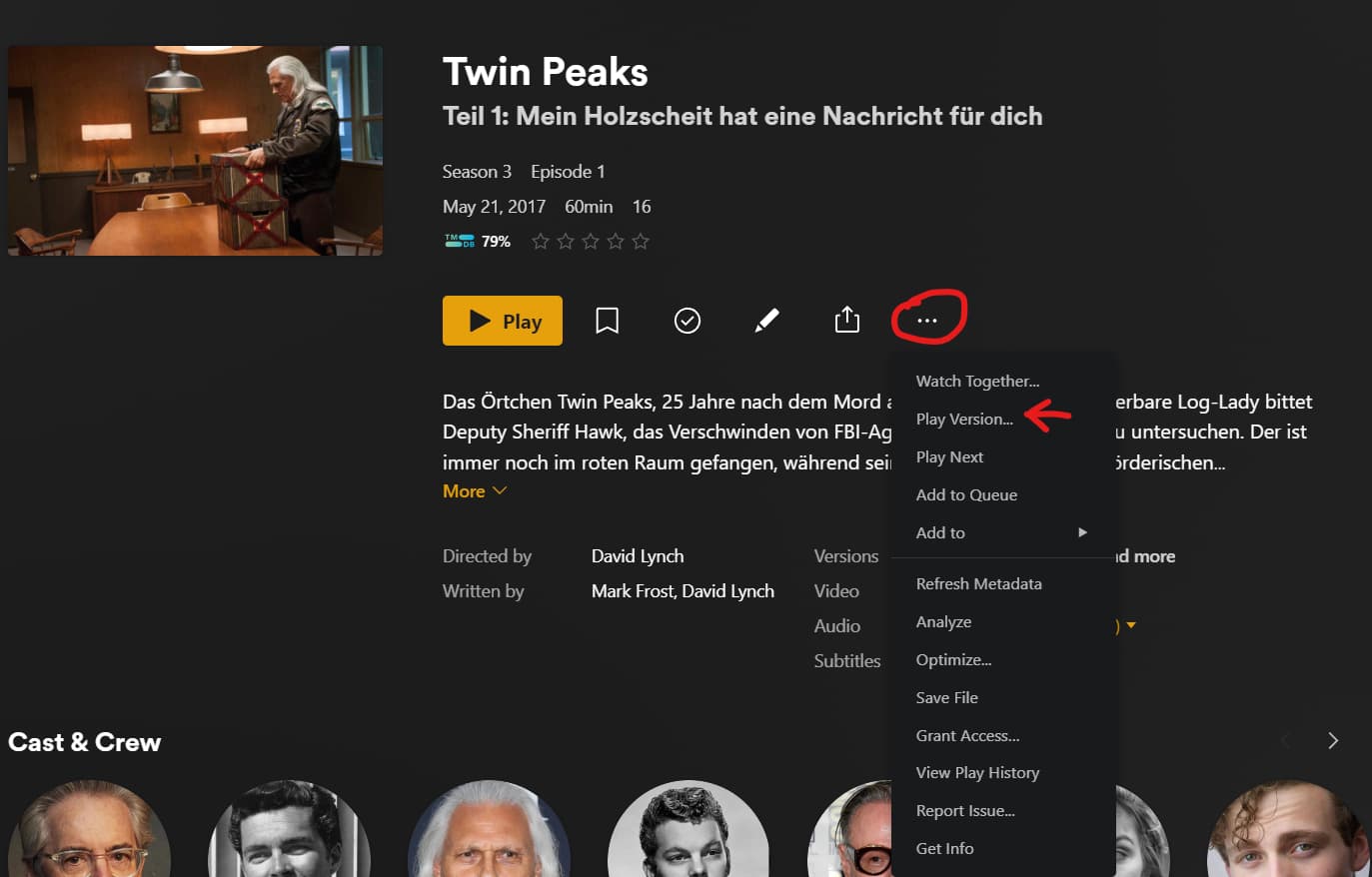
However each Plex client should have a way to “Play Version…” of a video.
Here’s an example for the web app:
Alternatively, you could just remove the AVI file from Plex’s reach and copy the optimized mp4 file into its place.
(careful: copy the optimized file first, because Plex will remove all optimized versions upon the removal of the original)