Hello.
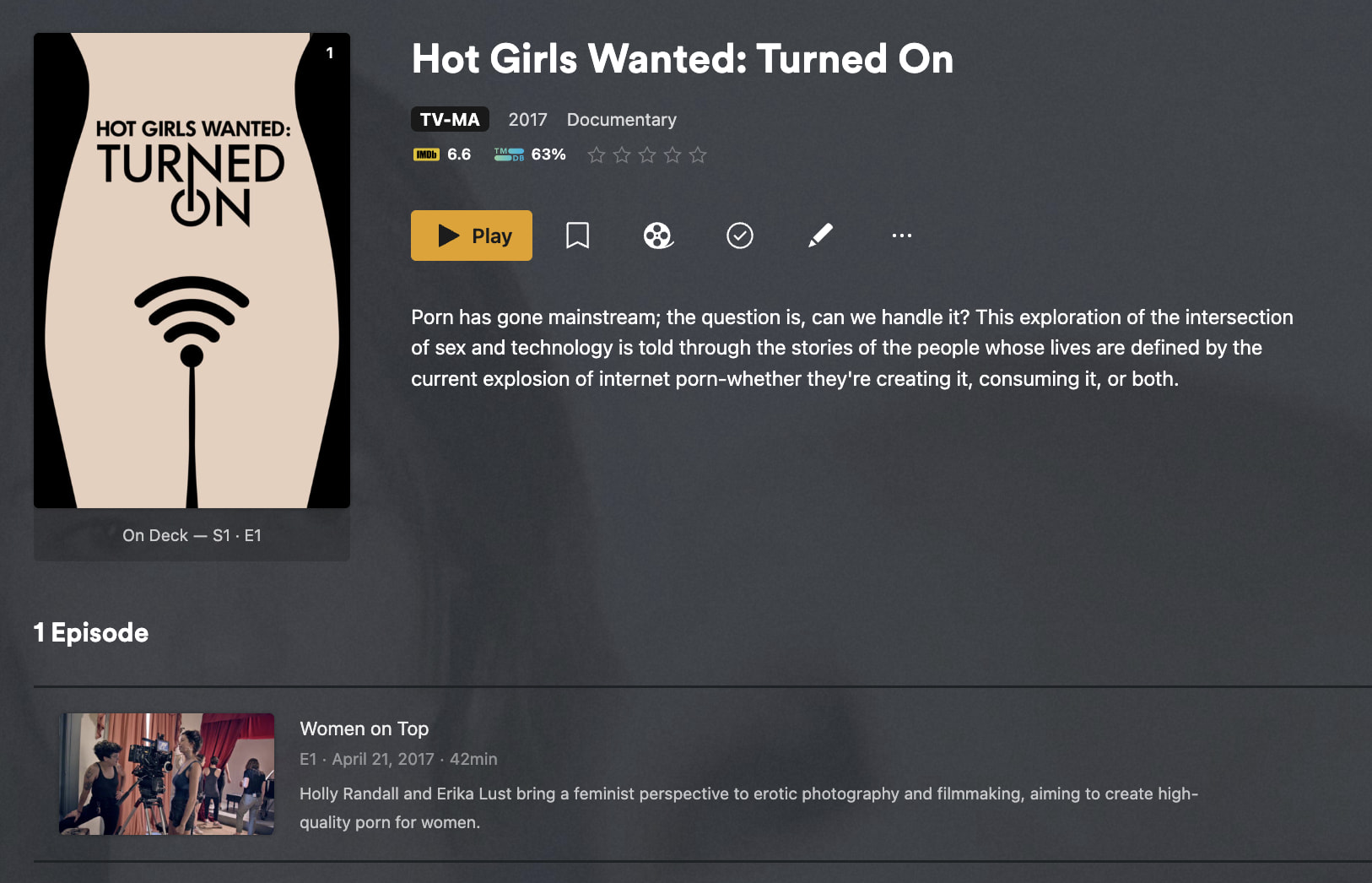
The TV Show Hot Girls Wanted: Turned On is missing from Plex Series. It is available on TMDB here: https://www.themoviedb.org/tv/71373-hot-girls-wanted-turned-on.
It’s not available on Plex.tv either.
Hello.
The TV Show Hot Girls Wanted: Turned On is missing from Plex Series. It is available on TMDB here: https://www.themoviedb.org/tv/71373-hot-girls-wanted-turned-on.
It’s not available on Plex.tv either.
The show is listed as TV-MA… you’ll need to set your library to support adult-only content to match it (at least temporarily to do the match).
Don’t quote me on it, but this sounds like more of an adult title. I think you have enable that in Plex. Smarter people than me will probably reply
The ability to manage MA content is only available on the legacy metadata agents (Include adult content). The setting is enabled.
Not true.
Is there a way to report missing TV Shows to Plex? This has happened before, but a Plex moderator told me that it was an issue with the data synchronisation from TMDB and asked that I contact them, I did and it was fixed a couple of weeks later. But I don’t know if this is the same issue.
All files follow this naming convention: Hot Girls Wanted - Turned On S01E01.
I can try and play around with the naming convention to see if that helps.
Changing filenames doesn’t work.
I have tried:
Hot.Girls.Wanted.Turned.On.S01E01
Hot.Girls.Wanted.Turned.On.2017.S01E01
If the TMDB reference number is required, then there is definitely something broken with the metadata.
The TMDB ID is not needed. Did the plex dance, removed the test files, emptied trash, cleaned bundles to ensure it’s been cleared out and did the match again.
Neither of your updated naming matches what I shared, even without the id.
Here’s how I have the test file/folder named:
Without Explicit Content matching enabled in the library settings, can’t find a match:
With Explicit Content matching enabled, finds the match and provides metadata:
I had tried emptying trash but not cleaning the bundles. I have now done the Plex dance. Remove the series from the server, emptied trash, cleaned bundles, and added the series back and the issue persists.
Suggest you provide actual screenshots of your folder and file names and do the plex dance again to have it try and load, then grab logs and share them. Hopefully someone can take a look and see why it’s not coming up.
Well, I haven’t had the time to look at the issue since my last post, but I was able to match the series.
Thank you everything for the suggestions. I don’t know why it worked now, maybe it was a cache issue, but it is now resolved.