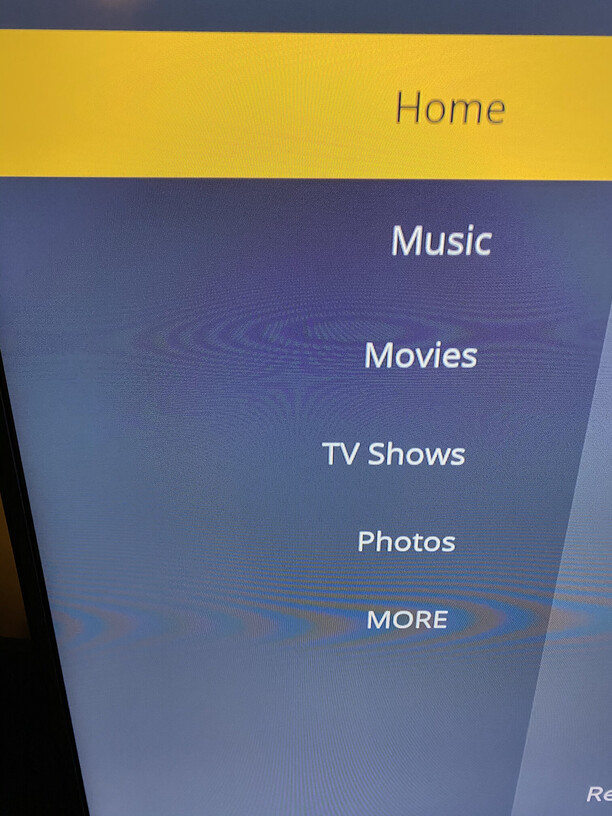
Server Version#: 1.22.0.4163
Player Version#: 5.12.1
Icons are missing app-wide, including playback controls
Server Version#: 1.22.0.4163
Player Version#: 5.12.1
Icons are missing app-wide, including playback controls
I’m having the same issue.
Under Library mode the shuffle and sequential controls are missing the icons, once playing the controls for play/pause etc are missing although still do appear to work even though you cant see them.
Under settings anything that is supposed to be X’d show as a blank box regardless of selection status.
Same issue here as well on a Vizio P55-F1.
Same here. Control icons missing or not visible… but still work if you remember where they are.
Same issue here with my Vizio TV.
Same here.
Vizio TV == PX65-G1
Plex App
I first noticed the problem after updating my plex server about 2 weeks ago. Today, I updated to the latest version of plex server again, but the problem is still there. Only on the Vizio TV. Other plex apps seem OK.
Plex Server on Synology NAS.
Same problem, also unable to check boxes in settings such as automatically sign in, clock or any of them. Turning on subtitles when the show has already started will not work because the old menus are missing
Thanks for the reports. Looking into it.
Also happening to me, all Vizio TV’s do not load icons, nor do they play any media now also. No media will load for them or me and I am on local network with my vizio tv.
Client Version: 5.12.1
Platform Version: 1.0.13_1.0.13.29_2031_0014
Chipset: MTK-5691
The issue should be fixed now, but you’ll need to exit and restart the app. It’s possible it might not be live for everyone all at once due to caching and whatnot, but I was able to see the issue on my end and it’s fixed now for me.
I turns out there was nothing wrong with the app per se, something just went wrong with the deploy.
Again, thanks to all of you for reporting this!
I can confirm that it is working for me on both my Vizio TV’s! Thank you for the fast fix!