Server Version#: 1.29.0.6244
Player Version#: 4.92.0
Yesterday, I discovered the ability to transfer playlists from Apple Music to Plex via Soundiiz. Fantastic! However, Soundiiz is not maintaining a connection to Plex. Sometimes this is immediate. Other times it is after I import one playlist. It is erratic.
So, I thought it could be a solution to log in to Soundiiz on the computer my server is based. I don’t use app.plex.tv on that workstation. I log in via the IP address. To my bewilderment, I cannot log in via app.plex.tv. It provides no options and does not go beyond a static Plex logo.

Also, when logged into Plex via my IP, I cannot click on my account icon via my IP address. It grays out my menu with an exclamation mark. Therefore, I am unable to log out.
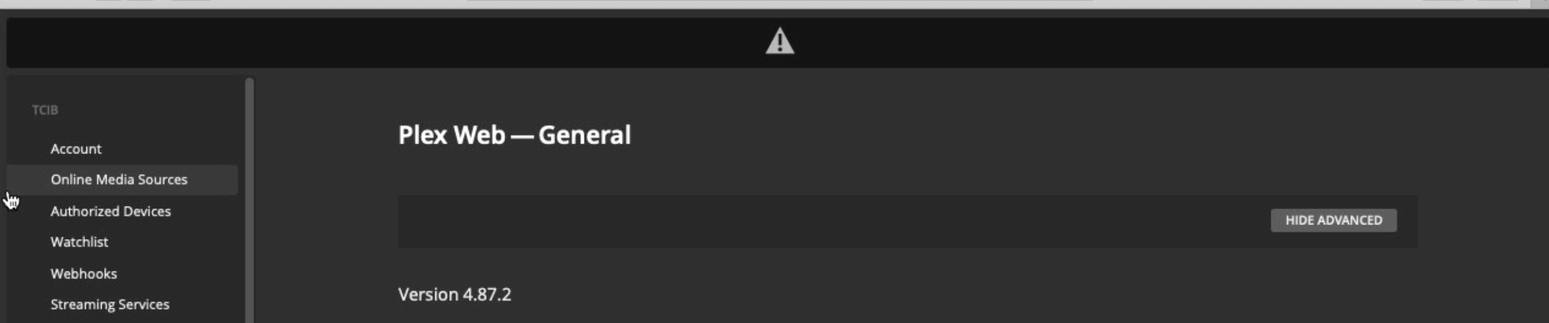
I do not use my server workstation to maintain Plex. Therefore, I do not know if these are new or existing issues.
Why would I not be able to access app.plex.tv? And, why would I not be able to access my account details?
