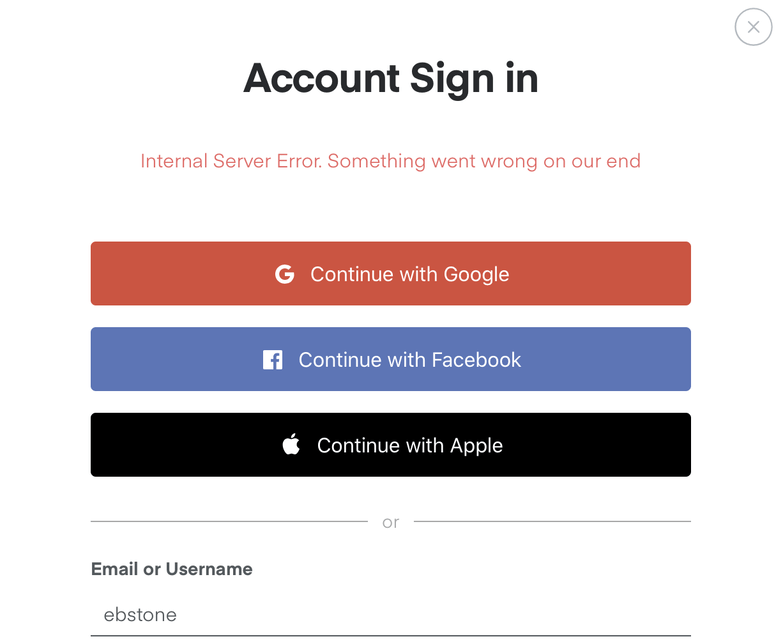
Make sure your server has an internet connection and any firewalls or other programs are set to allow access.
On localhost (or anywhere else) when I try to access it. The information that seems like it would be relevant (version, logs) all seem to be embedded in Plex somewhere as the instructions I see all require Plex to be working.
This was working yesterday and nothing about the configuration has changed in the last day; where should I start troubleshooting?
Oh and in case anyone is wondering, I do have Internet access on the server (that’s where I’m writing from) and I have tried restarting both the service and the server.
@sh1ny I’m not sure how that applies. There does appear to be an authentication issue going on for plex.tv but how would that impact localhost access giving me a server offline message?