Hi
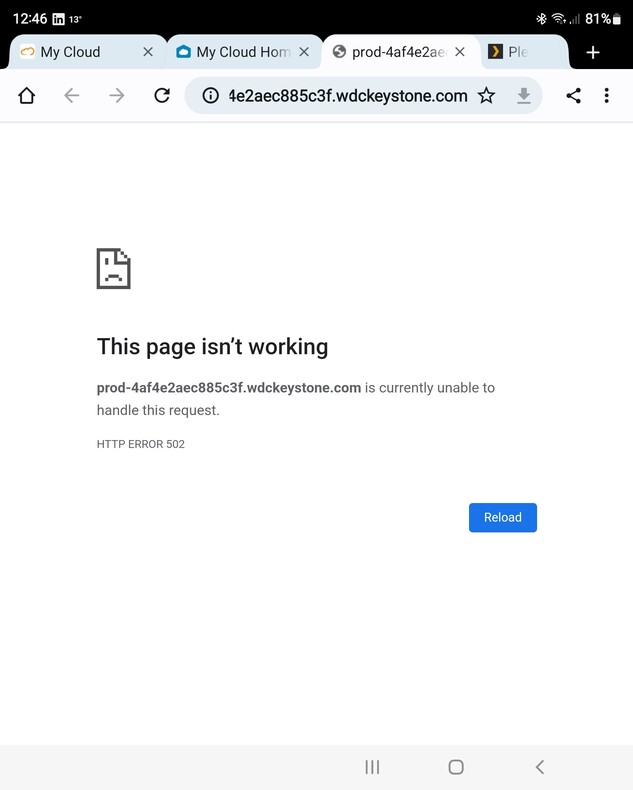
I’m trying to configure Plex for My Cloud. When I select Configure I get the screen in my screenshot attached. I’ve tired this in Windows and Android browser. Same result.
Have you tried bypassing WD’s dynamic domain names?
While you’re on your local network you should be able to access your server using the WD My Cloud’s local IP address (http://[WD My Cloud IP address]:32400/web). If linked to your account, you should also be able to use the hosted web app.
Hi
Thanks. I’ve got limited technical ability when it comes to this. I’ve gone in to Plex and tried to add a library but it’s linked to my Nvidia Shield so when I try to add folders it only lets me see what’s on the Shield. My Cloud has set up folders for Plex, it’s just a question of being able to see them and add them to Plex. I assume I don’t have to delete my Shield library and start again with just the My Cloud library?
The first question you need to answer for yourself is if you need/want a second server.
You can also make the storage of your WD MyCloud available to the Plex Media Server on your shield and add it to existing libraries or create new ones with the media on the WD MyCloud.
Usually the WD allows enabling its shares using SMB/Samba protocol. The Shield can see/mount network shares using that protocol.
If you want/need a second server and want it to run on the WD MyCloud, you need to access that server through the WD MyCloud’s local IP address to finish the setup. Once the setup is finished (server named, linked to your account, optionally 1st libraries created), you will see both servers in Plex Web. You can then pin libraries from both servers to the sidebar or access all of them over the More entry in Plex Web’s sidebar.
Thank you. I do need 2 servers for reasons I won’t bore you with. I followed your instructions and got there. Thanks for your help on this much appreciated.
