Server Version#: Version 1.42.2.10156
Player Version#: v.1.110.0.351-4e48eb83
<If providing server logs please do NOT turn on verbose logging, only debug logging should be enabled>
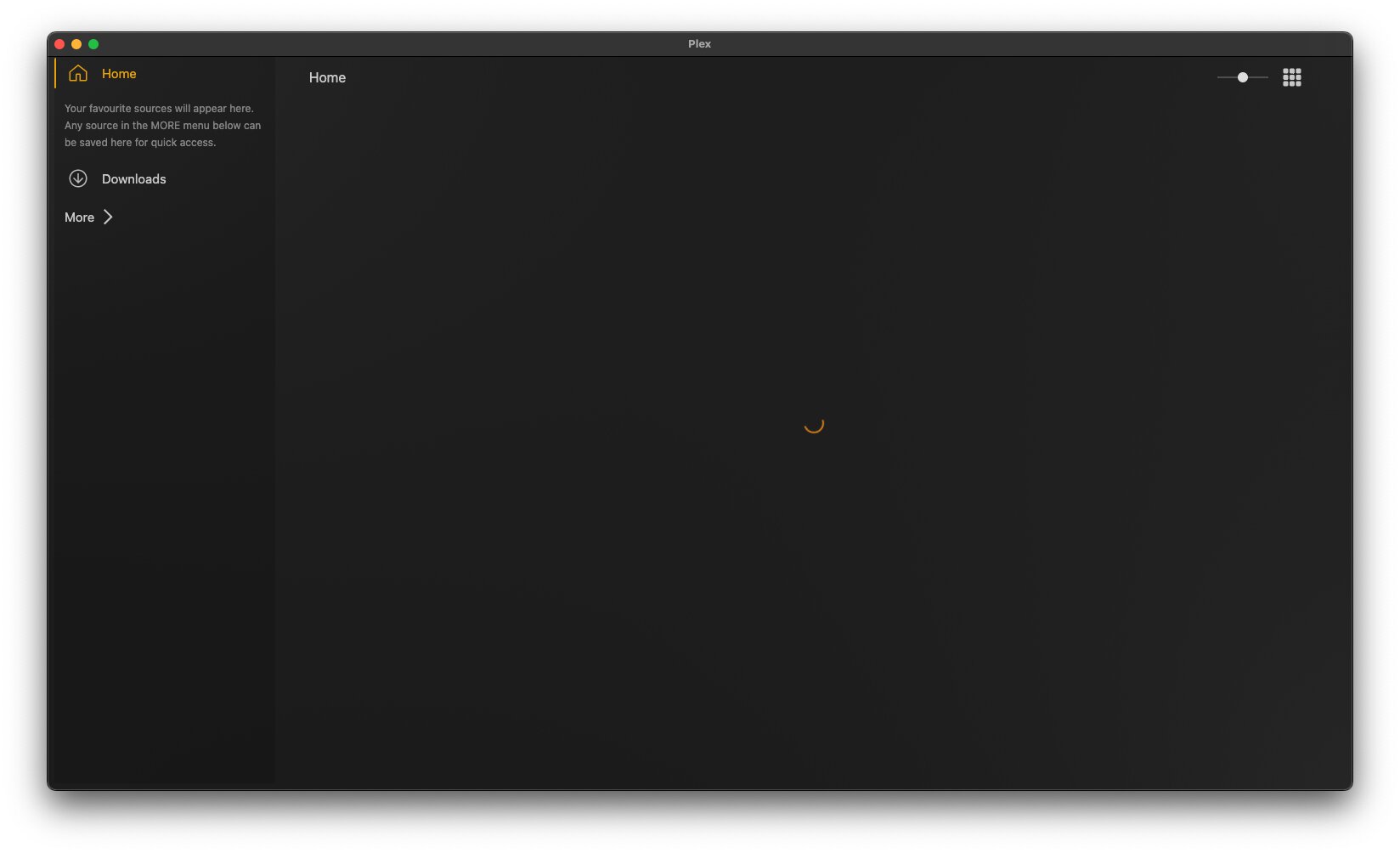
Yesterday I couldn’t load Plex, my user avatar was missing and it said it couldn’t connect to plex.tv (my media was still accessible/playable). I closed/reopened the client several times, checked the server connection via Plex web on my browser and it was okay.
I have unauthorized the web client from my Plex server to try and force it to the login screen, but it doesn’t work and it’s stuck in a broken state. I have tried to reinstall the Plex macOS client (using AppCleaner) and this bash script from @nibbles but it hasn’t been able to completely reset the client. Each time I’ve tried it’s back to this broken state without even asking me to login, as I suspect it can’t even get to that step for some reason.
Any ideas?