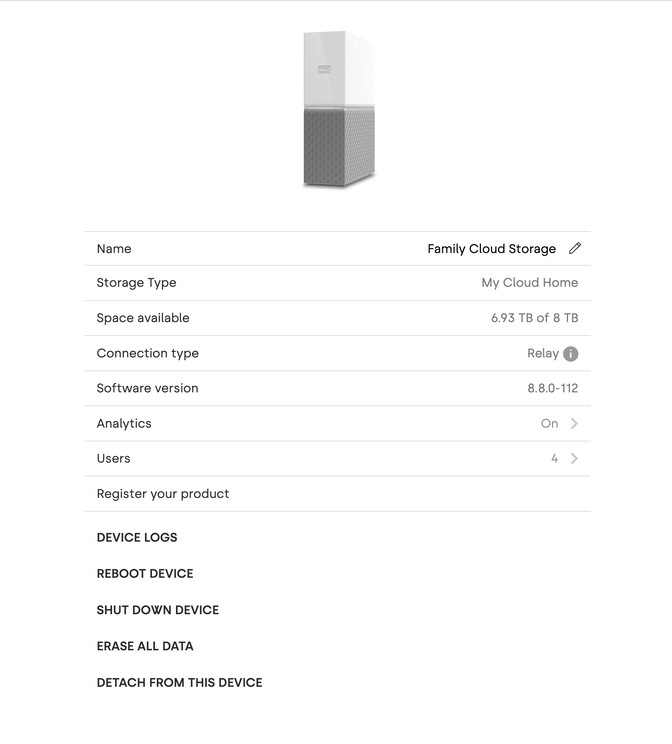
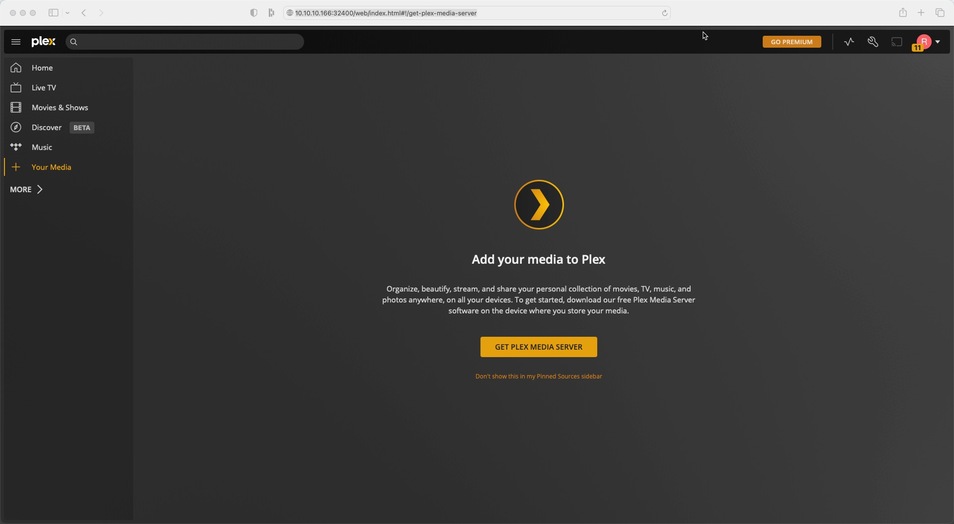
Whenever I sign into my western digital MyCloud page and go to Configure Plex Server it does not give me an option to set it up. I do no see the Music,Photos,Movies, tabs etc.
I’ve contacted Western Digital about this and they were absolutely no help and referred me to contact Plex support so here I am.
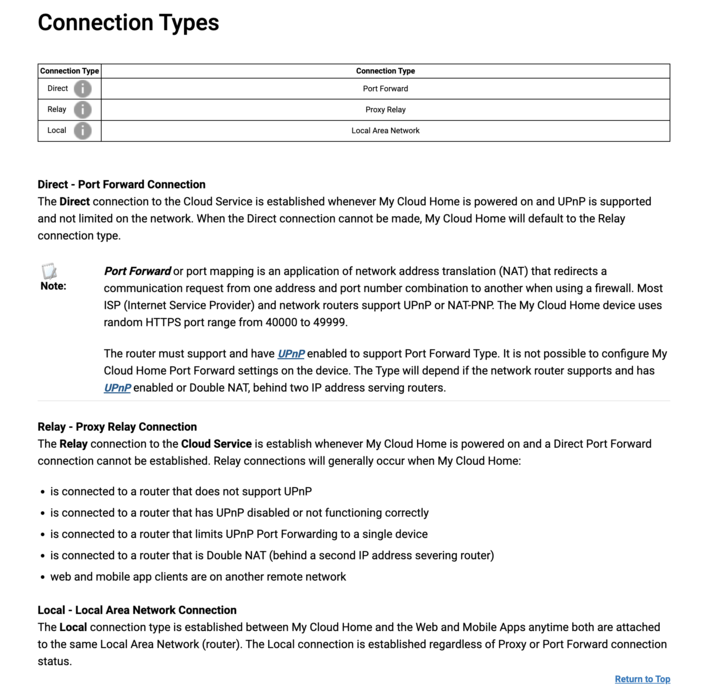
Make sure to open the web app from within the same subnet in order to finish the server setup!!
Edit: not sure what page the WD MyCloud is bringing up… make sure it’s using the device’s local IP address (e.g. http://[WD MyCloud IP address]:32400/web) – as stated above… while being in the same subnet as the MyCloud’s IP address.
I have a similar problem. Since I installed the latest version of the Plex Media Server today, I can no longer connect to the server and it suggests that I should install the latest version of Plex.
Plex Server Version: 1.28.0.5999
We are having the same issue. Even using the IP and making sure we are on the same subnet as mentioned above. Once we login to the Web App via the direct IP we are presented with the option to please download a server only.
It seems that the setup wizard does not run, nor does it thing there is a server to access, though we are logged into the server.
We have tried the version available in the App Store location and we have tried the most recent published for the NAS from PLEX.