I recently upgraded my Western Digital My Cloud NAS Drive from 4tb to 8tb.
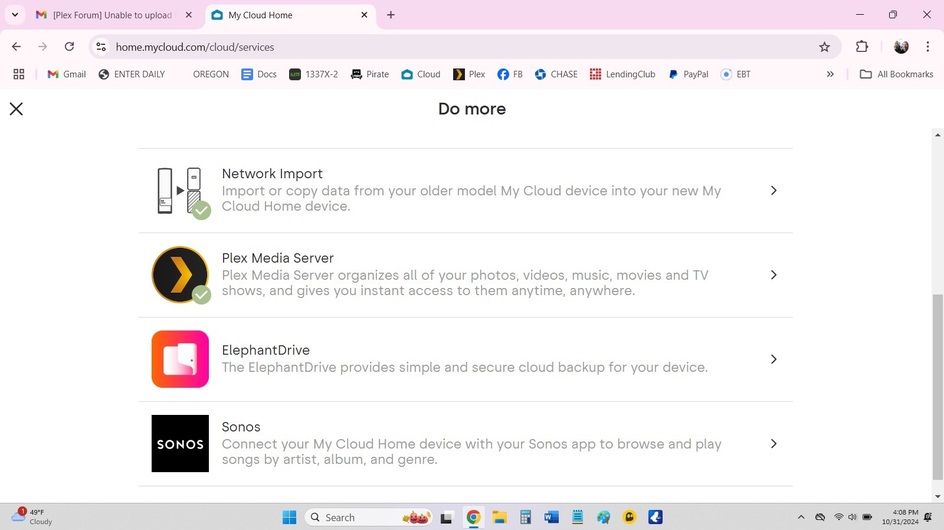
I have been able to connect it to my My Cloud Home account, and have also enabled and configured Plex via the My Cloud Website (as I did with my 4tb hard drive).
However, I am unable to connect it to my Plex server.
I have now made three Plex server accounts. Neither of which are showing my new My Cloud Plex files.
I really need your help as I don’t know what to do.
With all the tags checked… would you mind to confirm some more details about your setup?
What model of WD MyCloud NAS are you using?
Are you running Plex Media Server on the WD MyCloud NAS or are you only using that NAS as storage for a server running on a different system?
What version of Plex Media Server do you have installed?
Assuming it’s running on the WD MyCloud NAS itself…
How are you connecting to the NAS to finish the setup of your Plex Media Server?
Make sure you’re connecting to the NAS from within the same network/subnet, using its local IP address – e.g. http://[WD MyCloud IP address]:32400/web.
If you haven’t yet claimed it with another account, this should bring up the setup wizard where you can prepare the server and link it to your account (just mentioning this, given you’ve already been working with 3 different accounts). You just need one and there can always be just a single account which owns a server.
Thanks for getting back to me so quick, I appreciate it!
I’m not totally techie and a friend initially set mine up in 2021.
The Plex Server is installed on my HP laptop.
“Have you mounted the NAS shares on the PC?”
Unfortunately I don’t know what that means, sorry.
“Can you navigate to the media files using Windows File Explorer?”
I don’t know how to do this.
The NAS drive IS connected by an Ethernet cable to my sister’s router.
“The laptop should be connected to the same router, preferably by an Ethernet cable.”
Would that have to be permanent? The reason I’m asking is because I’m moving out of my sister’s place this weekend and want to leave my NAS drive connected to her router (she has super fast internet)
I seriously need help getting this connected, I’d be more than happy to pay for help if necessary. Please let me know. Thanks in advance.
Next, point a browser at the IP address of the WD and try to access the Plex server. For example, if the IP address is 192.168.1.2, use https://192.168.1.2:32400/web.
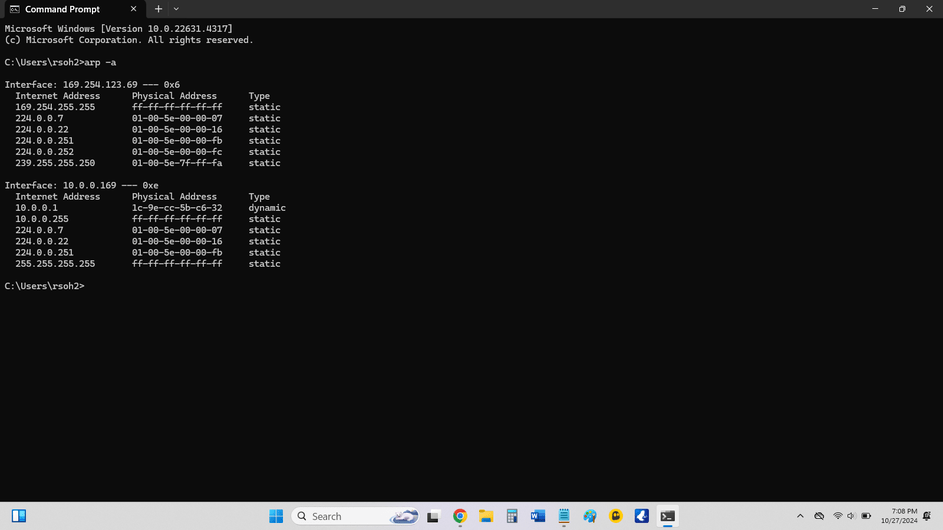
I’m not exactly sure how to get the IP address of my WD NAS drive.
I was trying to fix this last week and did write down these two addresses, but I cannot remember where I got them:
Please pretend like I’m the most confused person in the world right now, which I am.
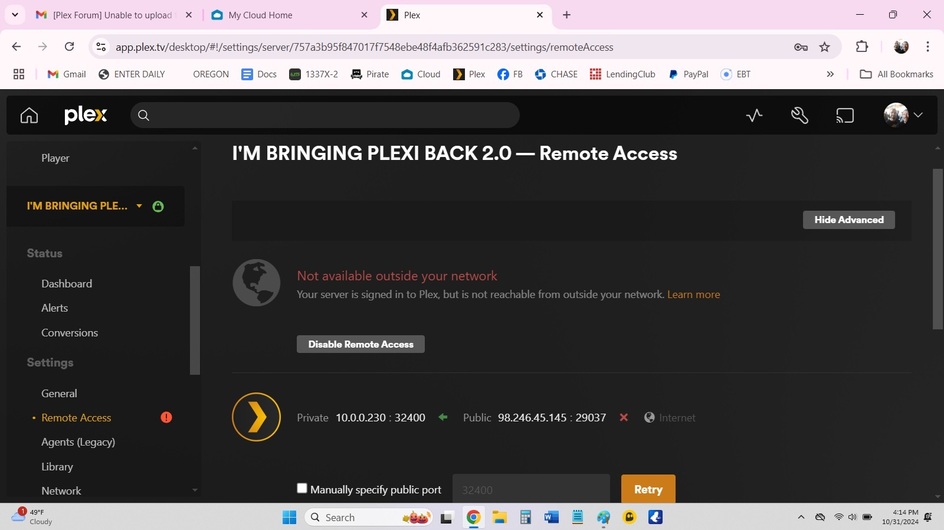
So I took screenshots of My Cloud and then pressed “Configure” and then screenshot all the screenshots in Plex to show you what I see.
Picture #6 shows I have no Remote Access, which I did this morning when the Plex Media Server was on my laptop. (This is why I am so confused) Help Please.
Plex Media Server v1.40.4.8679 is running on the WD My Cloud Home.
The IP address of your server is 10.0.0.230.
The server is claimed.
All of that is good stuff.
Now, scroll down to Libraries (under Manage).
Are any libraries listed?
If not, you will have to create the movie, tv show, etc. libraries.
See Plex Docs → Libraries. The Creating Libraries document will show you the steps.
For example, to create a movie library:
Add Library
Type = Movies.
The default name is “Movies.” You can change it if you wish.
Add Folders → Browse for Media Folders.
You will need to add the folder holding the movies on the server (do not add each movie, just the top level folder holding the movies).
Once you’ve added the folder (or folders), click Save Changes.
Plex will then scan the files and create a movie library on your server.
You can then add other libraries (tv shows, etc.) as desired.
When Plex is finished scanning (it may take some time), click on the Home icon.
If the libraries are not listed on the Home page, select More > at the bottom. You should then see your server and libraries listed. You can pin the libraries to the home page if desired.
Click on the Add Library button, choose the type (movie, tv show, etc.), then add folder. You’ll be prompted to add the path to the files on the WD.