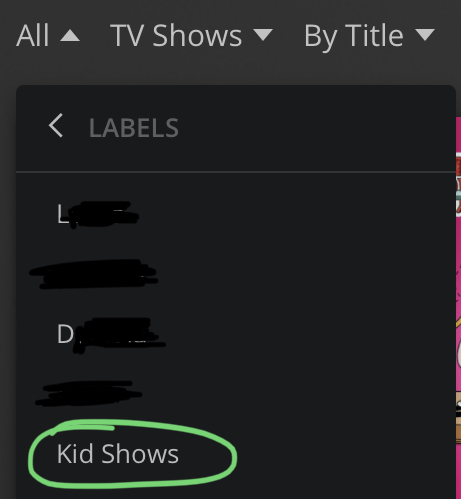
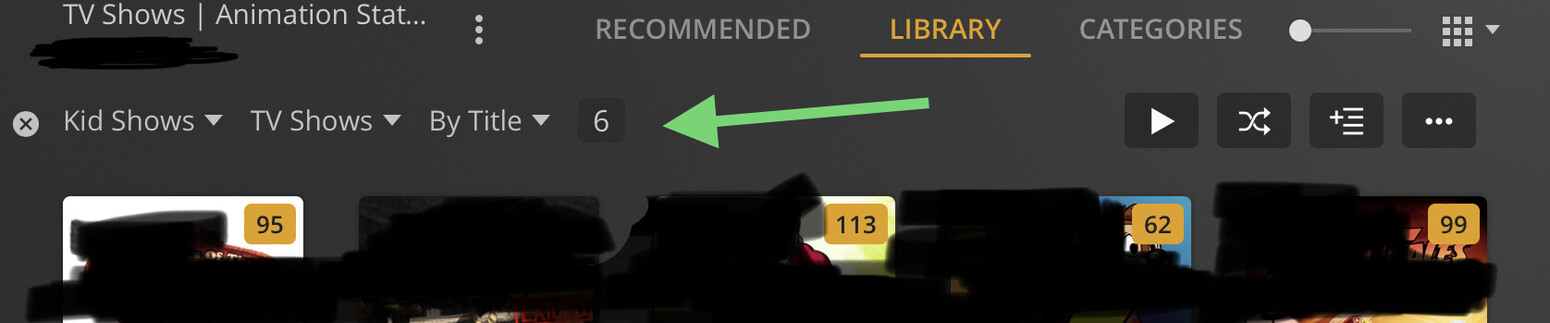
Hello support forums. I use a Label to filter content for Kids - I tag “Kids Shows” to anything the kids can watch. I have 3 different libraries that use the label - two are “Movie” libraries and one is a “TV Show” library. I have setup the kids accounts as managed users in a Plex Home, and I’m using the Restrictions tab within the manage account to set the restrictions. I’ve set the label “Kids Shows” in the “Allow Only Labels:” section for move Movies and TV Content (the settings are separate). However, the setting is only applying to 1 of 3 libraries. For the one it applies to - it works correctly. For the other two, the label restriction causes the entire library to show as blocked.
I’ve tried creating new unique labels for each library, but it produces the same outcome. I’ve tried disabling the restrictions entirely, and then the libraries appear correctly (which shows me they are shared) I’m at a lost how to Debug why the label restriction is blocking more than intended. Is there a per library setting I must enable?
My server is running on a Linux machine, and I’ve tried accessing from multiple clients and it occurs on all of the (OS X, Fire TV, iOS all show it).
Thanks in advance.